Alphacool Core Backplate XPX/Eisbaer LGA 115X/1200/1700 Metal Installation Guide
Quick guide for the Alphacool Core Backplate for XPX/Eisbaer series. Includes compatibility details for Intel LGA 115X, 1200, and 1700 sockets, technical specifications, and installation tips.
Table of contents
Manual images
Click an image to enlargeQuick Guide
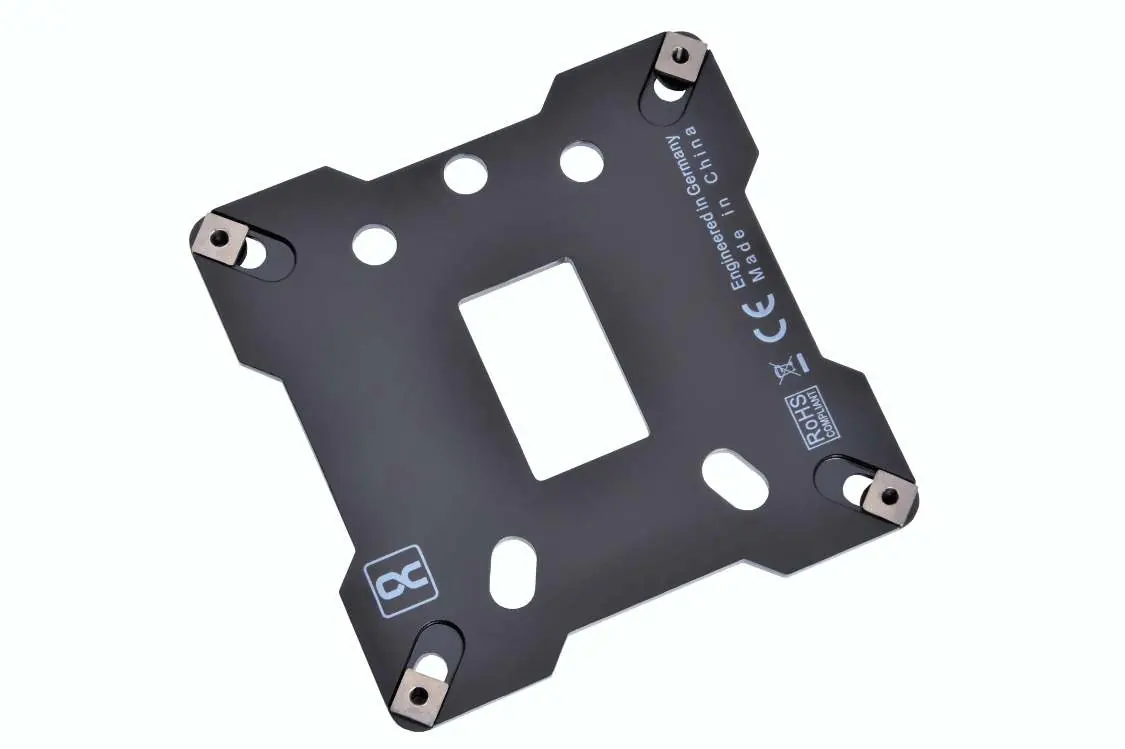
The Alphacool Core metal backplate is designed to improve the stability and contact pressure of your CPU water cooler. It is compatible with various Alphacool XPX and Eisbaer series coolers and provides a secure mounting solution for Intel sockets.
Compatibility
This backplate supports the following Intel sockets:
- LGA 1150
- LGA 1151
- LGA 1155
- LGA 1200
- LGA 1700
Supported Coolers
The backplate is compatible with the following Alphacool models:
- XPX, XPX Aurora, XPX Aurora Edge, XPX 1U, XPX Pro 1U, XPX Pro Aurora
- Eisbaer, Eisbaer Aurora, Eisbaer Pro, Eisbaer LT
Technical Specifications
- Material: Stainless steel
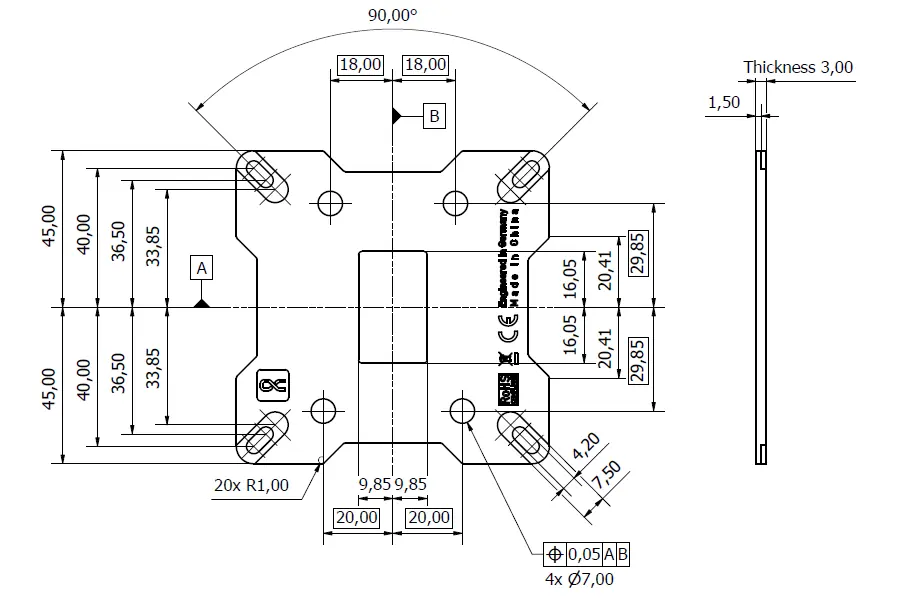
- Dimensions: 90 x 90 x 3 mm
- Weight: 149 g
- Color: Black
Installation and Usage
The backplate features an insulating polymer layer on the back to protect the motherboard. It also includes an adhesive surface that acts as an installation aid, making it easier to mount the cooler on the socket. The stainless steel construction ensures the CPU cooler is stabilized, leading to improved cooling performance compared to standard plastic backplates.
Practical help
Before use
- Verify your CPU cooler model is in the compatible list (XPX/Eisbaer series).
- Ensure your motherboard uses an Intel LGA 1150, 1151, 1155, 1200, or 1700 socket.
- Clean the back of the motherboard area if necessary before applying the adhesive backplate.
Specs in practice
- Adhesive surface
- Acts as an installation aid to hold the backplate in place during mounting.

Manual page author
Emily Carter
User documentation editor
Prepares concise manual descriptions and highlights the most useful setup, operation, and maintenance information for readers.