iPhone 1st Generation SIM Card Replacement Guide
Step-by-step guide for removing and replacing the SIM card in the iPhone 1st Generation. Includes tool requirements and the procedure for ejecting the SIM tray.
Table of contents
Manual images
Click an image to enlargeQuick guide from the manual
This guide provides instructions for removing the SIM card tray from the iPhone 1st Generation. The process requires a specific tool to eject the tray located on the top edge of the device.
Tools and parts required
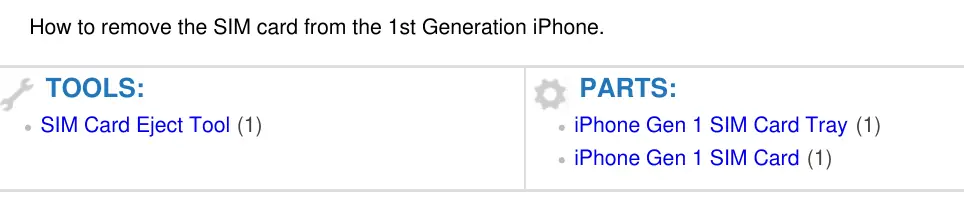
- SIM Card Eject Tool (or a standard paper clip)
- iPhone Gen 1 SIM Card Tray
- iPhone Gen 1 SIM Card
SIM card removal procedure
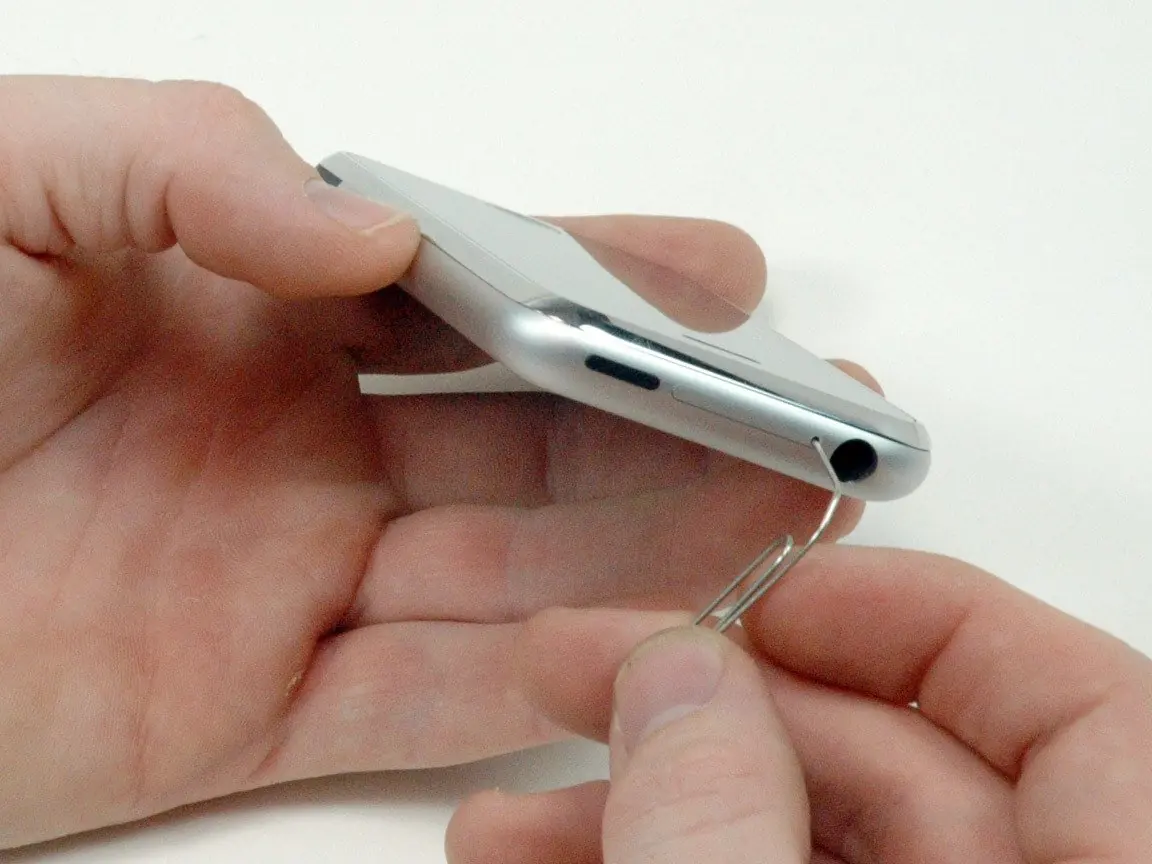
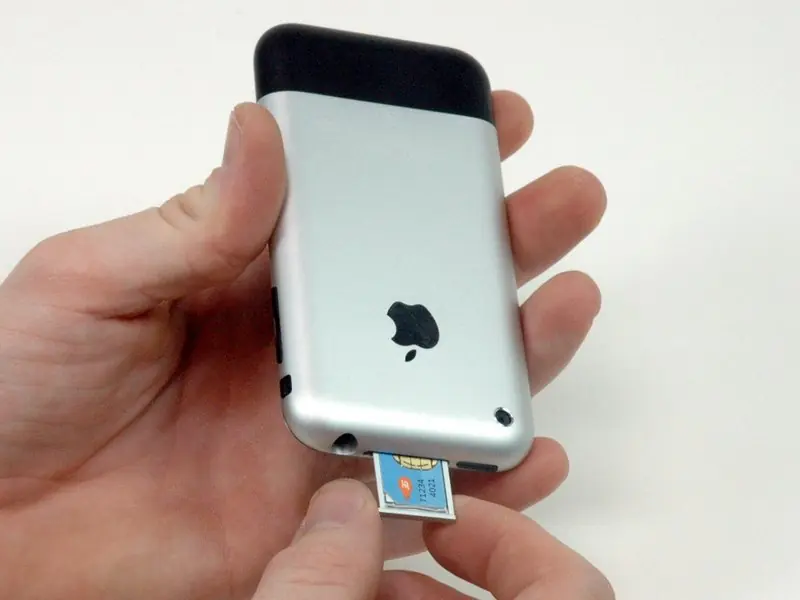
- Locate the small hole on the top edge of the iPhone, next to the headphone jack.
- Insert the SIM card eject tool or a straightened paper clip into the hole.
- Press down firmly on the tool until the SIM card tray pops out.
- Grasp the tray and slide it out of the device.
Reassembly
To reassemble the device, follow the removal instructions in reverse order.
Manufacturer information
Apple Inc.
Practical help
Before use
- SIM Card Eject Tool or a standard paper clip
Images and diagrams
- The SIM card tray is located on the top edge of the device, next to the headphone jack.

Manual page author
David Miller
Documentation analyst