Electronics / Audio
User Guide for Bang & Olufsen Beosound Theatre Soundbar
Quick guide for the Beosound Theatre soundbar, covering technical specifications, connectivity options, room setup, and installation requirements.
Table of contents
Manual images
Jump to the sectionQuick guide from the manual
The Beosound Theatre is a high-performance soundbar designed for home cinema setups. This document provides essential technical specifications, connectivity options, and installation requirements to help you integrate the device into your home audio system.
Device Overview
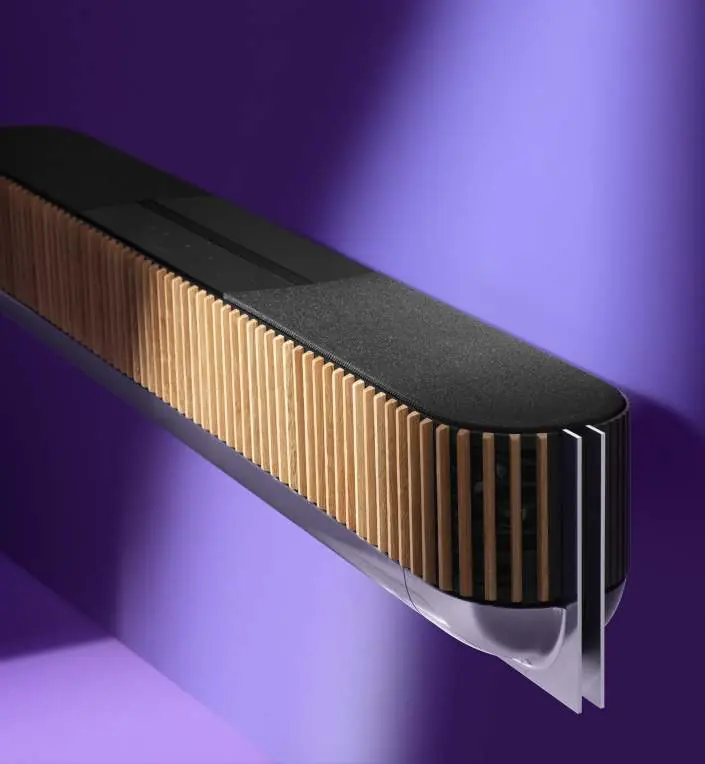
The Beosound Theatre features a 12-driver speaker configuration with integrated 7.1.4 Dolby Atmos decoding. It is designed to be used as a standalone soundbar or as part of a larger multi-speaker setup. The device includes proximity sensors for the touch interface and is optimized for use with LG OLED C4, G4, and Z3 series TVs.
Installation and Placement
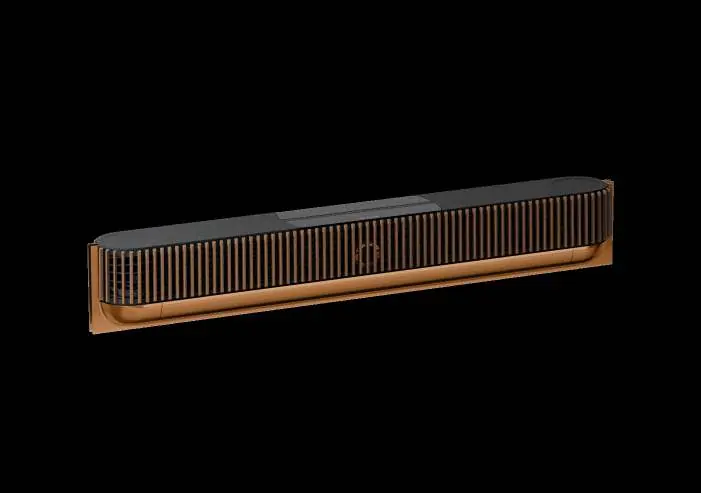
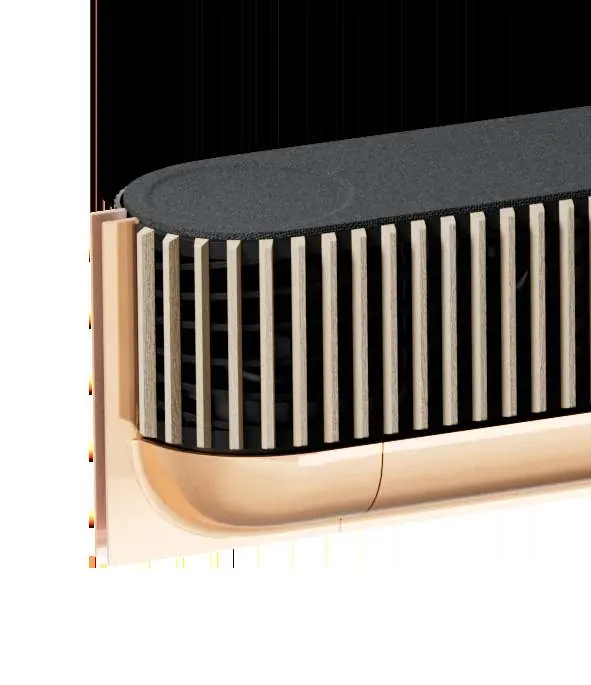
The soundbar can be placed on a table stand or wall-mounted. The package includes a wall bracket, table stand, and a drilling template for wall mounting. Ensure your room size is between 15 and 60 m2 for optimal performance.
Connectivity
The device offers extensive wired and wireless connectivity:
- Wired: 3 x HDMI inputs (CEC), 1 x HDMI eARC, Ethernet switch (4 x 1Gbit ports), and analogue audio via USB-C (requires 3.5mm adapter).
- Wireless: Dual-band WLAN (2.4/5GHz), WiSA compliant, Bluetooth 5.1.
- Streaming: Supports Apple AirPlay, Google Cast, Spotify Connect, TIDAL Connect, and Deezer Connect.
RoomSense Setup
The Beosound Theatre includes a microphone for automated RoomSense setup. This process calibrates speaker levels, distances, and positions, and provides room resonance compensation from 30 to 200Hz.
Maintenance and Customization
The speaker cover is removable using the provided tool. Customization options for frames and covers are available; you can preview these using the B&O AR Experience app or by visiting www.bang-olufsen.com.
Official resources from the manual
Practical help
Common problems
Analogue audio input not working
Ensure you are using a 3.5mm passive jack adapter (B&O part no. 6271374) connected to the USB-C port.
RoomSense calibration failing
Ensure the provided RoomSense microphone is correctly connected to the 3.5mm jack and the microphone mute slider is in the active position.
Before use
- Verify room size is between 15-60 m2.
- Ensure you have the correct mounting hardware (wall bracket or table stand).
- Check that your TV is compatible (optimized for LG OLED C4/G4/Z3).
- Connect the device to your network via LAN or WLAN.
- Perform RoomSense calibration using the included microphone.
Specs in practice
- Frequency Range
- The soundbar reproduces audio from 28 Hz to 23,000 Hz.
- Power Consumption
- Typical power usage is 120 W.
Images and diagrams
- The manual provides dimensions for wall mounting (18.9 cm height) and table stand placement (19.7 cm height).
Model compatibility
- Optimized for LG OLED C4, G4, and Z3 series (55", 65", 77").
- Supports up to eight Beolab loudspeakers wirelessly via WiSA.
- Peripheral Unit Controller supports control of two external set-top boxes.

Manual page author
Emily Carter
User documentation editor
Prepares concise manual descriptions and highlights the most useful setup, operation, and maintenance information for readers.