Outline Dimensions Guide for Dell S2425HS Monitor
View the official outline dimensions, stand adjustments, and mounting specifications for the Dell S2425HS monitor. Includes tilt, swivel, pivot angles, and VESA mount details.
Table of contents
Quick Guide
This document provides the technical outline dimensions and mechanical specifications for the Dell S2425HS monitor. Use this information to plan your workspace, verify desk clearance, or select a compatible VESA mounting arm.
Monitor Adjustments
The monitor stand supports the following ergonomic adjustments:
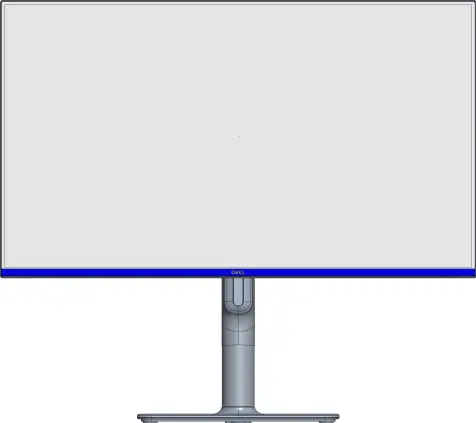
- Tilt: Adjustable from 5° forward to 21° backward.
- Swivel: Rotates 30° to the left and 30° to the right.
- Pivot: Supports 90° rotation.
Mounting Specifications
For wall or monitor arm mounting, the device utilizes a standard VESA interface. Ensure your mount supports the following specification:
- Screw Type: M4x10 (4 screws required).
Technical Dimensions
All measurements are provided in millimeters (mm) with inch equivalents in brackets. Please refer to the technical drawing for specific height, width, and depth dimensions at various adjustment positions.
Manufacturer information
Dell Inc.
Practical help
Before use
- Verify desk space for the monitor's footprint.
- Check VESA mount compatibility (M4x10 screws required).
- Ensure clearance for tilt, swivel, and pivot movements.
Images and diagrams
- The document provides a technical drawing showing the monitor's dimensions in millimeters and inches.
- Illustrations show the range of motion for the stand, including tilt, swivel, and pivot angles.
- The rear view details the VESA mounting hole pattern.

Manual page author
Michael Turner
Technical manual editor