Eurowise 02A Manual Cable Conversion Kit Installation Guide
Installation guide for the Eurowise 02A Manual Cable Conversion Kit. This guide provides step-by-step instructions for installing the clutch actuator, cable bracket, and routing the clutch cable for your transmission conversion.
Table of contents
Manual images
Click an image to enlargeQuick guide from the manual
This guide covers the installation of the Eurowise 02A Manual Cable Conversion Kit. Ensure you have the necessary tools, including a socket extension for the actuator bolts, before beginning the installation. Note that specific transmission types (02J) may require additional modifications to the reverse switch.
Kit Contents
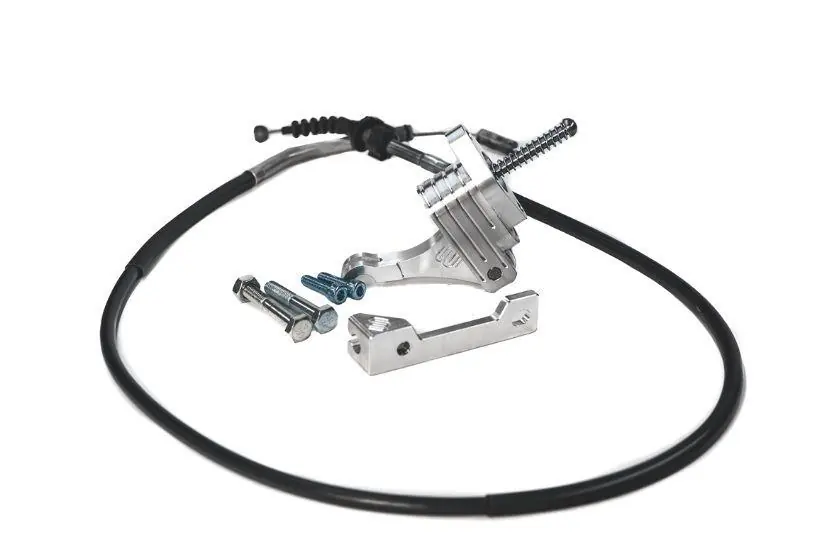
- Eurovan Manual Clutch Actuator
- Modified Clutch Cable
- Clutch Cable Bracket
Installation steps
Step 1: Install Clutch Actuator
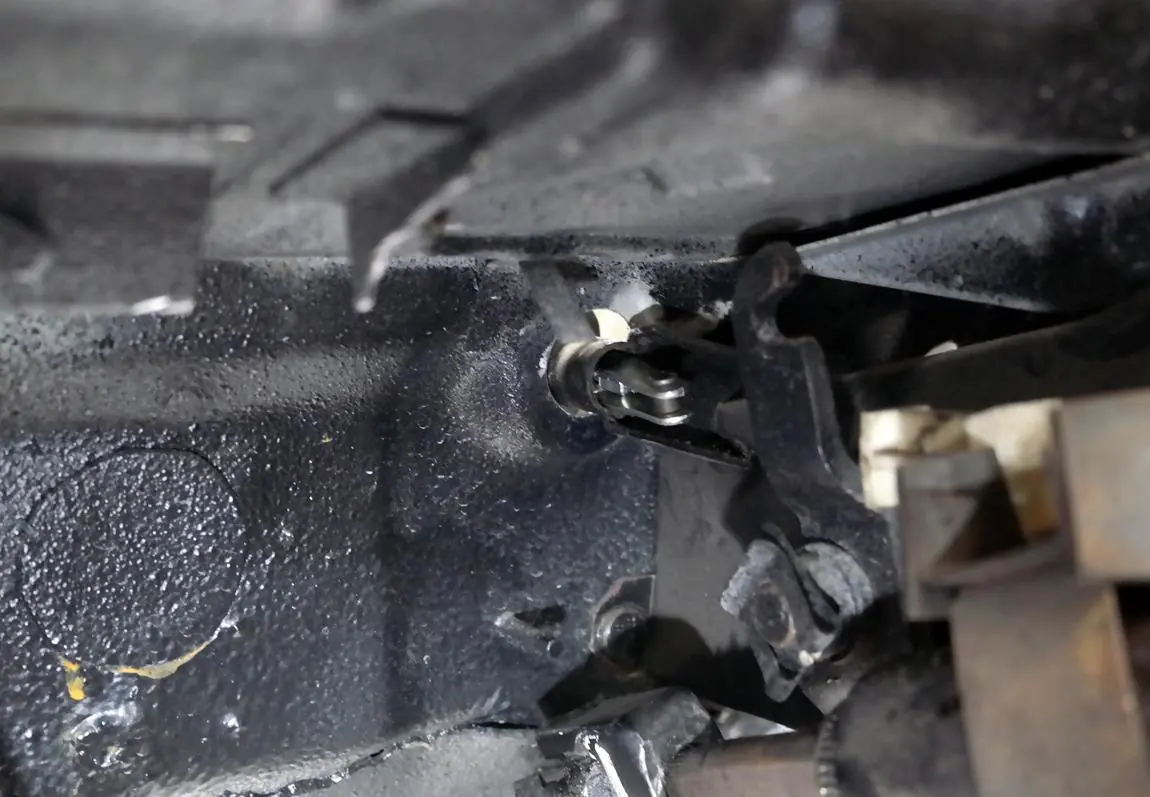
Re-use your factory bolts when installing the clutch actuator. You will need an extension to tighten the right-side bolt.
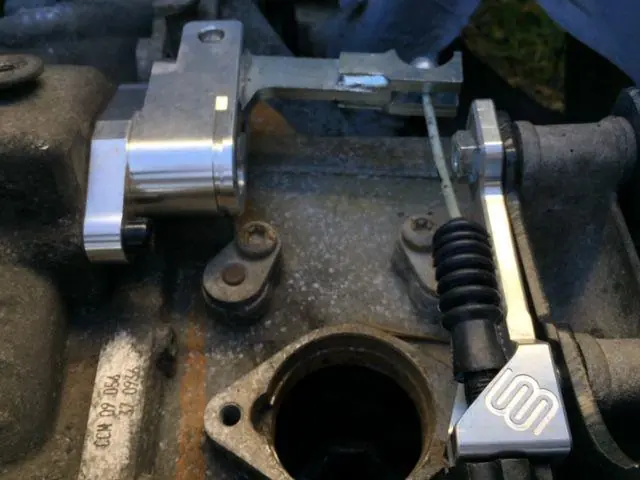
Step 2: Install Clutch Cable Bracket
If you are using an 02J transmission, the reverse switch will be in the way of the bracket. The reverse switch will need to be deleted or modified (trimmed) for proper fitment. This does not apply to the 02A transmission.
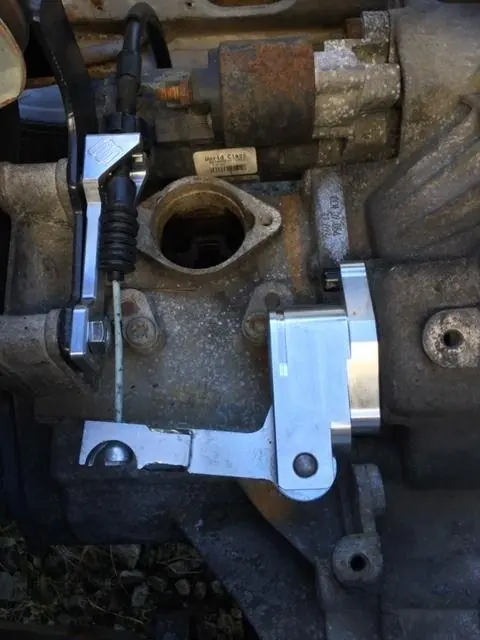
Step 3: Clutch Cable
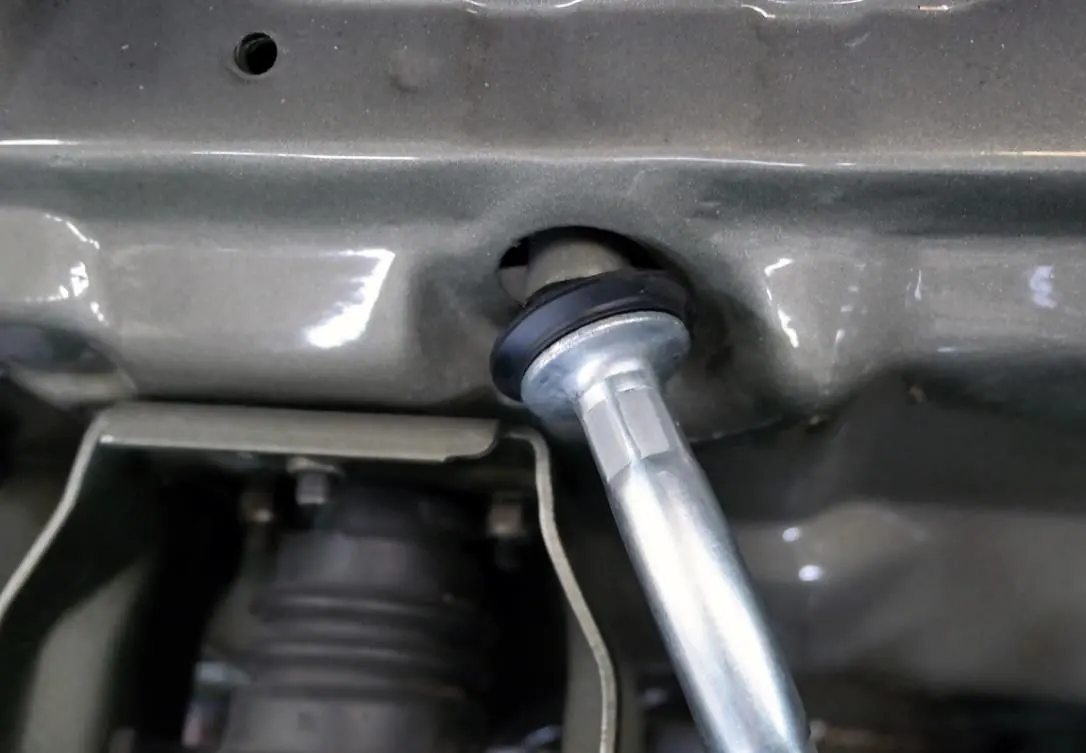
Slide the clutch cable into the bracket and pull the rubber sleeve back. Finally, slide the cable through the tube and attach it to the clutch pedal.
Practical help
Common problems
The reverse switch will be in the way of the bracket and must be deleted or trimmed for proper fitment.
Use a socket extension to reach and tighten the right-side bolt.
Before use
- Verify all kit contents (Actuator, Cable, Bracket).
- Identify your transmission type (02A or 02J).
- Ensure you have a socket extension tool available.
- If using 02J, prepare to modify or remove the reverse switch.

Manual page author
David Miller
Documentation analyst
Organizes user manual content into clear summaries, with attention to model details, product context, and everyday usability.