Homcom 2-in-1 Fabric Storage Bench Assembly Instructions
Assembly and care guide for the Homcom 2-in-1 Fabric Storage Bench. Includes step-by-step assembly instructions, maintenance tips, and safety precautions.
Quick answers from the manual
Quick answer
- This manual provides assembly instructions for the Homcom 2-in-1 Fabric Storage Bench. It includes safety precautions, maintenance tips, and a step-by-step assembly guide. p. 2, 10
Key actions
- Assemble the bench by attaching the legs to the base. p. 10
First start
- Place the bench on a flat, stable surface. p. 2
Maintenance and reset
- Clean with a soft fabric and check the seating regularly. p. 2
Where to find it in the PDF
- Assembly Instructions p. 10
- Safety and Maintenance p. 2
Table of contents
Manual images
Click an image to enlargeQuick guide from the manual
This document provides assembly and safety instructions for the Homcom 2-in-1 Fabric Storage Bench. The assembly process is straightforward and requires approximately 10 minutes to complete.
Assembly
The assembly involves attaching the legs to the main bench body.
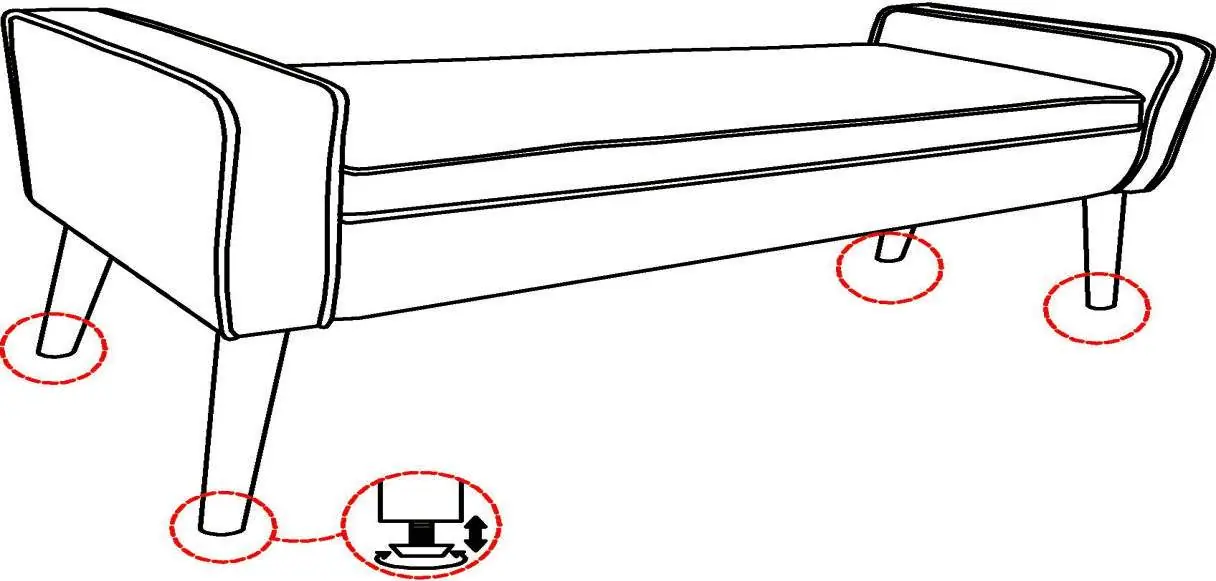
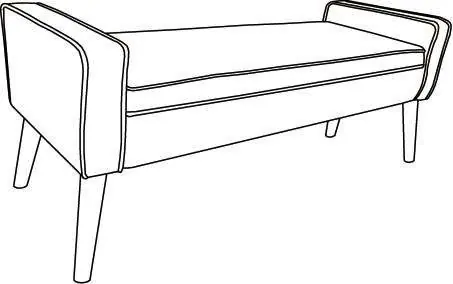
- Identify the main bench body (A) and the legs (B).
- Screw the legs (B) into the designated points on the base of the bench (A).
- Ensure the bench is placed on a flat, stable surface after assembly.
- Adjust the feet if necessary to keep the bench balanced.
Safety and Maintenance
- Domestic Use: This product is intended for domestic use only.
- Safety: Keep away from open flames and avoid overloading the bench.
- Maintenance: Clean the fabric with a soft cloth and check the seating regularly to ensure stability.
- Storage: Store in a clean, dry place to prevent mold.
- Assembly Hazards: Be careful of crushing and cutting hazards during assembly.
Manufacturer information
HOMCOM
Practical help
Common problems
Unstable bench
Ensure it is placed on a flat floor and adjust the feet to keep it balanced.
Missing parts
Verify all parts are present before starting assembly.
Before use
- Prepare a clean and dry mounting area
- Verify the product is not damaged
- Check that no parts are missing

Manual page author
Emily Carter
User documentation editor
Prepares concise manual descriptions and highlights the most useful setup, operation, and maintenance information for readers.