Repair Guide for Sangean DT 200V Radio
A step-by-step repair guide for the Sangean DT 200V radio. Learn how to fix a common issue where the radio stops working after being dropped by resoldering the battery connection.
Quick answers from the manual
Quick answer
- If your Sangean DT 200V radio stops working after a drop, it is usually due to a broken solder connection at the battery holder. You can fix this by opening the back casing and resoldering the connection at the top right of the battery compartment. p. 1, 3, 4
Key actions
- Unscrew the back casing to access the circuit board. p. 3
- Melt the existing solder at the battery connection point. p. 4
Problems and fixes
Resolder the broken battery connection at the top right of the battery compartment.
p. 3, 4Show 1 more answers Show less
Where to find it in the PDF
- Introduction and Tools p. 2
- Repair Steps p. 3, 4
Table of contents
Manual images
Click an image to enlargeQuick guide from the manual
If your Sangean DT 200V radio stops working, particularly after being dropped, the issue is often a broken solder connection at the battery holder. This guide provides the steps to open the device and restore the connection using a soldering iron.
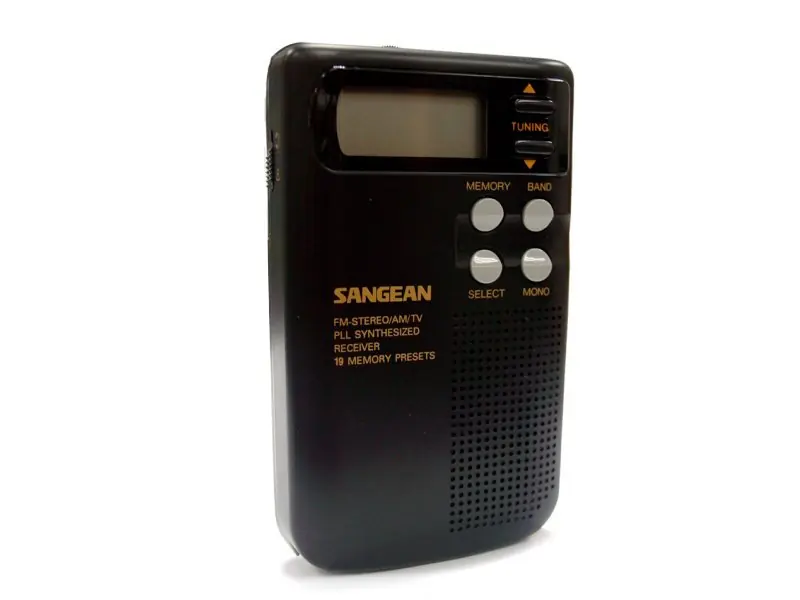
Required tools
- Soldering iron
- Marlin Screwdriver Set (5 Standard Precision Screwdrivers)
Repair procedure
Step 1: Open the casingUnscrew the screws on the back of the radio and carefully loosen and remove the back casing to expose the internal components.

Step 2: Locate the faultThe broken connection is located at the top right of the battery compartment.
Step 3: Prepare the soldering ironHeat your soldering iron according to its instructions. You likely do not need to add new solder, just melt the existing connection.
Step 4: Perform the repairRemove the radio batteries. Carefully melt the existing solder at the outer edge of the radio where the circuit board connects to the batteries. Do not overheat the area to avoid damaging other components.
Reassembly
To reassemble your device, follow the disassembly instructions in reverse order.
Practical help
Common problems
The solder connection at the battery holder has likely broken. Resolder this connection.
Before use
- Ensure you have a soldering iron
- Ensure you have a precision screwdriver set
- Remove batteries before attempting to solder

Manual page author
Emily Carter
User documentation editor