User Manual for Seagate Game Drive for PlayStation
Quick start guide for the Seagate Game Drive for PlayStation. Learn how to connect, format, and safely remove your external storage drive for PS4 and PS5 consoles.
Quick answers from the manual
Quick answer
- Connect the Seagate Game Drive to a USB 3.0 port on your PS4 or PS5 console and follow the on-screen formatting instructions in the system settings. p. 1
Key actions
- Format the drive via system settings p. 1
First start
- Connect to USB 3.0 port and follow on-screen formatting prompts. p. 1
Show 2 more answers Show less
Problems and fixes
Maintain a distance of at least 10 cm from the console.
p. 1Where to find it in the PDF
- Installation and Setup p. 1
- Regulatory and Support p. 2
Table of contents
Manual images
Click an image to enlargeQuick guide from the manual
This document provides essential instructions for setting up your Seagate Game Drive with PlayStation consoles. To minimize electromagnetic interference (EMI), ensure the drive is placed at least 10 cm (4 inches) away from the PlayStation console.
Installation for PS5
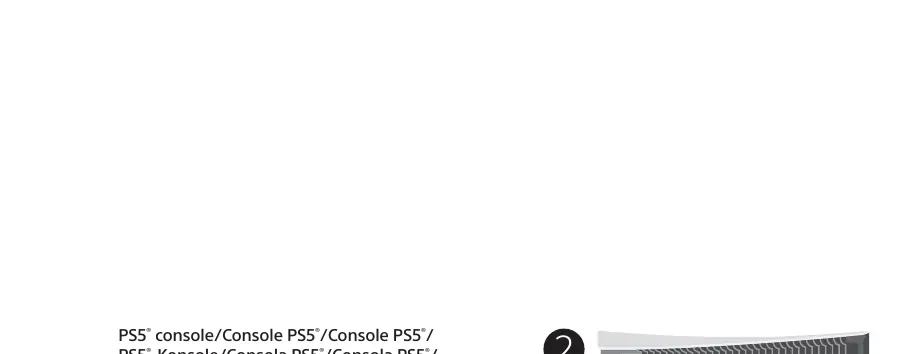
- Connect the Game Drive to a USB 3.0 port on the PS5 console.
- Navigate to Settings on your console.
- Go to Storage.
- Select USB Extended Storage.
- Select Format as USB Extended Storage to prepare the drive for use.
Installation for PS4
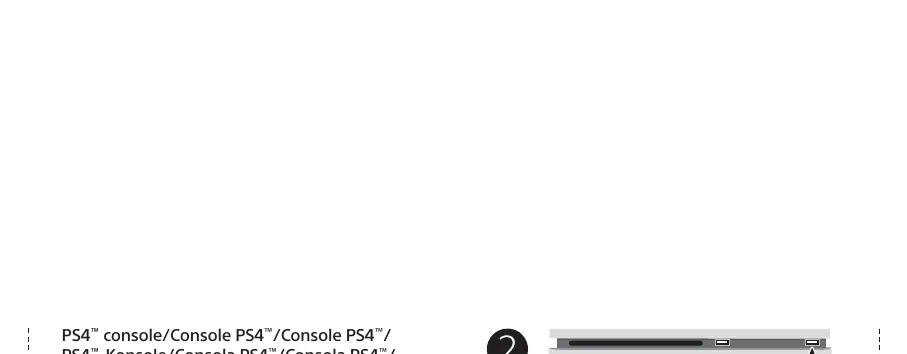
- Connect the Game Drive to a USB 3.0 port on the PS4 console.
- Navigate to Settings on your console.
- Go to Devices.
- Select USB Storage Devices.
- Select Game Drive.
- Select Format as Extended Storage to prepare the drive for use.
Safe removal and support
To protect your data, always follow the safe removal procedures for your operating system when disconnecting the product. For customer support, warranty information, or to review the end-user license agreement, visit www.seagate.com/game-drive-ps-le or www.seagate.com/retailwarranty.
Official resources from the manual
Manufacturer information
Seagate Technology LLC
Practical help
Common problems
Keep the drive at least 10 cm (4 inches) away from the PlayStation console.
Before use
- Ensure the console is powered on
- Locate a USB 3.0 port on the console
- Ensure the drive is placed at least 10 cm away from the console

Manual page author
Michael Turner
Technical manual editor