StarTech.com 1B-USB-C-CFE-ADAPTER CFexpress Type B to USB-C Reader Quick-Start Guide
Quick-start guide for the StarTech.com 1B-USB-C-CFE-ADAPTER. Learn how to install, connect, and safely remove CFexpress Type B cards using this USB-C reader.
Quick answers from the manual
Quick answer
- To use the StarTech.com 1B-USB-C-CFE-ADAPTER, insert a CFexpress Type B card into the slot and connect the USB-C cable to your host computer. The OS will automatically detect the device. p. 1
Key actions
- Install/Connect p. 1
- Remove Card p. 1
Problems and fixes
Eject the device from the operating system before removing the card.
p. 1Show 2 more answers Show less
Technical specifications
| Parameter | Value | Meaning | Pages |
|---|---|---|---|
| Interface | USB 3.2 (10Gbps) | Data transfer speed | p. 1 |
| Compatibility | CFexpress Type B | Supported card type | p. 1 |
Where to find it in the PDF
- Quick-Start Guide p. 1
- Regulatory and Warranty p. 2
Table of contents
Manual images
Click an image to enlargeQuick Start Guide
This guide provides instructions for the StarTech.com 1B-USB-C-CFE-ADAPTER, a CFexpress Type B to USB-C reader. Ensure you have the necessary requirements before beginning.
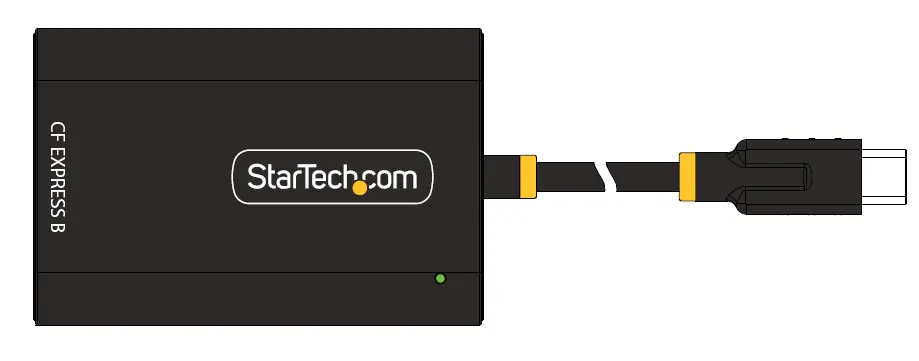
Requirements
- USB-C enabled host device
- CFexpress Type B card
Installation
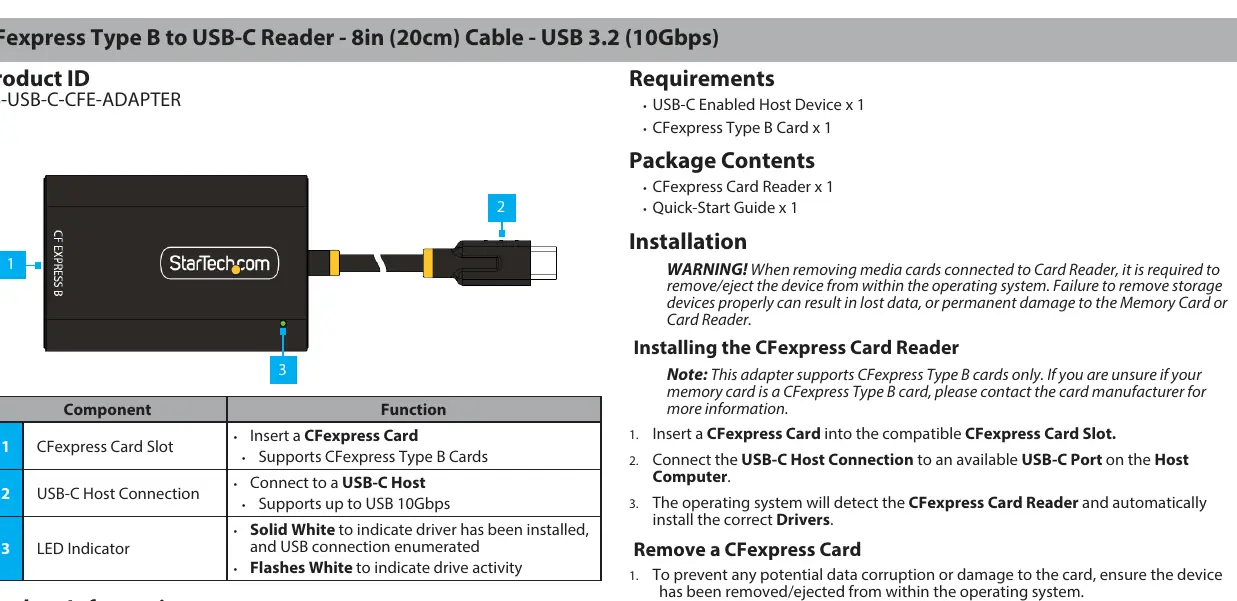
- Insert a CFexpress Card into the CFexpress Card Slot.
- Connect the USB-C cable to an available USB-C port on your host computer.
- The operating system will automatically detect the reader and install the necessary drivers.
Removing a CFexpress Card
Warning: Always eject the device from within your operating system before removing the card to prevent data corruption or hardware damage.
- Eject the device via the operating system.
- While holding the reader, gently push the CFexpress Card into the slot to engage the eject mechanism.
- Release the card; the mechanism will push it partially out.
- Gently pull the card out of the slot. Avoid using excessive force.
LED Indicator
- Solid White: Driver installed and USB connection enumerated.
- Flashing White: Drive activity.
Regulatory and Warranty Information
This product is backed by a two-year warranty. For detailed warranty terms, conditions, and regulatory compliance information, visit the official StarTech.com website.
Official resources from the manual
Practical help
Common problems
Always eject the device from the operating system before removing the card.
Ensure you are using a CFexpress Type B card; other types are not supported.
Before use
- USB-C enabled host device
- CFexpress Type B card

Manual page author
David Miller
Documentation analyst