Electronics / Monitors
Victor 1225-3A Printing Calculator User Manual
Quick guide for the Victor 1225-3A printing calculator, covering setup, paper loading, ink roller replacement, date/time settings, and key operations.
Table of contents
Manual images
Jump to the sectionQuick guide from the manual
This document provides essential operating instructions for the Victor 1225-3A printing calculator. Key procedures include loading paper, replacing the ink roller, and configuring date/time settings. The device features a 12-digit fluorescent display and 2-color printing. Note that the calculator enters sleep mode after 5 minutes of inactivity; press the C/CE key for 5 seconds to wake it.
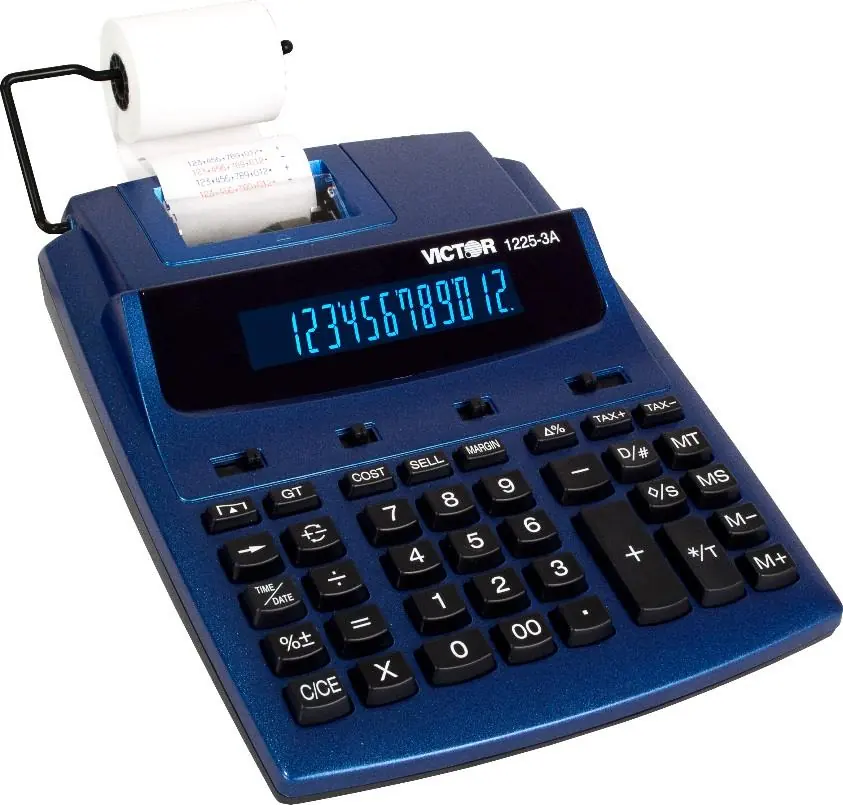
Preparation
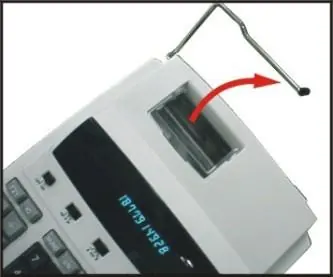
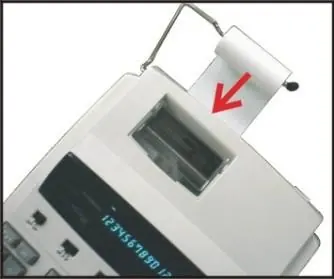
The unit operates on AC power. To load paper: place the paper holders into position, install the paper roll, insert the paper end into the printer slot, and press the paper feed key to advance the paper.
Replacing the ink roller
If printing becomes faint, replace the ink roller (model MS37901):
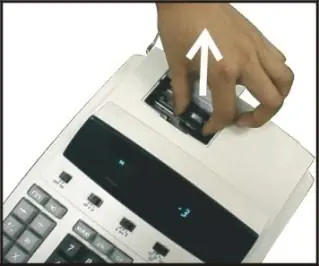
- Turn the power off.
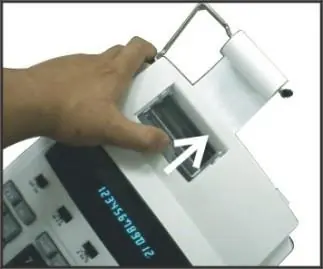
- Open the printer cover.
- Pull the old ink roller up to remove it.
- Insert the new roller into the compartment and press down until it snaps into place.
Date and Time Functions
To set the date and time:
- Press TIME/DATE and then SET.
- Enter the month, date, and year using the number keys.
- Press SET to confirm the date.
- Press TIME/DATE and then SET to enter the time. Use the 12/24 key to toggle between 12-hour and 24-hour formats.
- Press AM/PM to toggle morning/afternoon and press SET to confirm.
Safety and Maintenance
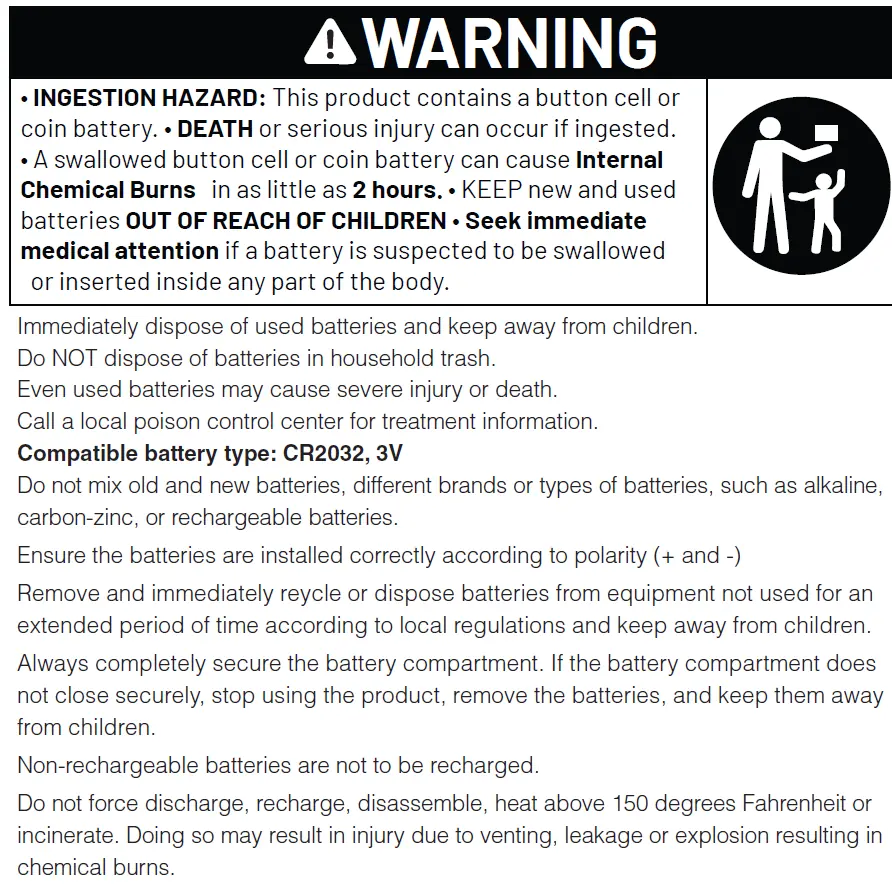
Do not press any keys when the printer is on and no paper is loaded, as this may damage the print head. The device uses a CR2032 lithium battery for memory backup. If the display malfunctions due to electromagnetic interference, press the RESET button on the bottom of the calculator using a sharp object.
Contact Information
Corporate Office and National Service Center: Victor Technology, 800 S. Weber Road, Suite B, Bolingbrook, IL 60490. Phone: 630-754-4400. Website: www.victortech.com.
Official resources from the manual
Manufacturer information
Victor Technology, LLC
Practical help
Common problems
Printing is faint
Replace the ink roller (MS37901).
Display malfunction or memory loss
Press the [RESET] button on the bottom of the unit with a sharp object.
Calculator is unresponsive
If in sleep mode, press the C/CE key for 5 seconds to wake it.
Before use
- Ensure the unit is connected to an AC power source.
- Check that the paper roll is correctly installed.
- Verify the ink roller is properly seated.
- Set the desired date and time format.
Specs in practice
- Printing Speed
- 2.03 lines per second.
- Power Consumption
- 4.5W.
Images and diagrams
- Fig. I: Placing paper holders.
- Fig. II: Inserting paper into the printer slot.
- Fig. III: Opening the printer cover.
- Fig. IV: Removing/replacing the ink roller.
Model compatibility
- Compatible battery type: CR2032, 3V.
- Use only MS37901 ink rollers.

Manual page author
David Miller
Documentation analyst
Organizes user manual content into clear summaries, with attention to model details, product context, and everyday usability.