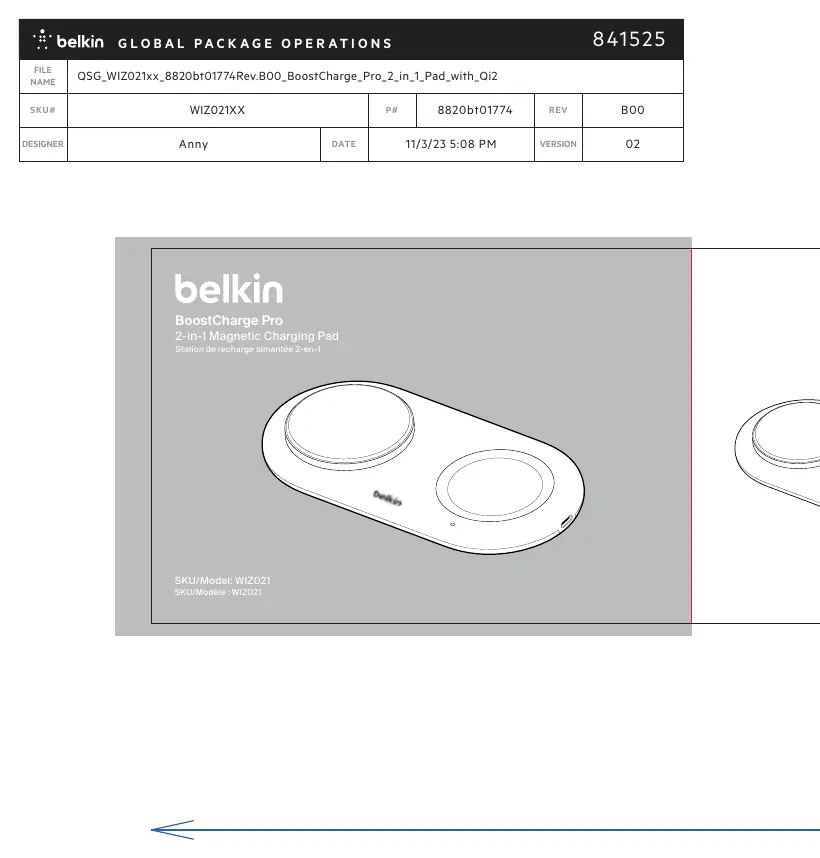
User Manual for Belkin BoostCharge Pro 2-in-1 Magnetic Charging Pad WIZ021
Quick guide for the Belkin BoostCharge Pro 2-in-1 Magnetic Charging Pad (WIZ021). Learn about power requirements, LED status indicators, and safety usage.
Quick answers from the manual
Quick answer
- The Belkin BoostCharge Pro 2-in-1 Magnetic Charging Pad (WIZ021) requires a USB-C power adapter with at least 30W output. An orange LED indicates a foreign object or error. p. 1
Key actions
- Connect the charging pad to a 30W+ USB-C power adapter. p. 1
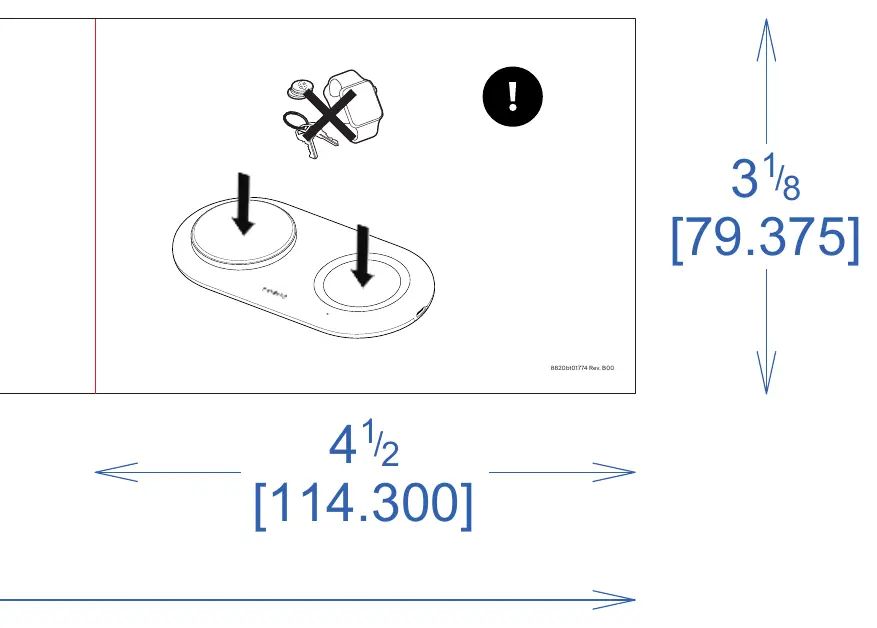
- Remove metal objects from the pad if the orange light appears. p. 1
Problems and fixes
Remove foreign objects (keys, metal) from the pad.
p. 1Technical specifications
| Parameter | Value | Meaning | Pages |
|---|---|---|---|
| Power Input | USB-C ≥ 30W | Minimum power requirement for the adapter. | p. 1 |
| Output | 5W | Charging output per pad. | p. 1 |
Where to find it in the PDF
- Quick Start Guide p. 1
Table of contents
Manual images
Click an image to enlargeQuick guide from the manual
This document provides essential setup and usage information for the Belkin BoostCharge Pro 2-in-1 Magnetic Charging Pad (WIZ021). Ensure you have the correct power adapter before attempting to charge your devices.
Power requirements
To operate the charging pad, you must use a USB-C power adapter with a minimum output of 30W. Using an adapter with lower wattage may result in insufficient power for the device.
LED status indicators
The charging pad features LED indicators to communicate the device status:
- Off: The device is inactive or not receiving power.
- White: The device is charging or active.
- Orange: An error has occurred, or a foreign object has been detected on the charging surface.
Safety instructions
Do not place metal objects, such as keys, coins, or other metallic items, on the charging surface. This may trigger the foreign object detection system (indicated by an orange light) and prevent the device from charging safely.

Manufacturer information
Belkin
Practical help
Common problems
This indicates an error or foreign object detection. Remove any metal objects like keys or coins from the charging pad surface.
Before use
- Ensure you have a USB-C power adapter with at least 30W output.
- Place the charging pad on a flat, stable surface.
- Ensure no metal objects are on the pad before placing your device.

Manual page author
Michael Turner
Technical manual editor
Reviews PDF manuals for structure, safety notes, and practical product details so readers can find the right information quickly.