Electronics / Digital Signage
User Manual for Philips 50BDL3650QE Professional Display
Quick guide for the Philips 50BDL3650QE professional display. Includes technical specifications, connectivity options, Android 10 features, and setup information.
Table of contents
Quick guide from the manual
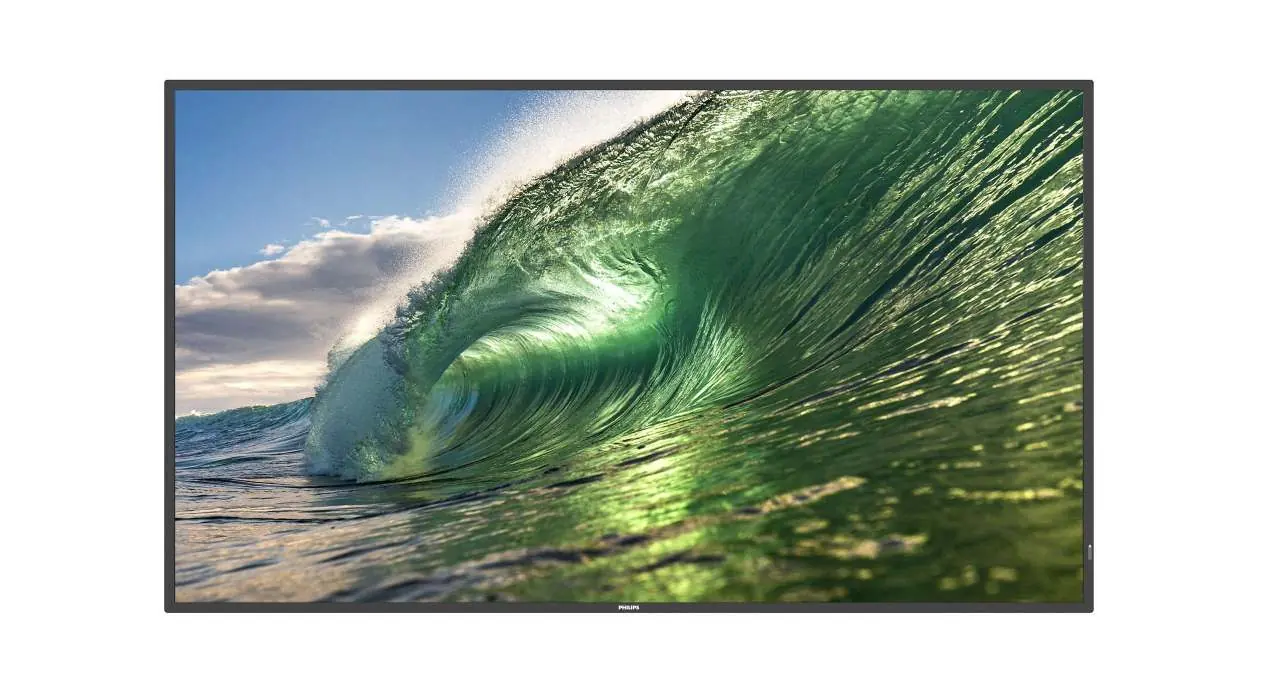
The Philips 50BDL3650QE is a 50-inch 4K UHD professional display designed for digital signage applications. It operates on an Android 10 SoC platform, allowing for the installation of native and web-based applications. The unit is designed for 18/7 operation and features energy-efficient EcoDesign technology.
Key features
- Android 10 SoC: Supports native Android apps and web-based applications.
- FailOver: Automatically switches to a backup input source if the primary source fails.
- SmartBrowser: Integrated HTML5 browser for cloud-based content management.
- Philips Wave: Cloud platform for remote monitoring, firmware updates, and playlist management.
- Media Player: Built-in player for USB or internal storage playback.
- Interact (Optional): Supports wireless screen sharing via existing WLAN or optional HDMI dongle.
Connectivity
The display offers a wide range of input and output options:
- Video Inputs: 2 x HDMI 2.0, 1 x DVI-I.
- Audio: 3.5mm audio input and output.
- Data/Control: 2 x USB 2.0, 2 x USB 3.0, MicroSD slot, RJ45 (network), RS232C (in/out), IR (in/out).
- Wireless: WLAN functionality requires the optional CRD22 module.
Technical specifications
- Display: 50-inch VA panel, 3840 x 2160 resolution, 350 cd/m² brightness.
- Power: 100-240V AC, 50/60 Hz. Normal consumption 56W, max 103W, standby <0.5W.
- Dimensions: 1128.4 x 649.0 x 63.5 mm.
- Weight: 14.25 kg.
- Mounting: VESA 400 x 400 mm, M6 screws.
Operational conditions
- Operating Temperature: 0°C to 40°C.
- Storage Temperature: -20°C to 60°C.
- Humidity: 20% to 80% RH (operating), 5% to 95% RH (storage).
- Altitude: Up to 3,000 meters.
Accessories
The package includes an IR sensor cable (1.8m), RS232 daisy-chain cable, Philips logo, power cable, AC switch cover, cable clips, quick start guide, RS232 cable, and USB cover.
Manufacturer information
Philips
Practical help
Before use
- Ensure the power supply is between 100-240V AC.
- Verify the VESA wall mount pattern is 400x400mm.
- Connect the display to the network via LAN or the optional CRD22 WLAN module.
- Ensure the operating environment temperature is between 0°C and 40°C.
- Check that the input source (HDMI/DVI/USB) is correctly connected.
Specs in practice
- Power Consumption
- 56W in normal operation, max 103W.
- Operating Temperature
- 0°C to 40°C; do not operate outside this range.
Model compatibility
- Supports Android 10 SoC platform for native and web apps.
- Designed for 18/7 operation.
- Requires optional CRD22 module for WLAN functionality.

Manual page author
Emily Carter
User documentation editor
Prepares concise manual descriptions and highlights the most useful setup, operation, and maintenance information for readers.