Garden / Garden Tools
User Manual for Bosch GHE 18V-60 and GHE 18V-50 Cordless Hedge Trimmer
Quick guide for the Bosch GHE 18V-60 and GHE 18V-50 cordless hedge trimmers. Includes setup, operation, battery maintenance, and troubleshooting steps.
Table of contents
Manual images
Click an image to enlargeQuick guide from the manual
This manual provides essential instructions for operating the Bosch GHE 18V-60 and GHE 18V-50 cordless hedge trimmers. Always ensure the battery is removed before performing any maintenance or adjustments. The tool is designed for cutting and trimming hedges and bushes. Always wear appropriate personal protective equipment, including eye and ear protection and sturdy gloves.
Product Description
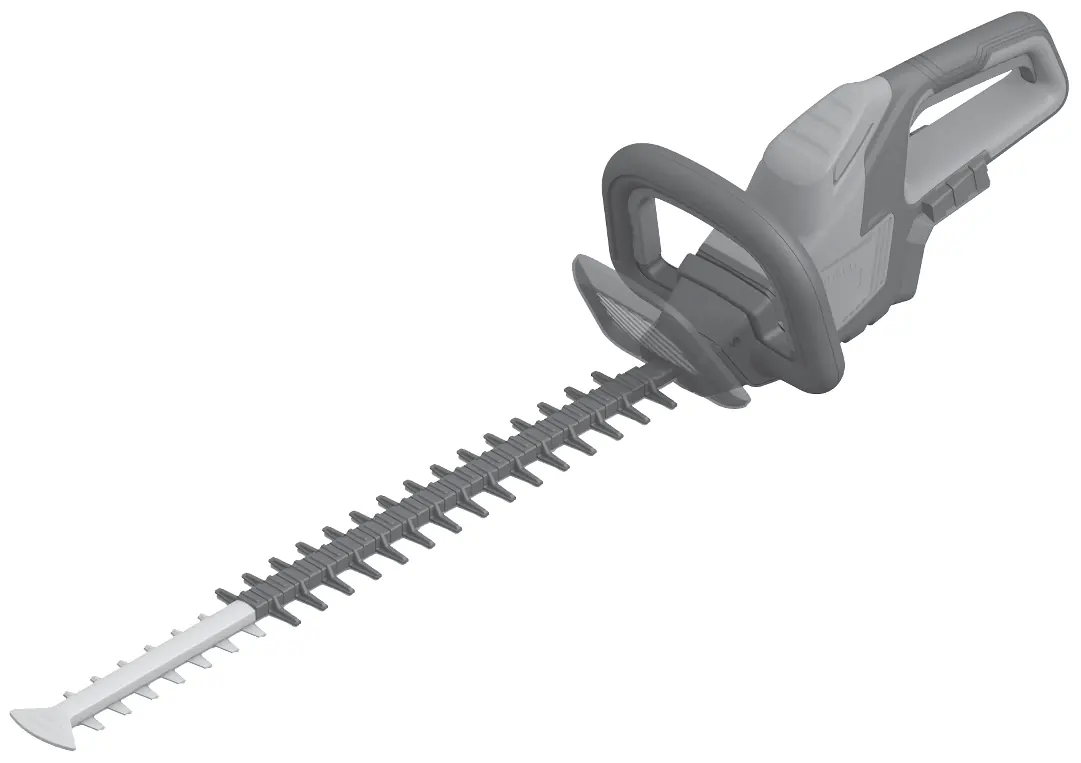
The hedge trimmer features a front switch and a rear handle switch, both of which must be actuated simultaneously to operate the tool. It includes a hand guard, cutting blade, and a sawing function for thicker branches.
Battery Handling
Use only the chargers listed in the technical data. To insert the battery, push it into the holder until it clicks. To remove, press the battery release button. The battery charge indicator (green LEDs) allows you to check the charge level when the tool is not in operation. Some models support battery defect risk detection by holding the indicator button for 3 seconds.
Operation
Switching On and Off: Simultaneously press the front switch and the switch on the rear handle to start the tool. Release either switch to stop the tool.
Working Technique: Move the hedge trimmer evenly forward along the cutting line. The double-edge blade allows for cutting in either direction or with a side-to-side motion. For straight sides, cut from bottom to top. Use a string as a guide for a level top finish.
Anti-Blocking: If the blade stalls on tough material, the intelligent electronics will reverse the motor to prevent stalling and cut through the branch. This action repeats for up to 15 rounds.
Maintenance and Cleaning
Always remove the battery before cleaning or maintenance. Clean the tool with a damp cloth and apply BOSCH lubricant spray to the blades before and after use. Ensure the area around the front hand guard is kept clean.
Troubleshooting
If the hedge trimmer does not operate, check if the battery is discharged or not fully connected. If the motor runs but the blades remain stationary, or if the tool operates intermittently, contact a service agent. If the blade becomes hot, sharpen the blade or apply lubricant spray.
Manufacturer information
Bosch
Practical help
Common problems
Hedgecutter does not operate
Check if the battery is discharged or not fully connected; ensure both locking levels are engaged.
Hedgecutter operates intermittently
Internal wiring or switch defect; contact a service agent.
Cutting blade hot
Blade is blunt, has dents, or lacks lubrication; sharpen blade, inspect, or apply lubricant spray.
Blade will not move
Battery is discharged or the machine is defective; recharge battery or contact a service agent.
Before use
- Ensure the battery is fully charged.
- Check that all handles and guards are securely fitted.
- Inspect cutting blades for wear or damage.
- Remove any foreign objects (wires, etc.) from the hedge area.
- Lubricate the cutting blade with protective spray.
Specs in practice
- No-load stroke rate
- 3000 min-1 (speed of the blade movement).
- Cutting length
- 60 cm for GHE 18V-60; 50 cm for GHE 18V-50.
- Tooth opening
- 23 mm (maximum branch thickness the tool can cut).
Images and diagrams
- Figure A: Overview of product features including handles, switches, and blade.
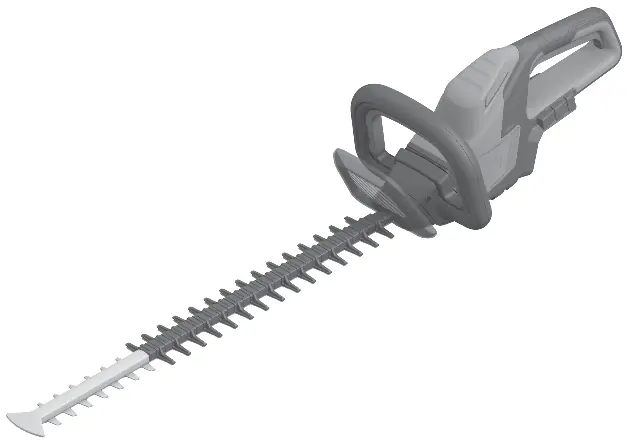
- Figure B: Battery insertion and charging process.
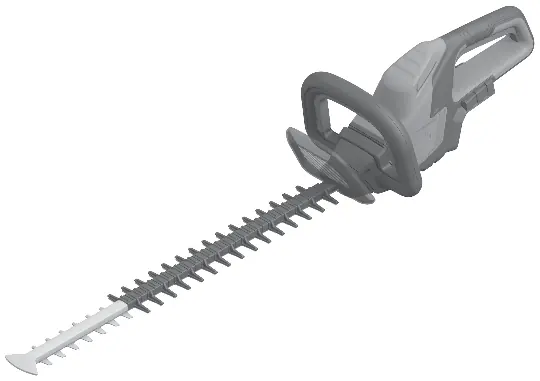
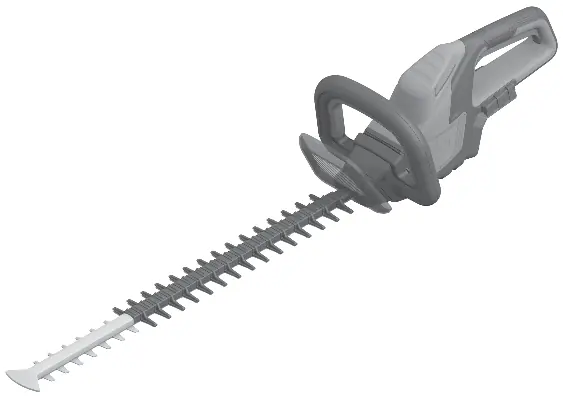
- Figure C/D: Switching the tool on and off using both switches.
- Figure E: Proper cutting technique for hedges.
Model compatibility
- Compatible with Bosch 18V battery system (GBA 18V, ProCORE18V, etc.).

Manual page author
David Miller
Documentation analyst
Organizes user manual content into clear summaries, with attention to model details, product context, and everyday usability.