HVAC / Heaters & Fireplaces
Broan 1102136B Module Light Speaker User Manual
Quick guide for the Broan 1102136B Module Light Speaker. Learn how to pair your device via Bluetooth, understand installation safety requirements, and review regulatory compliance information.
Table of contents
Manual images
Click an image to enlargeQuick guide from the manual
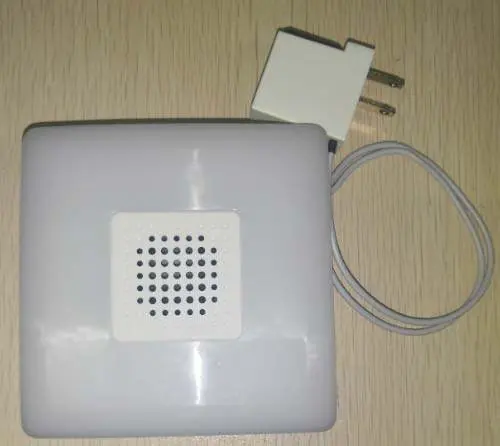
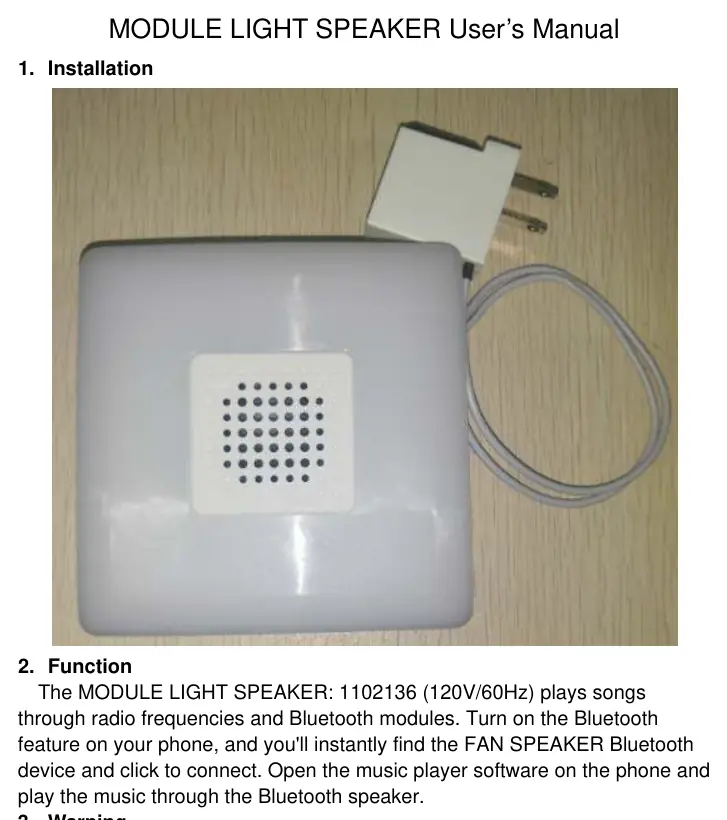
The Broan Module Light Speaker (1102136) is designed to play audio through radio frequencies and Bluetooth connectivity. To use the device, ensure it is powered on, then enable Bluetooth on your smartphone. Search for the device named FAN SPEAKER in your Bluetooth settings and connect. Once connected, you can play music using your phone's music player software.
Installation and Safety
Safety is critical when installing or maintaining this module. Always follow these guidelines:
- Disconnect Power: Always disconnect power at the service entrance before performing any cleaning or servicing.
- Current Draw: When calculating electrical load, you must add the grille current to the fan current to determine the total current draw.
- Compatibility: Install this module only with the specific models indicated in the installation instructions.
Regulatory Information
This device complies with Part 15 of the FCC Rules and Innovation, Science and Economic Development Canada (ISED) licence-exempt RSS standards. Operation is subject to the following conditions:
- The device must not cause harmful interference.
- The device must accept any interference received, including interference that may cause undesired operation.
- RF Exposure: This equipment should be installed and operated with a minimum distance of 20cm between the radiator and your body.
Manufacturer information
Broan-NuTone
Practical help
Common problems
Device not appearing in Bluetooth list
Ensure the speaker is powered on and that your phone's Bluetooth feature is enabled and searching for new devices.
Calculating total current draw
You must manually add the grille current to the fan current to ensure the circuit is not overloaded.
Before use
- Disconnect power at the service entrance before cleaning or servicing.
- Verify that the module is being installed only with compatible models as listed in the installation instructions.
- Ensure a minimum distance of 20cm is maintained between the device and your body during operation.
Model compatibility
- Install only with models indicated in the installation instructions.

Manual page author
Emily Carter
User documentation editor
Prepares concise manual descriptions and highlights the most useful setup, operation, and maintenance information for readers.