Software / Apps Services
Product Manual for amaran Ray 120c LED Light
Quick guide for the amaran Ray 120c LED light, covering power options, mounting, menu navigation, lighting modes (CCT, HSI, RGB, FX), and app connectivity.
Table of contents
Manual images
Jump to the sectionQuick guide from the manual
The amaran Ray 120c is a 120W ultra-compact point-source LED light. This guide covers essential setup, operation, and safety procedures. Always ensure the light is powered by a compatible source to maintain full brightness and stability.
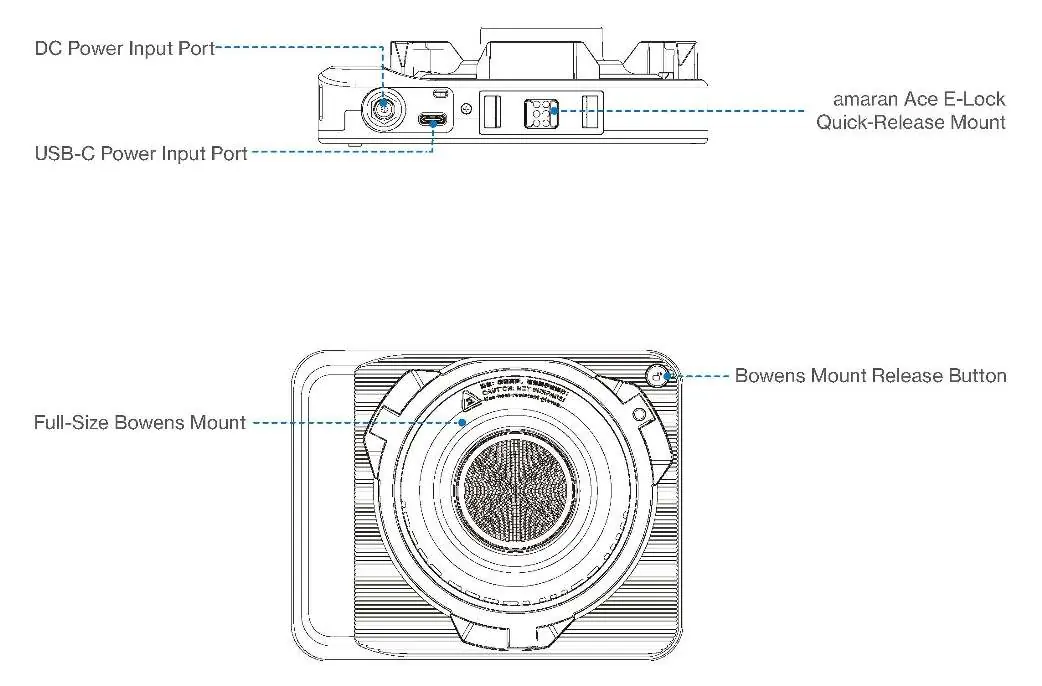
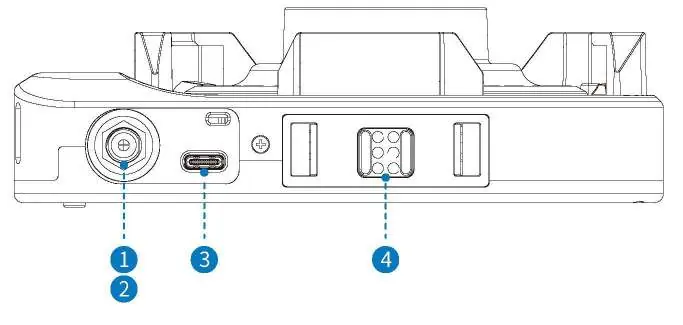
Powering the device
The unit supports three power methods:
- DC Input: 12–20V (max 84W) or 21–24V (max 140W).
- USB-C PD: Supports various profiles up to 140W.
- amaran Ace E-Lock: Compatible with amaran Peak 75 or amaran Peak battery systems.
Note: Using an incompatible power source may limit brightness or cause instability.
Mounting and installation
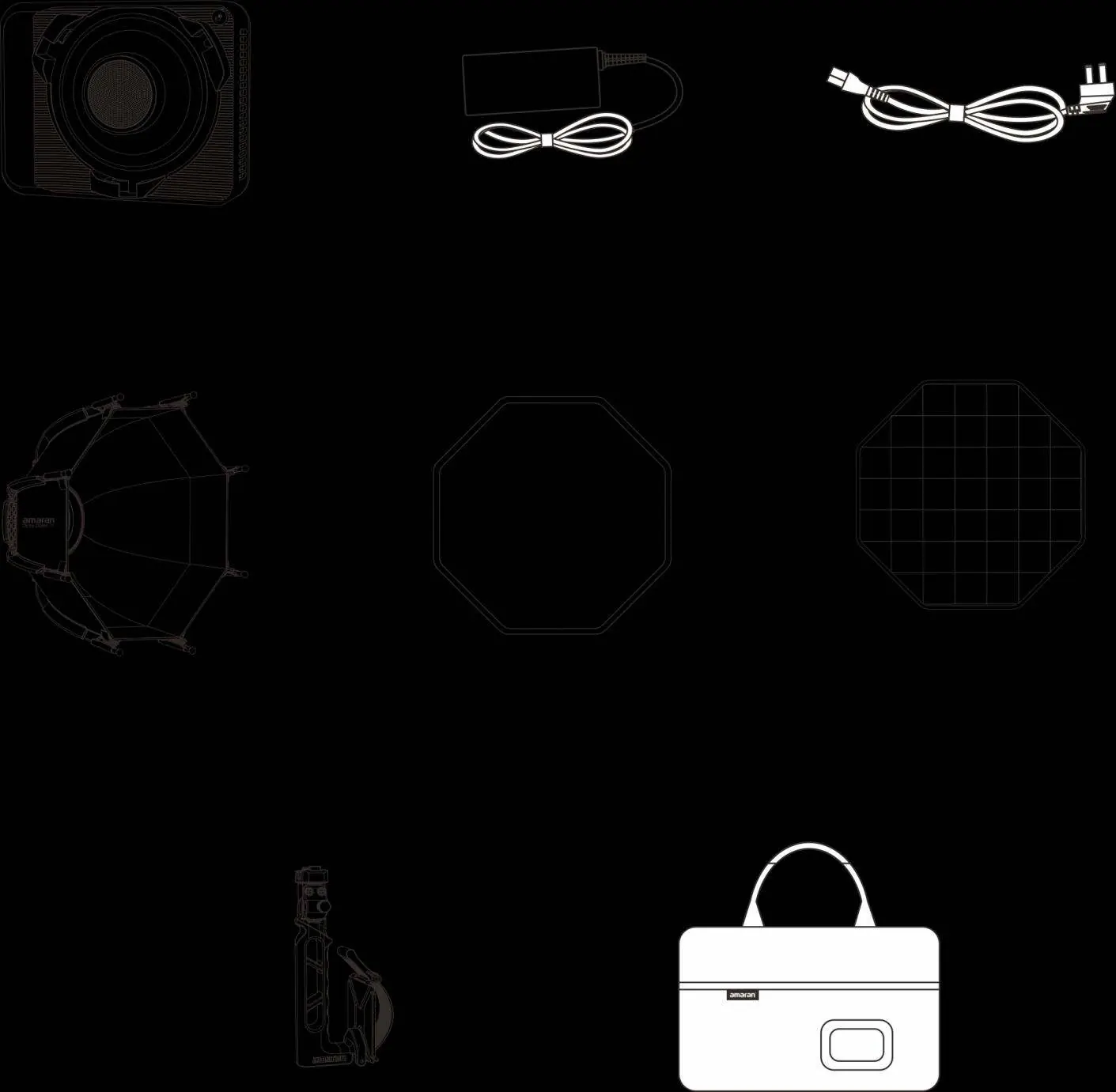
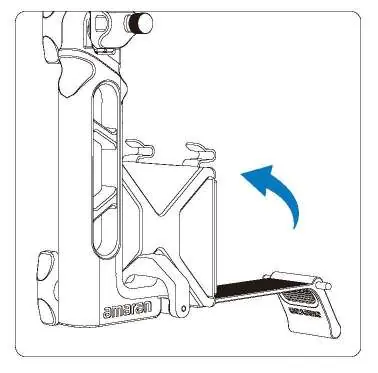
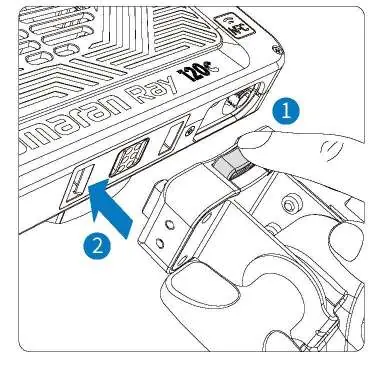
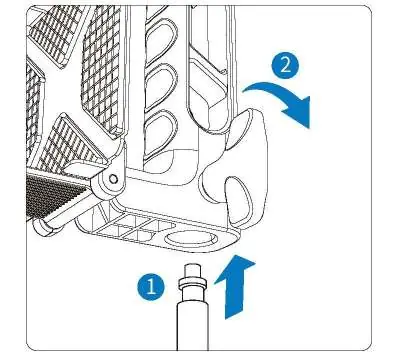
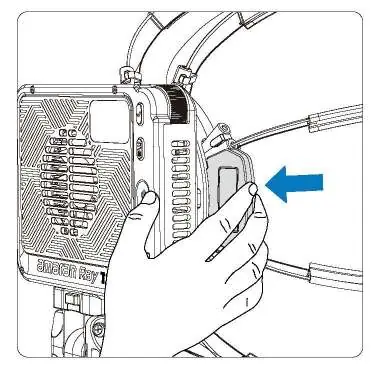
The light features a 1/4-20in screw mount for tripods and an amaran Ace E-Lock quick-release system for handles or battery accessories. The included amaran Octa Dome 30 softbox uses an instant-mount design; simply pull the expansion handle to open and lock it into place.
Operation and menu
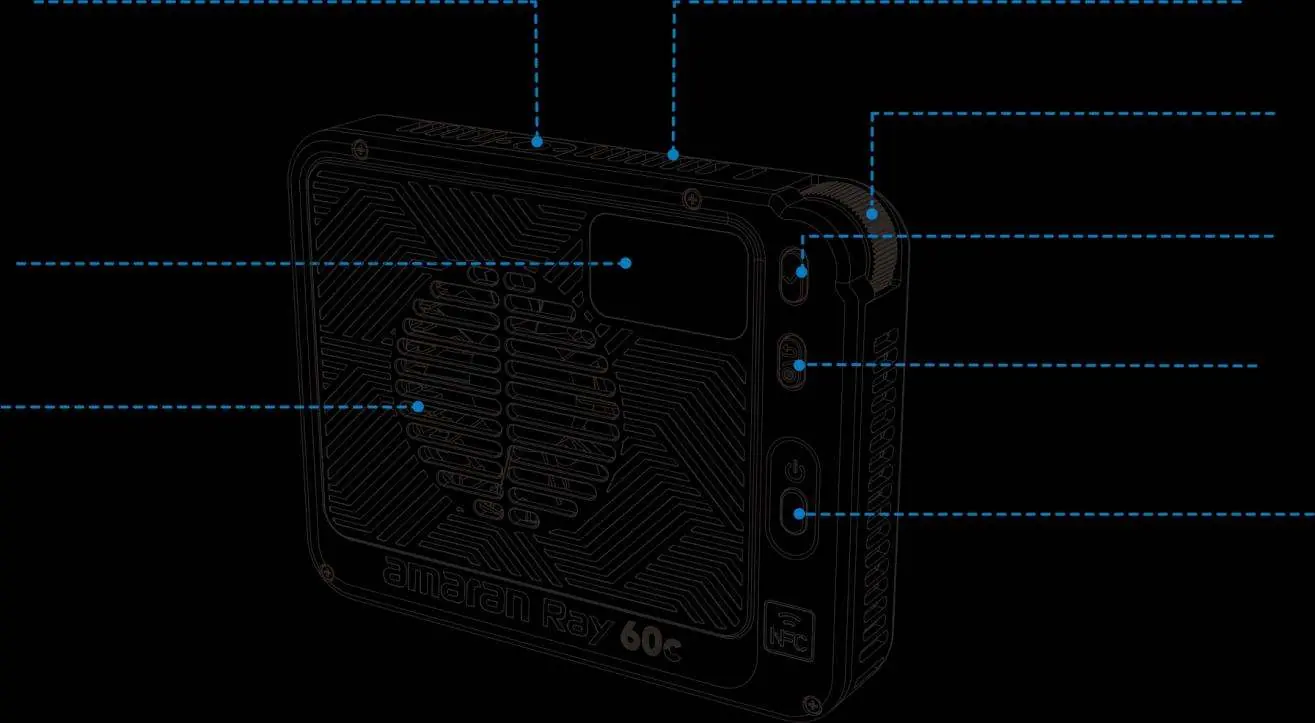
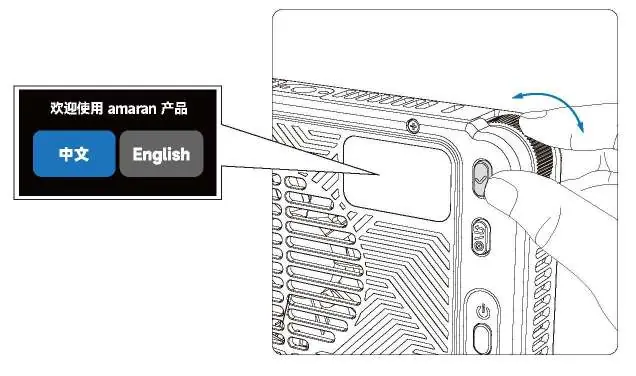
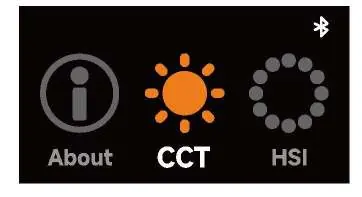
Use the FlowTurn knob to navigate the menu and the confirmation button to select settings. The main menu includes:
- CCT Mode: Adjust intensity (0-100%), color temperature (2,300K-10,000K), and G/M shift.
- HSI Mode: Adjust intensity, hue (1°-360°), and saturation.
- RGB Mode: Independent control of Red, Green, and Blue channels.
- FX Mode: Access various lighting effects like Lightning, Fire, and Paparazzi.
- Custom Mode: Configure shortcuts for the return button.
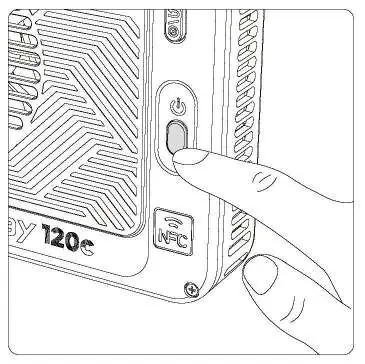
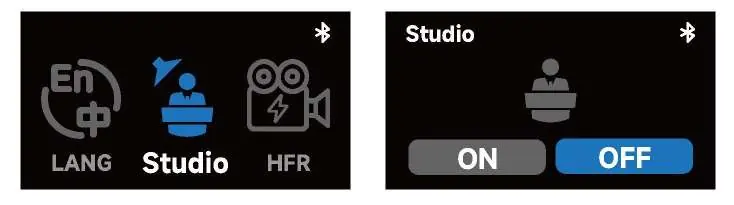
- Studio Mode: Enables automatic power-on when connected to power.
- HFR Mode: Optimized for high-speed shooting (up to 240 fps).
Maintenance and safety
Keep ventilation clear to prevent overheating. Clean the device with a soft, dry cloth. Do not immerse in water. For service, contact [email protected]. Always disconnect power before cleaning or storage.
Manufacturer information
Amaran
Practical help
Common problems
Light does not reach maximum brightness
Ensure the power source meets the required wattage. If using amaran Peak 75, brightness is limited to 50%.
Unit does not turn on or is unstable
Verify that the power adapter or battery meets the nominal power requirements specified in the manual.
Bluetooth connection issues
Navigate to the BT menu and perform a Bluetooth reset by holding the confirmation button.
Before use
- Check that all components (light, power adapter, softbox, handle) are present.
- Ensure the power source is compatible with the unit's requirements.
- Verify that the softbox is properly locked in place.
- Ensure all ports and plugs are dry before use in humid environments.
- Check that ventilation openings are not obstructed.
Images and diagrams
- The FlowTurn knob is used for scrolling menus and adjusting values.
- The Ace E-Lock system allows for quick attachment and detachment of the light.
- The Bowens mount release button is located on the side of the mount for easy accessory changes.
Model compatibility
- Compatible with amaran Peak 75 and amaran Peak battery systems.
- Supports standard Bowens mount accessories.
- Compatible with USB-C PD 3.1 power standards.

Manual page author
David Miller
Documentation analyst
Organizes user manual content into clear summaries, with attention to model details, product context, and everyday usability.