Electronics / Networking
Tapo Smart Home Product Catalog
Explore the full range of Tapo smart home devices. This guide provides an overview of Tapo HomeBase, security cameras, video doorbells, smart locks, robot vacuums, smart plugs, lighting, and sensors, including key features and...
Table of contents
Manual images
Click an image to enlargeTapo Smart Home Ecosystem Overview
The Tapo smart home ecosystem is designed to provide a unified, secure, and easy-to-manage home environment. By using the Tapo app, users can consolidate control over various devices, including cameras, doorbells, locks, vacuums, plugs, lighting, and sensors. The system supports advanced protocols like Matter and ONVIF for seamless integration with other smart home platforms.
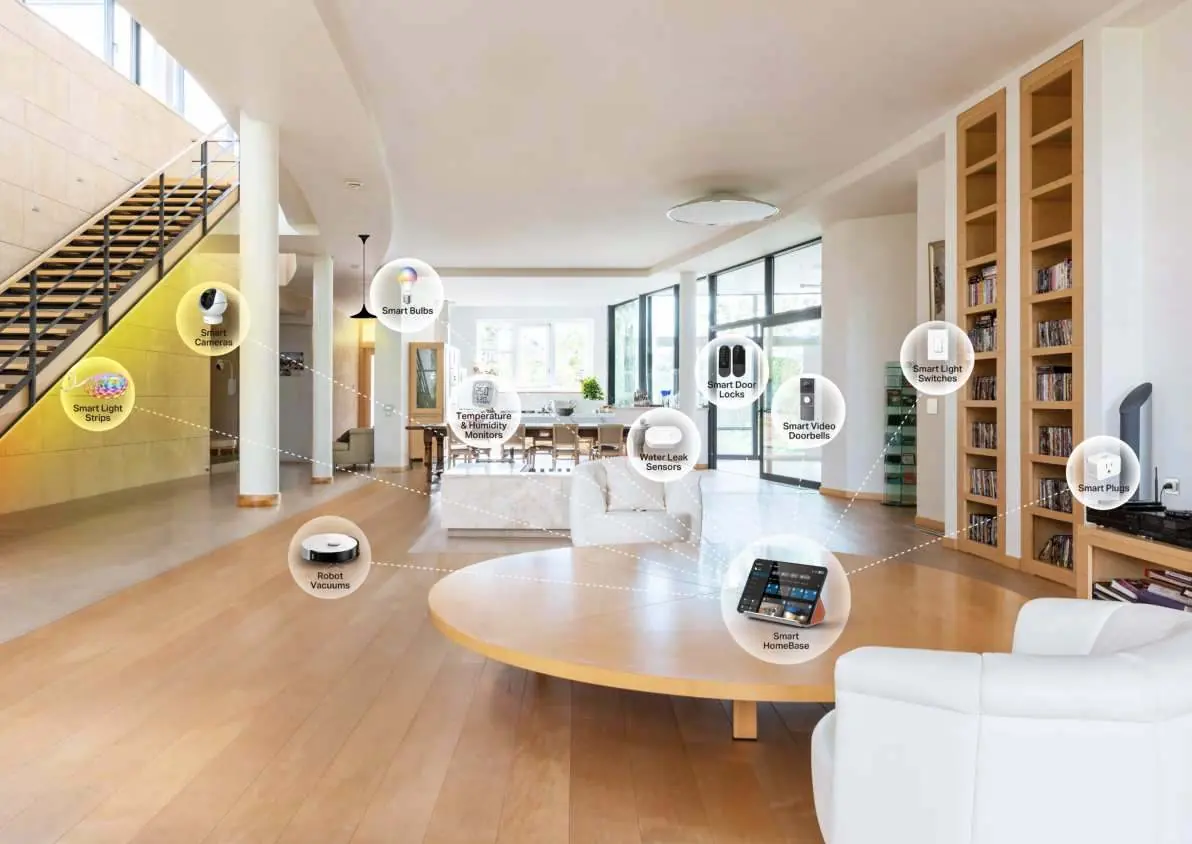
Smart HomeBase
The Tapo HomeBase acts as the central hub for your smart home. Models like the H500 offer centralized management for up to 16 cameras and 64 sensors. Key features include local storage (expandable up to 16TB via HDD/SSD), pro-level AI detection, and compatibility with Matter and ONVIF. Other hubs like the H200 and H100 provide specialized connectivity for sensors and IoT devices.
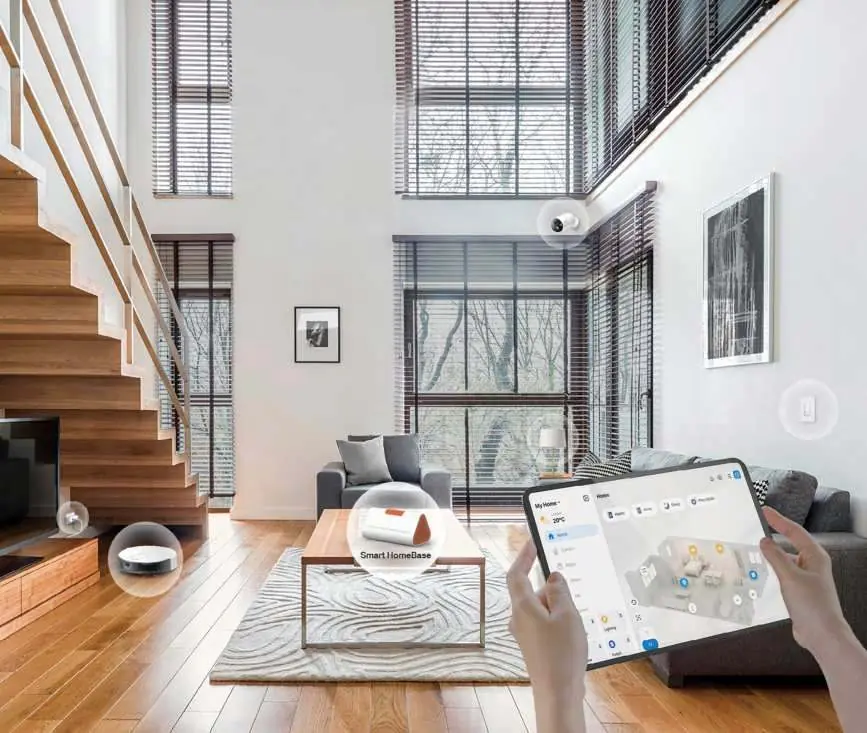
Smart Cameras
Tapo offers a diverse range of security cameras for indoor and outdoor use. Features include ColorPro night vision for daylight clarity in darkness, 360-degree pan/tilt coverage, and smart AI detection for people, pets, and vehicles. Options include battery-powered wire-free cameras, solar-powered kits, and 4G LTE models for locations without Wi-Fi.
Smart Video Doorbells
Tapo video doorbells provide 2K/5MP resolution with head-to-toe views and 180-degree fields of view. They feature color night vision, two-way audio, and multiple response options. Installation is flexible, with options for battery-powered wire-free placement or hardwired configurations.
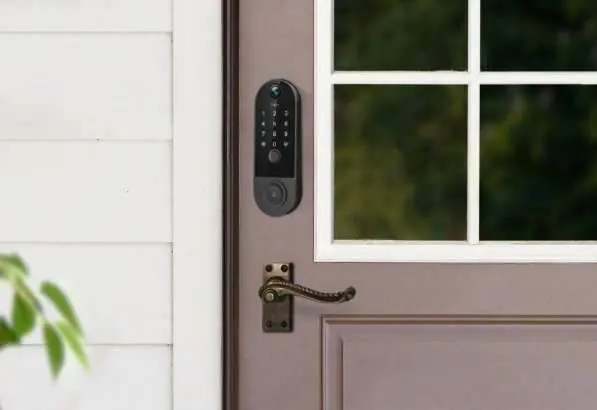
Smart Door Locks
Tapo smart locks, such as the DL130 and DL110, offer multiple unlock methods including fingerprint, keypad, app, and voice control. They feature BHMA-grade certification, scramble passcodes for security, and built-in door sensors to ensure the door is closed and locked.
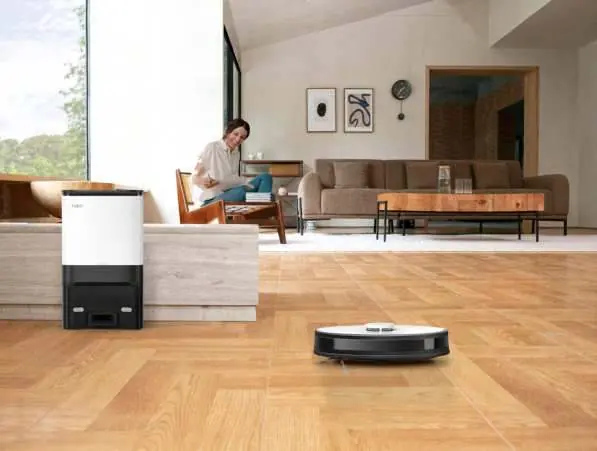
Robot Vacuums
Tapo robot vacuums feature LiDAR and Gyro navigation for precise mapping and obstacle avoidance. Models like the RV30S Plus and RV20 Mop Plus include auto-empty docks, vacuum and mop combos, and customizable cleaning schedules via the app. They are effective on both hard floors and carpets.
Plugs & Outlets
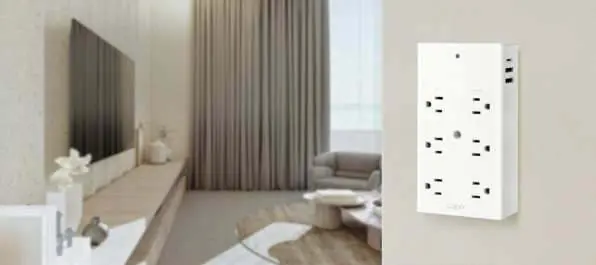
Tapo smart plugs and outlet extenders allow you to control traditional appliances remotely. Features include energy monitoring, scheduling, auto-off timers, and voice control compatibility. Some models include fast-charging USB ports and surge protection.
Smart Lighting
Tapo smart lighting includes multicolor bulbs, spotlights, and light strips. Features include brightness control, color temperature adjustment, and zonal control for light strips. Smart switches allow for automated lighting control and can be paired with sensors for motion-triggered lighting.
Smart Sensors
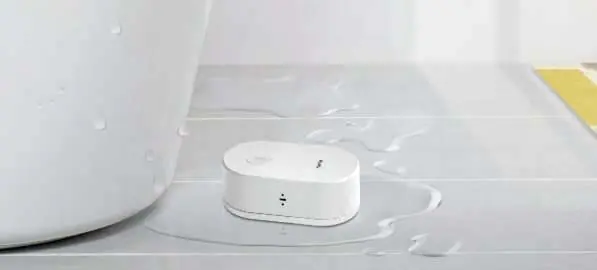
Tapo sensors enhance home security and comfort. The lineup includes motion sensors, contact sensors, temperature and humidity monitors, and water leak sensors. These devices can trigger automations, such as turning on lights or sending notifications when unusual conditions are detected.
Works with Tapo
Tapo devices are designed for broad compatibility. They support integration with major platforms like Amazon Alexa, Google Home, and Apple Home. The Tapo Care service provides cloud storage for camera footage, video summaries, and snapshot notifications.
Practical help
Common problems
Device not connecting to Wi-Fi
Ensure the device is within range of the router and that you are using a 2.4GHz network (unless 5GHz is explicitly supported by the specific model).
Sensor not triggering automation
Verify that the sensor is paired with a Tapo Hub, as most sensors require a hub to communicate with other devices.
Camera offline
Check the power supply and ensure the Wi-Fi signal is stable. If using a battery-powered camera, check the battery level.
Before use
- Download and install the Tapo app on your smartphone.
- Ensure your home Wi-Fi network is active and stable.
- Check if your specific device requires a Tapo Hub for operation.
- For battery-powered devices, ensure they are fully charged before initial setup.
- Verify compatibility with your preferred smart home platform (e.g., Matter, Apple Home, Alexa).
Specs in practice
- ColorPro Night Vision
- Advanced night vision technology that captures full-color images in ultra-low light conditions without needing spotlights.
- Matter-Certified
- A universal connectivity standard that allows devices to work seamlessly across different smart home ecosystems.
- IP66/IP67 Weatherproof
- Indicates the device is protected against dust and water, suitable for outdoor installation.
- LiDAR Navigation
- Laser-based navigation system that allows robot vacuums to map rooms accurately and avoid obstacles.
Images and diagrams
- The ecosystem overview diagram illustrates how the Tapo Hub connects various sensors, cameras, and plugs into a single unified network.
- Comparison tables for robot vacuums and light bulbs help identify the right model based on specific needs like suction power, battery capacity, or color temperature.
Model compatibility
- Tapo Hub is required for smart sensors and smart buttons.
- Matter-certified devices can be integrated into any Matter-compatible ecosystem.
- Cloud storage features require a subscription to Tapo Care.

Manual page author
Michael Turner
Technical manual editor
Reviews PDF manuals for structure, safety notes, and practical product details so readers can find the right information quickly.