Lighting / Fixtures
American Lighting Spektrum+ 12V AC Smart Lamp MR16 User Guide
Quick guide for the American Lighting Spektrum+ MR16 smart lamp, including setup, Bluetooth pairing, signal range considerations, and technical specifications.
Table of contents
Manual images
Jump to the sectionQuick guide from the manual
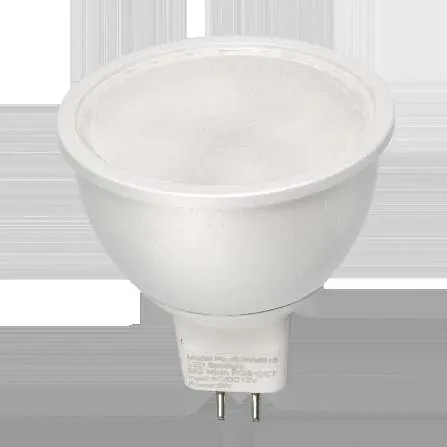
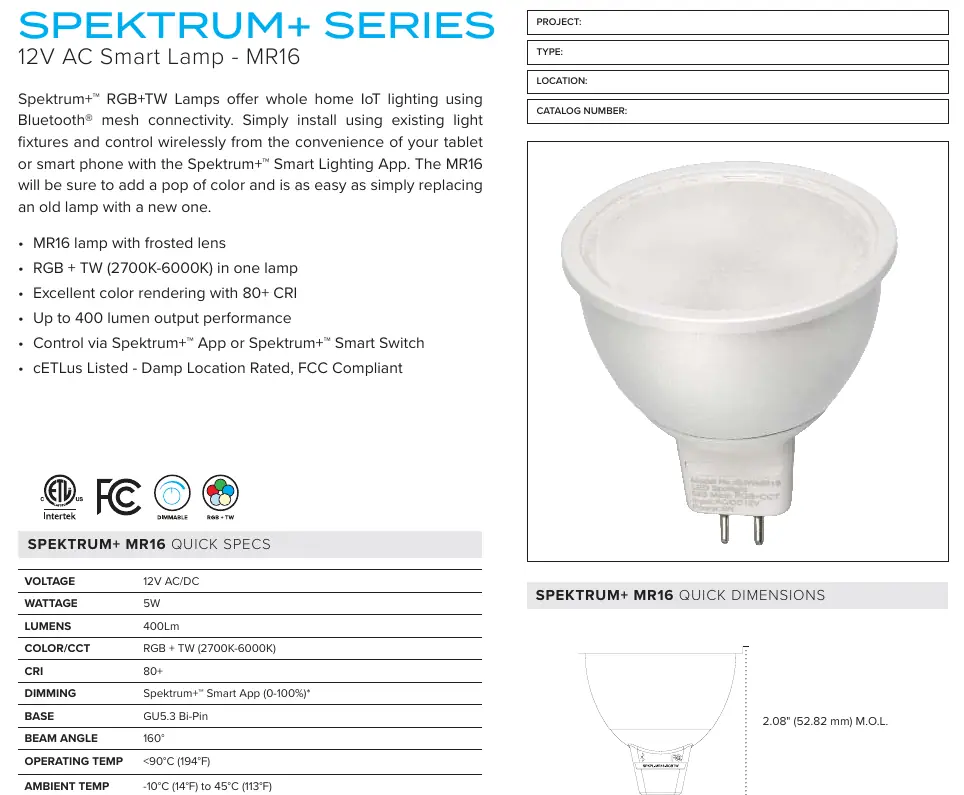
The Spektrum+ MR16 is a 12V AC/DC smart lamp designed for IoT lighting via Bluetooth mesh connectivity. It is controlled wirelessly using the Spektrum+ Smart Lighting App or a compatible Spektrum+ Smart Switch. Note that a Spektrum+ Smart Hub is required for advanced automation features and voice assistant integration.
Device operation and setup
Installation is as simple as replacing an existing lamp. Once installed, the device can be controlled via the app. To reset the device for pairing, power it ON and OFF 3 times in succession; the device will pulse BLUE once it is reset and ready to be paired.
Signal range and interference
The control range is approximately 25 meters (80ft) based on a clear line of sight. Obstacles will significantly reduce this distance. The following materials impact signal strength:
- Low reduction: Wood, Glass
- Medium reduction: Brick, Marble
- High reduction: Plaster, Concrete
- Very High reduction: Metal
Technical specifications
- Voltage: 12V AC/DC
- Wattage: 5W
- Lumens: 400Lm
- Color/CCT: RGB + TW (2700K-6000K)
- Base: GU5.3 Bi-Pin
- Beam Angle: 160 degrees
- Operating Temp: Less than 90 degrees Celsius (194 degrees Fahrenheit)
- Ambient Temp: -10 degrees Celsius to 45 degrees Celsius (14 degrees Fahrenheit to 113 degrees Fahrenheit)
- Rated Life: 25,000 Hours
Safety and troubleshooting
The lamp is not intended for use with standard wall switch dimmers. If you experience communication issues, ensure the receiver is not fully enclosed and is placed as close to an opening as possible. Devices using the same RF band may cause interference; if this occurs, move the receiver or transmitter to an alternate location or place a barrier between them.
Manufacturer information
American Lighting Inc.
Practical help
Common problems
Device not pairing or responding
Perform a reset by powering the device ON and OFF 3 times in succession until it pulses BLUE.
Poor signal range
Check for obstructions like metal, concrete, or plaster. Move the receiver closer to an opening or clear the line of sight.
Interference from other devices
Move the receiver/transmitter to an alternate location or place a physical barrier between conflicting devices.
Before use
- Ensure the fixture is compatible with 12V AC/DC power.
- Verify the base type is GU5.3 Bi-Pin.
- Download the Spektrum+ Smart Lighting App.
- Do not use with a standard wall switch dimmer.
- Consider purchasing a Spektrum+ Smart Hub if voice control or automation is required.
Specs in practice
- Damp Location Rated
- Suitable for use in areas with moisture, but not direct water exposure.
Images and diagrams
- The setup diagram shows the lamp connecting to the Spektrum+ Smart App via a Bluetooth mesh network.
- The Smart Hub is shown as an optional bridge for voice assistants and advanced automation.
Model compatibility
- Requires Spektrum+ Smart App or Spektrum+ Smart Switch for dimming.
- Not compatible with standard wall dimmers.
- Spektrum+ Smart Hub is required for voice assistant integration.

Manual page author
David Miller
Documentation analyst
Organizes user manual content into clear summaries, with attention to model details, product context, and everyday usability.