Electronics / Monitors
ASUS ExpertBook R12 Laptop Instructions
Comprehensive guide for the ASUS ExpertBook R12, covering technical specifications, hardware features, security options, and connectivity details for this educational-focused laptop.
Table of contents
Product Overview
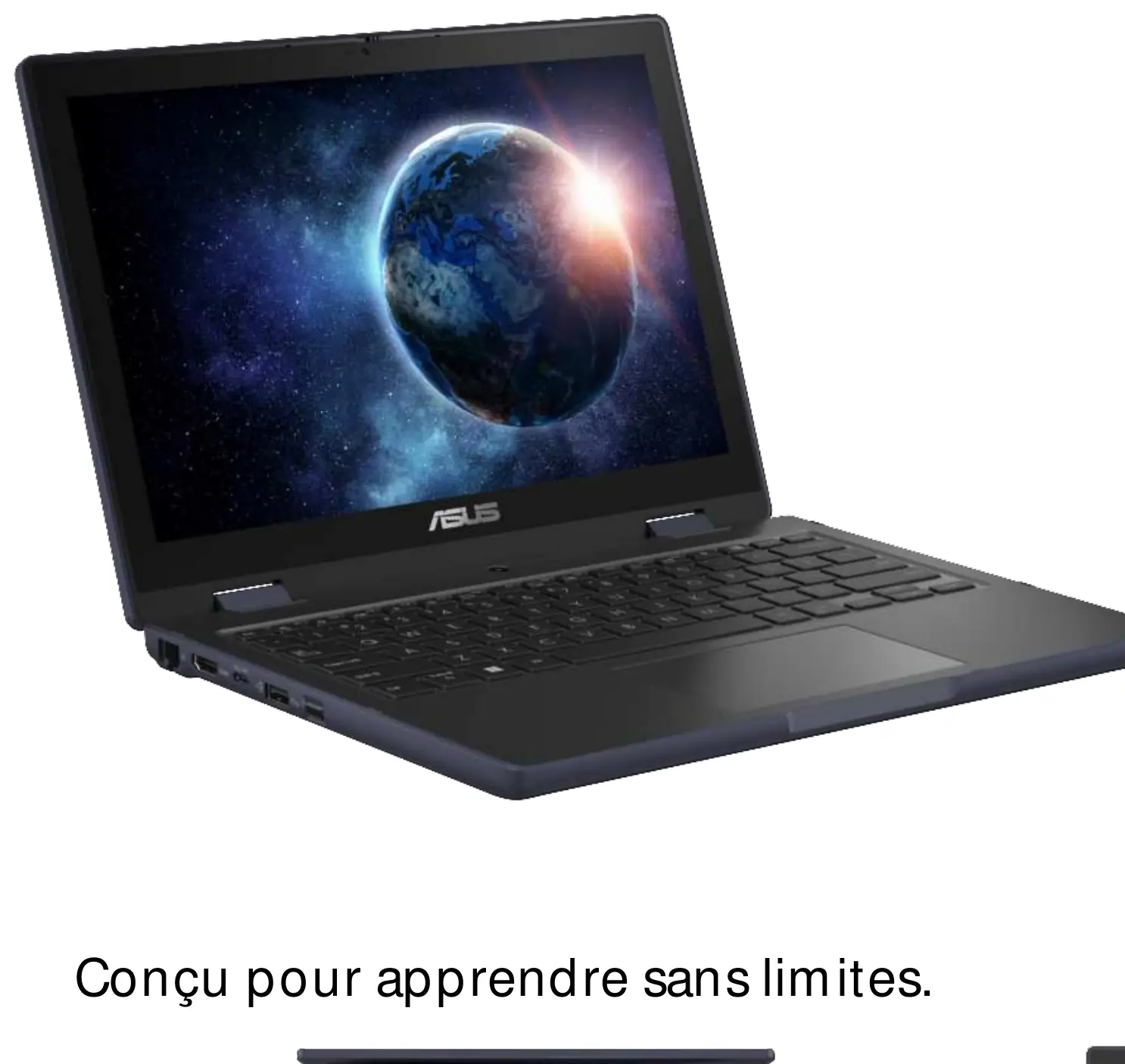
The ASUS ExpertBook R12 is a portable laptop specifically designed for educational environments. It combines a durable build with reliable performance to support learning without limits. The device features a 12.2-inch WUXGA anti-glare display with a 16:10 aspect ratio, providing clear visuals for various tasks. Powered by the Intel Celeron N100 processor, it offers efficient performance for daily academic activities.
Technical Specifications
The laptop is equipped with 8GB of LPDDR5 onboard memory and 128GB of UFS storage. Graphics are handled by the integrated Intel UHD Graphics. The system runs on Windows 11 Pro (Academic). The chassis is finished in Mineral Grey and is constructed from durable plastic, ensuring it can withstand the rigors of daily use in a classroom or mobile setting.
Connectivity and Ports
The ExpertBook R12 provides a versatile range of connectivity options to ensure compatibility with various peripherals. It includes one USB 3.2 Gen 2 Type-C port that supports display output and power delivery, one USB 2.0 Type-C port, two USB 3.2 Gen 1 Type-A ports, an HDMI 1.4 port, a 3.5mm combo audio jack, and an RJ45 Gigabit Ethernet port. Wireless connectivity is managed via Wi-Fi 6 (802.11ax) and Bluetooth 5.2.
Security and Power
Security is a priority for the ExpertBook R12, featuring BIOS booting user password protection, BIOS setup user password, and a Trusted Platform Module (TPM) 2.0 chip. It is also Computrace ready. The device is powered by a 50WHrs 3-cell Li-ion battery, which is charged via a Type-C power adapter. The front-facing 720p HD camera includes a privacy shutter to ensure user security when the camera is not in use.
Maintenance and Support
The device has a repairability index of 7.2, indicating a design that facilitates easier maintenance. It includes an accessible M.2 2280 PCIe 3.0x4 slot for storage expansion. ASUS provides a 24-month Pick Up & Return warranty service. Optional service extensions are available, including on-site intervention options to minimize downtime in educational settings.
Manufacturer information
ASUSTeK Computer Inc.
Practical help
Before use
- Ensure the battery is fully charged using the provided Type-C adapter.
- Check that the privacy shutter on the 720p HD camera is open before video calls.
- Verify that all necessary peripherals are connected to the appropriate USB or HDMI ports.
- Connect to a stable network via Wi-Fi 6 or the RJ45 Gigabit Ethernet port.
- Configure BIOS passwords to enhance device security.
Specs in practice
- Intel Celeron N100
- Processor with 4 cores and 4 threads, capable of boosting up to 3.4GHz.
- 50WHrs Battery
- Capacity of the internal 3-cell Lithium-ion battery.
Model compatibility
- Supports M.2 2280 PCIe 3.0x4 SSD for storage upgrades.
- USB Type-C port supports display output and power delivery.
- Compatible with Windows 11 Pro (Academic) environment.

Manual page author
Michael Turner
Technical manual editor
Reviews PDF manuals for structure, safety notes, and practical product details so readers can find the right information quickly.