Home Appliances / Cooktops Hobs
Bosch Induction Cooktop User Guide 24-BOS-1831I
Quick guide for Bosch induction cooktops, including cookware compatibility, cleaning instructions, and feature usage like SpeedBoost and FlexInduction.
Quick answers from the manual
Quick answer
- This guide covers the operation of Bosch induction cooktops, including cookware testing, advanced features like SpeedBoost and FlexInduction, safety locking, and proper cleaning techniques using a scraper. p. 1, 2
Key actions
- Lock or unlock the control panel p. 1
- Clean the cooktop surface p. 2
Problems and fixes
Cooking zone display blinks
Place cookware on the zone within 30 seconds to avoid automatic shut-off.
p. 1Show 1 more answers Show less
Where to find it in the PDF
- Quick Tips and Tricks p. 1
- Features and Cleaning p. 2
Table of contents
Manual images
Click an image to enlargeQuick Tips and Tricks
This guide provides essential operating tips for your Bosch induction cooktop. Always ensure the cooktop is clean and cool before beginning any maintenance. If the cooking zone display blinks, it indicates that no pan is detected; place your cookware on the zone within 30 seconds to prevent it from switching off automatically.
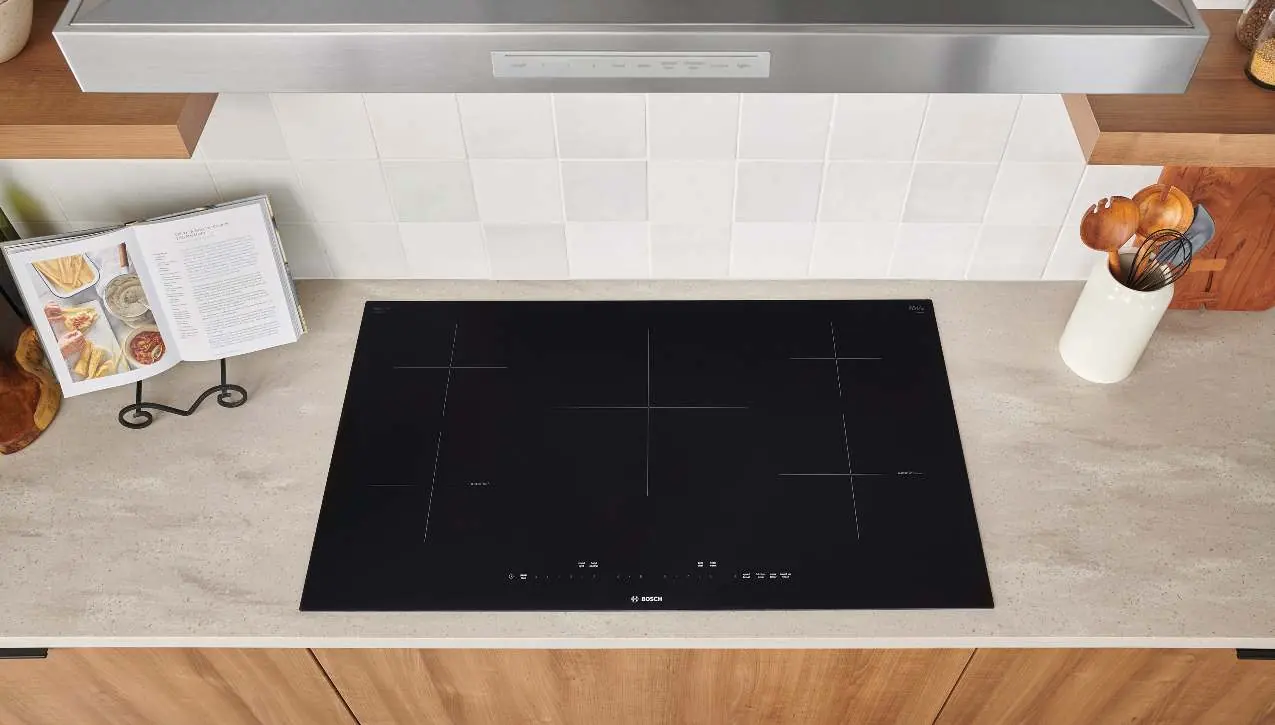
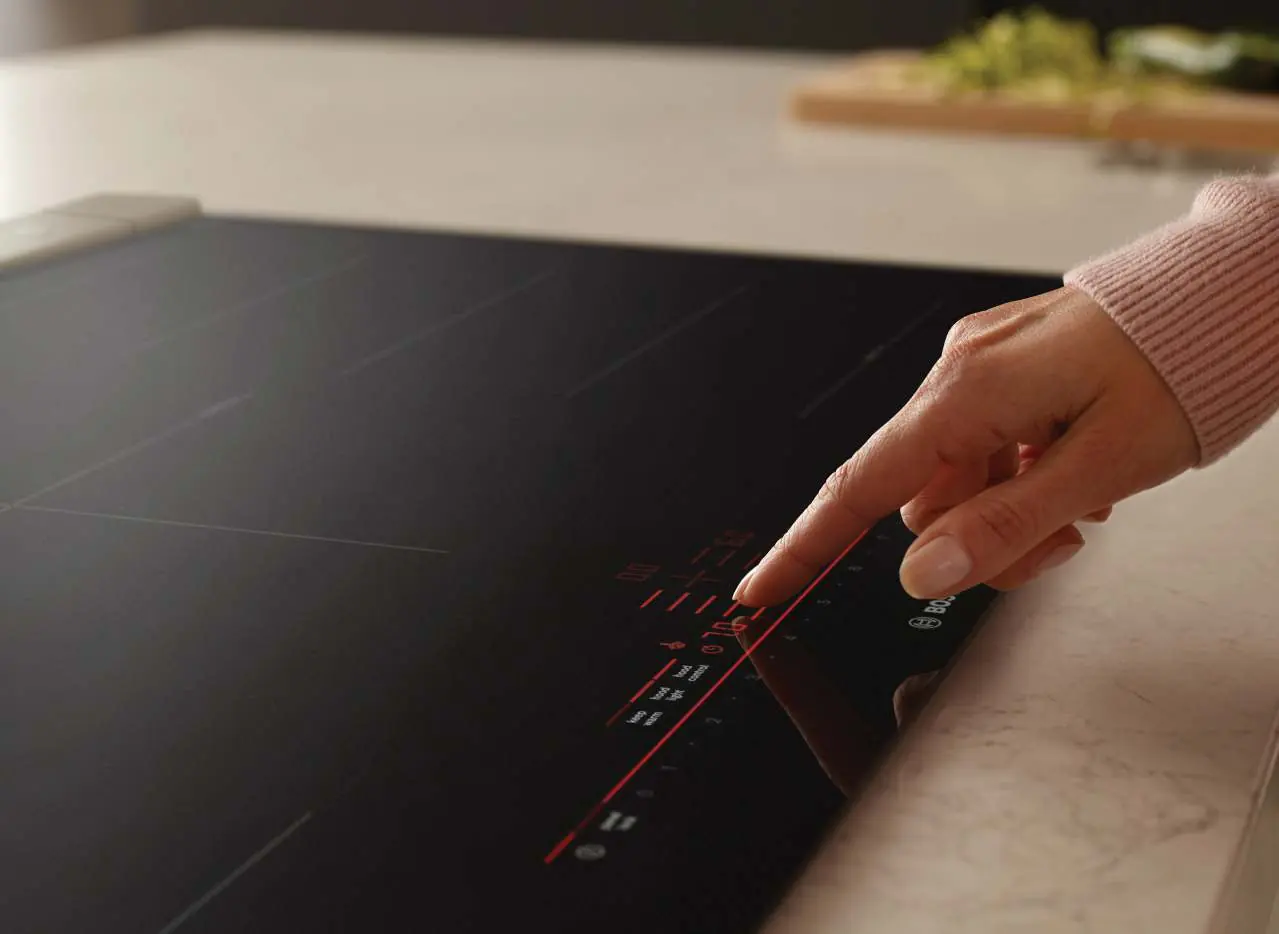
Cookware Compatibility
Only use cookware that is safe and approved for induction cooktops. You can easily test compatibility by checking if a magnet sticks to the bottom of the pan. If it does, the cookware is suitable for use.
Advanced Features
Bosch induction cooktops include several features to maximize performance. Note that availability may vary by model:
- SpeedBoost: Use this function when heating large amounts of water for faster boiling.
- FlexInduction: Combines two cooking zones into one large area, ideal for griddles or large pans. Only the areas covered by cookware are activated.
- PowerMove: Activates the flexible cooking zone into three distinct power levels, allowing you to move your pan to adjust heat without changing settings.
- AutoChef: Controls the temperature of the pan via a sensor to prevent overheating and save energy.
Safety Features
The cooktop is equipped with a residual heat indicator that lights up when a zone is turned off but remains hot; do not touch the area while this light is on. To prevent accidental activation, use the Panel Lock feature: press the Clean Lock / Child Lock button for four seconds to turn the lock on or off.
Cleaning and Care
Always wait until the cooktop has fully cooled before cleaning. Follow these steps for proper maintenance:
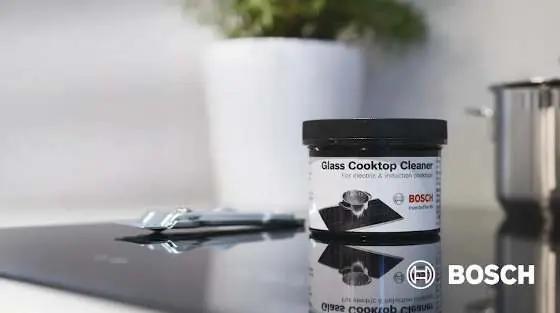
- Wipe away spatter with a clean, damp cloth.
- Remove food residue using a glass cooktop scraper held at a low angle (20-30 degrees). Using the scraper at a higher angle may scratch the surface.
- Apply a glass cooktop cleaner with a soft cloth and wipe away excess.
- Do not use abrasive cleaners, scouring pads, harsh chemicals, or dirty sponges.
- Remove plastic or high-sugar spills immediately after the surface has cooled.
- For stubborn grease, apply a dedicated degreaser, wait 3 to 5 minutes, and rub with a soft cloth.
Need Assistance?
For additional support, visit the Bosch Owner Support Resources at bosch-home.com/us/owner-support. You can find the complete owner manual online at bosch-home.com/us/owner-support/get-support/owner-manuals. For direct assistance, contact the Bosch Customer Support Team at 1-800-944-2904.
Official resources from the manual
Manufacturer information
Bosch
Practical help
Common problems
Cooking zone display is blinking
The cooktop is trying to detect cookware. Place a pan on the zone within 30 seconds.
Surface is scratched during cleaning
Ensure the glass cooktop scraper is held at a low angle (20-30 degrees). Higher angles can damage the surface.
Cooktop turns on accidentally
Use the Panel Lock feature by pressing the Clean Lock / Child Lock button for four seconds.
Before use
- Verify cookware compatibility using a magnet on the pan bottom.
- Ensure the cooktop surface is clean and cool.
- Check that the Panel Lock is disabled if you intend to cook.
Show more Show less
Specs in practice
- FlexInduction
- Combines two zones into one for large cookware.
Images and diagrams
- The control panel allows for intuitive selection of cooking zones and power levels.
- Residual heat indicators warn when a zone is still hot after use.
Model compatibility
- Only use induction-safe cookware.
- Plastic and high-sugar foods must be removed immediately if spilled to avoid permanent damage.

Manual page author
David Miller
Documentation analyst