Documents / Warranty Safety
Bushnell Trophy 10x50 Binocular Owner's Guide
Comprehensive owner's guide for the Bushnell Trophy 10x50 binocular, covering setup, diopter adjustment, tripod mounting, and maintenance.
Table of contents
Manual images
Jump to the sectionProduct Overview
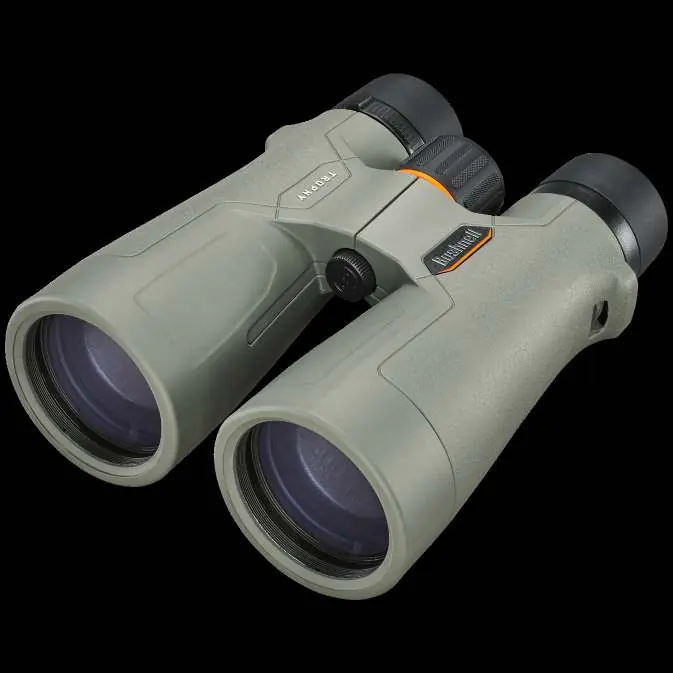
The Bushnell Trophy 10x50 binocular is a high-performance optical instrument designed for durability and precision. It features fully multi-coated optics and BaK-4 prisms for bright, sharp images. The housing is constructed with Dura-Grip rubber armor, making it both comfortable to hold and environmentally responsible. The unit is O-ring sealed and nitrogen-purged, ensuring 100% waterproof and fogproof performance.
Setup and Adjustment
To achieve the best viewing experience, follow these steps:
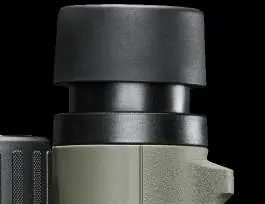
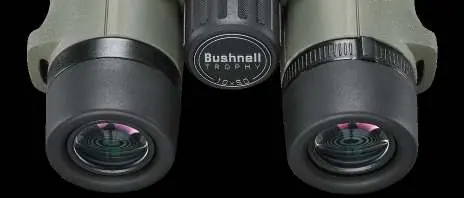
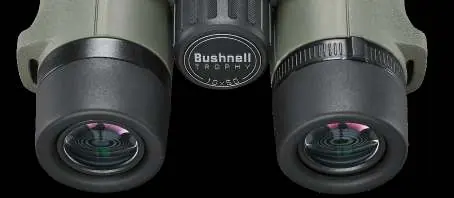
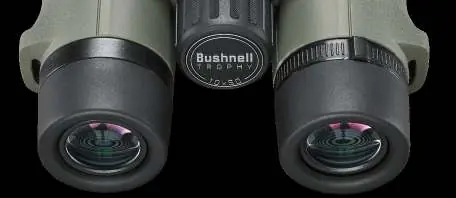
- Eyecup Adjustment: Twist the eyecups up for use without eyeglasses to ensure the correct eye relief. Twist them down if you wear glasses or sunglasses.
- Interpupillary Distance (IPD): Adjust the distance between the two barrels by moving them closer or further apart until you see a single, clear image without shaded areas.
- Focus and Diopter Adjustment: First, focus on a distant object using the center focus knob while looking through the left side. Then, cover the left objective lens and use the diopter adjustment ring (located under the right eyecup) to sharpen the image for your right eye. Once set, you can use the center focus knob for all future distance adjustments.
Tripod Mounting
For stable viewing during prolonged use, the binocular can be mounted to a tripod or monopod. Unscrew the cap at the end of the center hinge to reveal the threaded socket. Use a compatible 90-degree angle tripod adapter, such as the Bushnell #161002CM, to attach the binocular.
Care and Maintenance
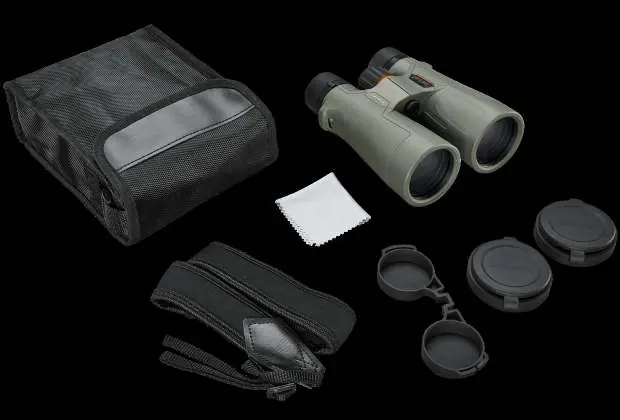
To ensure years of trouble-free service, handle the binoculars with care and avoid sharp impacts. Clean the lenses by first blowing away dust with canned air or a soft brush. Use the provided microfiber cloth for routine cleaning, rubbing in a circular motion. Avoid using coarse cloths, paper towels, or household window cleaners, as these can damage the optical coatings. Store the binoculars in a cool, dry place.
Safety Warning
Never look directly at the sun through your binoculars or any other optical instrument, as this can cause permanent eye damage.
Manufacturer information
Bushnell
Practical help
Common problems
Image is not sharp in one eye
Adjust the diopter ring located under the right eyecup to compensate for vision differences between your eyes.
Shaded areas in the field of view
Adjust the interpupillary distance (IPD) by moving the barrels closer or further apart until a single, clear image is visible.
Difficulty seeing the full field of view
Adjust the eyecups. If you wear glasses, twist them down; if not, twist them up.
Before use
- Remove lens covers.
- Adjust eyecups for your eyewear preference.
- Set the interpupillary distance (IPD).
- Perform the diopter adjustment for your specific vision.
- Ensure the neckstrap is securely attached.
Specs in practice
- Magnification
- 10x power brings the subject 10 times closer.
- Objective Diameter
- 50mm lens size allows for significant light gathering.
- Nitrogen Purged
- Internal air is replaced with dry nitrogen to prevent internal fogging.
Images and diagrams
- Parts Guide: Identifies the diopter ring, center focus knob, ocular lenses, twist-up eyecups, objective lenses, and tripod socket.
- IPD Adjustment: Shows the movement of barrels to match eye width.
- Diopter Adjustment: Highlights the ring under the right eyecup for fine-tuning focus.
Model compatibility
- Compatible with standard tripods using a 90-degree angle adapter (e.g., Bushnell #161002CM).

Manual page author
Emily Carter
User documentation editor
Prepares concise manual descriptions and highlights the most useful setup, operation, and maintenance information for readers.