Power / Batteries Chargers
Operating Instructions for Pronomic MOVE 112MA-A and 115MA-A Battery-Powered Active Speakers
Comprehensive operating instructions for the Pronomic MOVE 112MA-A and 115MA-A battery-powered active speaker systems, covering setup, Bluetooth connectivity, TWS pairing, and wireless microphone usage.
Table of contents
Product Overview
The Pronomic MOVE 112MA-A and 115MA-A are portable, battery-powered active loudspeaker systems designed for versatile audio applications. These units feature integrated MP3 players, Bluetooth connectivity, and support for wireless microphones, making them ideal for mobile sound reinforcement.
Safety and Setup
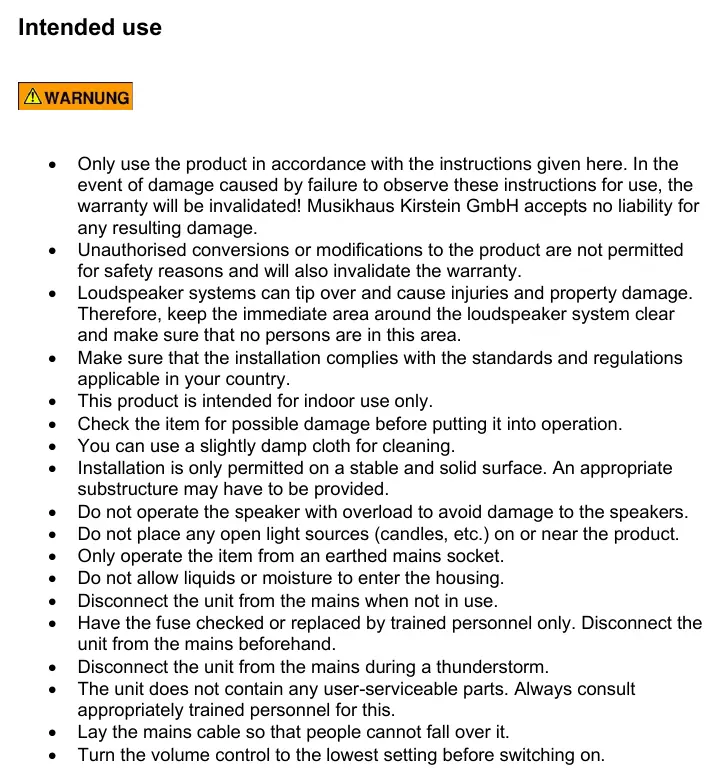
Always operate the device from an earthed mains socket. Ensure the unit is placed on a stable, solid surface to prevent tipping. Keep the area around the speaker clear. Do not expose the housing to liquids or moisture. Before switching on, set the volume to the lowest level to avoid sudden loud output. The unit does not contain user-serviceable parts; internal maintenance, including fuse replacement, must be performed by trained personnel.
Bluetooth and TWS Functionality
To connect via Bluetooth, press the MODE button on the integrated player until Bluetooth mode is active, then pair your device. The system supports TWS (True Wireless Stereo) to link two speakers. To use TWS, activate Bluetooth mode on both units, then press and hold the MODE/TWS button on both speakers until a connection tone is heard.
Wireless Microphones
The system includes support for wireless microphones or headsets. Ensure batteries are inserted into the transmitter/body pack. Connect the headset cable if applicable, switch on the transmitter, and adjust the volume using the dedicated wireless microphone controls on the rear panel. Antennas can be adjusted to optimize reception.
Integrated Player
The digital player supports playback from USB sticks and SD cards. Use the front panel buttons to play, pause, stop, repeat tracks, or navigate through your music library. Volume for the player can be adjusted by long-pressing the previous/next track buttons.
Maintenance and Disposal
Clean the exterior with a slightly damp cloth. The unit contains a rechargeable lead battery. At the end of its life, the product must be disposed of separately from household waste at a designated recycling center in accordance with WEEE regulations.
Manufacturer information
Musikhaus Kirstein
Practical help
Common problems
Clip LED lights up
Turn down the volume immediately to prevent damage to the unit.
No sound from wireless microphone
Check if the body pack is switched on, batteries are inserted, and the wireless microphone volume control (13) is turned up.
TWS connection fails
Ensure both speakers are in Bluetooth mode before pressing and holding the MODE/TWS button on both units.
Before use
- Check the unit for any physical damage.
- Ensure the installation surface is stable and solid.
- Set the volume control to the lowest setting before powering on.
- Verify the mains voltage is compatible (AC 230V).
- Ensure the area around the speaker is clear of obstructions.
Specs in practice
- Frequency Range (Headset/Mic)
- 863-865 MHz, the operating frequency for wireless components.
Images and diagrams
- The rear panel contains the main control interface including volume, EQ (Treble, Middle, Bass), and input selection.
- Inputs include XLR, 6.3mm jack, and Cinch (RCA) for various audio sources.
- The digital player section manages USB, SD, and Bluetooth playback modes.
- Separate volume controls are provided for wired microphones/instruments and wireless microphones.
Model compatibility
- Intended for indoor use only.
- Supports external 12V DC charging sources (e.g., car batteries).
- TWS function is only compatible between two Pronomic MOVE battery box systems.

Manual page author
Emily Carter
User documentation editor
Prepares concise manual descriptions and highlights the most useful setup, operation, and maintenance information for readers.