Power / Batteries Chargers
Scosche Rhythm+ 2.0 Waterproof Armband Heart Rate Monitor User Guide
Quick start guide for the Scosche Rhythm+ 2.0 heart rate monitor, covering power operation, LED status indicators, device pairing, and recommended placement.
Table of contents
Product Overview
The Scosche Rhythm+ 2.0 is a waterproof heart rate monitor designed for fitness tracking. It features a multi-function button (MFB) for power control and an LED indicator to display device status.
Power Operation
To operate the device, use the Multi-Function Button (MFB):
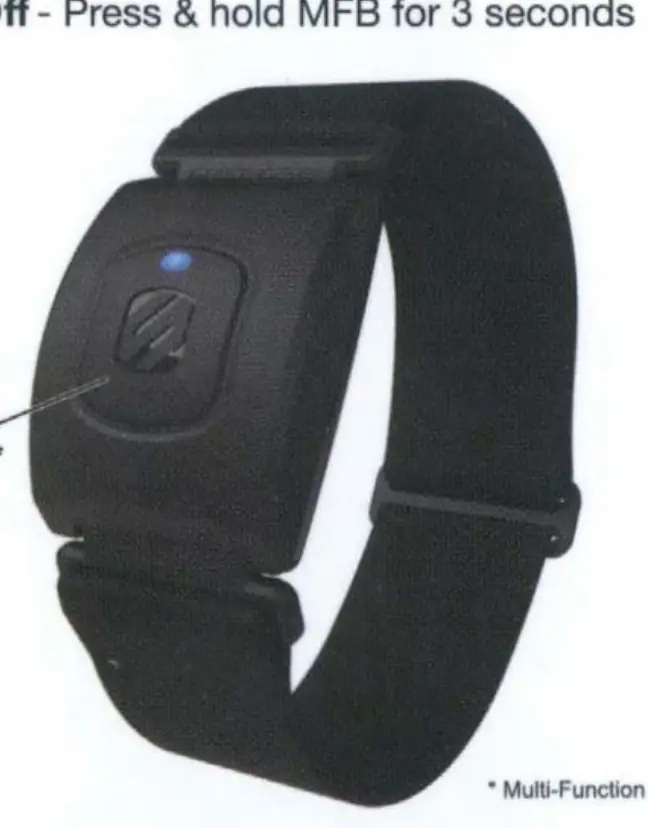
- Turn On: Press and hold the MFB for 2 seconds.
- Turn Off: Press and hold the MFB for 3 seconds.
LED Status Indicators
The LED light provides visual feedback on the device's current state:
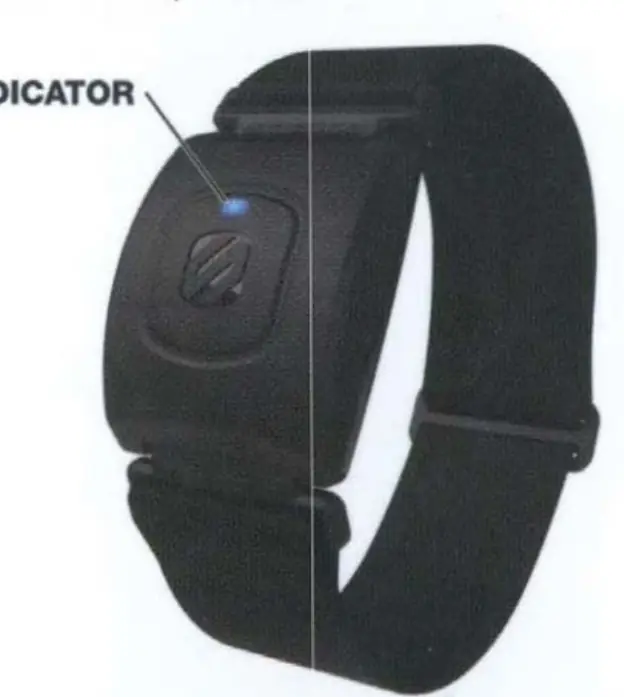
- Red/Blue: Bluetooth Pairing Mode.
- (3) Blue Blinks: Successful Bluetooth connection.
- Blue: Normal operation.
Initial Setup
The device supports connectivity with various fitness apps and hardware:
- Bluetooth Smart Fitness Apps: Ensure Bluetooth is enabled on your device, open the Sensor Settings menu in your fitness app, turn on the Rhythm+ 2.0, and select it to connect.
- Bluetooth & ANT+ Devices: For sports watches and fitness equipment, navigate to the device settings menu, select Add HR sensor, turn on your Rhythm+ 2.0, and select it to pair.
Armband Placement
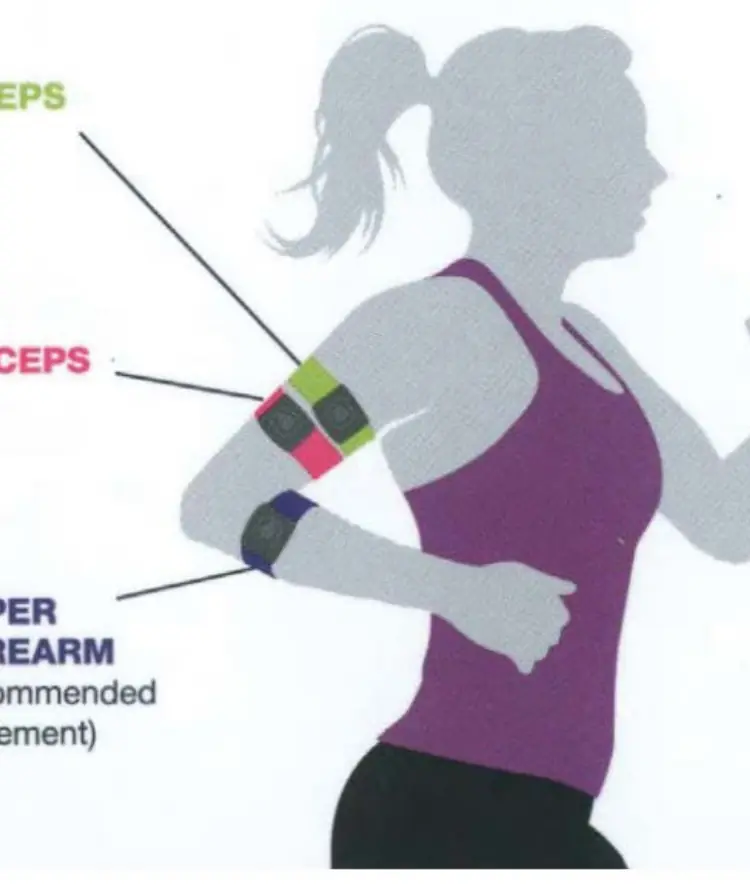
For optimal performance, the armband can be worn on the bicep, tricep, or upper forearm. The upper forearm is the recommended placement for the most accurate readings.
Safety and Compliance
This device complies with part 15 of the FCC Rules and Canadian RSS standards. It is designed to operate without causing harmful interference and must accept any received interference. Users are advised to reorient or relocate the receiving antenna or increase separation between equipment if interference occurs. Unauthorized modifications to the device may void the user's authority to operate the equipment.
Related manuals
Related manuals from the same brand or category.
Power / Batteries Chargers
Scosche MagicMount Travel Folding 2-in-1 Wireless Charging Stand
ScoscheTools / Generators
Scosche 142PI100CL 100W Portable Power Inverter
ScoscheMobile / Smartphones
Scosche MagicMount Pro2 Extendo Telescoping Phone Mount
ScoscheHome Appliances / Washing Machines