Computers / Laptops
Repair Guide for Asus Eee PC 1015PX
Step-by-step repair guide for the Asus Eee PC 1015PX. Learn how to safely replace the cooling fan and access the hard drive compartment with detailed instructions.
Table of contents
Manual images
Click an image to enlargeQuick Guide for Repairs
This guide provides instructions for accessing the internal components of the Asus Eee PC 1015PX, specifically for replacing the cooling fan and the hard drive.
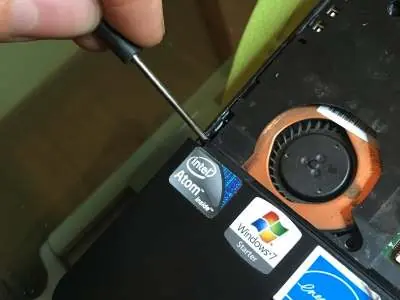
Safety and Preparation
Before beginning any disassembly, ensure the device is powered off and the battery is removed.
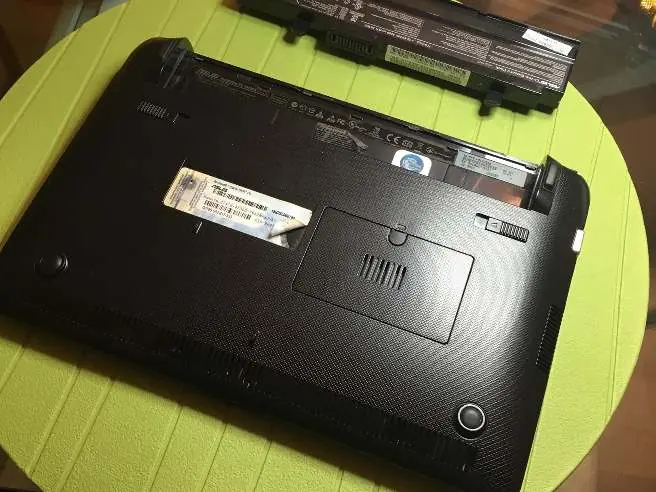
Keyboard Removal
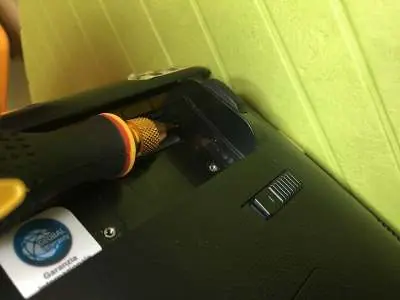
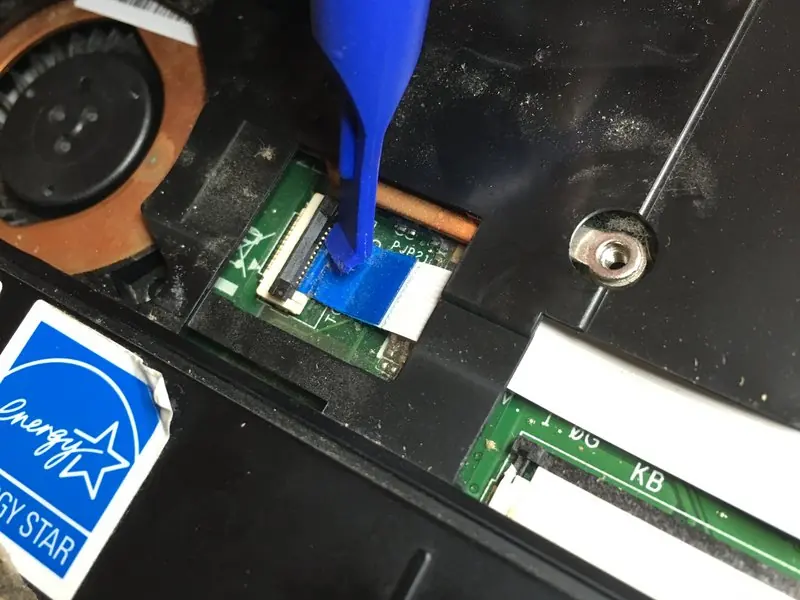
- Use a screwdriver to press into the 2 slots to unlock the keyboard hooks.
- Pry up the 2 side points to release the joints.
- Use a flat opening tool to unclip the keyboard along the perimeter.
- Unhook the keyboard and disconnect the ribbon cable by opening the 2 black side latches.
Trackpad and Mouse Block Removal
- Disconnect the 2 ribbon cables.
- Remove the screws, including the one located under the yellow sticker.
- Pry in the 2 points and use a flat tool to release the trackpad block along the perimeter.
- Unhook and remove the mouse block.
Cooling Fan and Heatsink Replacement
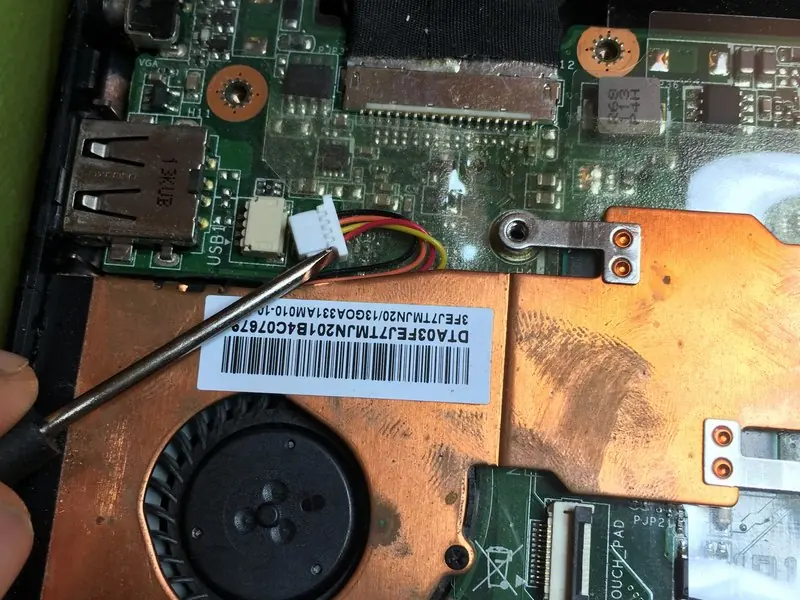
- Remove the heatsink and fan screws.
- Unhook the fan ribbon cable.
- Carefully clean the old thermal paste from the processor and heatsink.
- Apply new thermal paste before reassembling.
Hard Drive Access
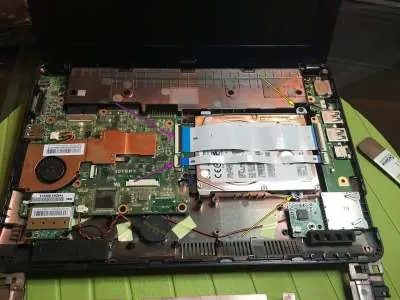
To replace or remove the HDD, unhook the 2 ribbon cables (indicated by purple arrows) and remove the 2 screws (indicated by yellow arrows).
Reassembly
To reassemble your device, follow these instructions in reverse order.
Manufacturer information
ASUSTeK Computer Inc.
Practical help
Common problems
Overheating
Clean the cooling fan and replace the thermal paste on the processor and heatsink.
Hard drive failure
Access the HDD compartment by following the disassembly steps to replace the drive.
Before use
- Ensure the laptop is powered off.
- Remove the battery before starting any disassembly.
- Have a screwdriver and a flat opening tool ready.
- Keep track of all removed screws.
Images and diagrams
- The guide uses purple arrows to indicate screw locations.
- Yellow arrows indicate specific screws for HDD removal.
Model compatibility
- This guide is specific to the Asus Eee PC 1015PX model.

Manual page author
Emily Carter
User documentation editor
Prepares concise manual descriptions and highlights the most useful setup, operation, and maintenance information for readers.