Electronics / Monitors
Generic 13GT Smart Watch User Guide
Quick start guide for the Generic 13GT Smart Watch, covering device operation, app installation, Bluetooth connectivity, health monitoring features, and safety precautions.
Table of contents
Manual images
Jump to the sectionQuick guide from the manual
This document provides essential instructions for operating the 13GT Smart Watch. Key tasks include pairing the device with the GloryFit app, managing health monitoring features, and performing basic maintenance to ensure device longevity.
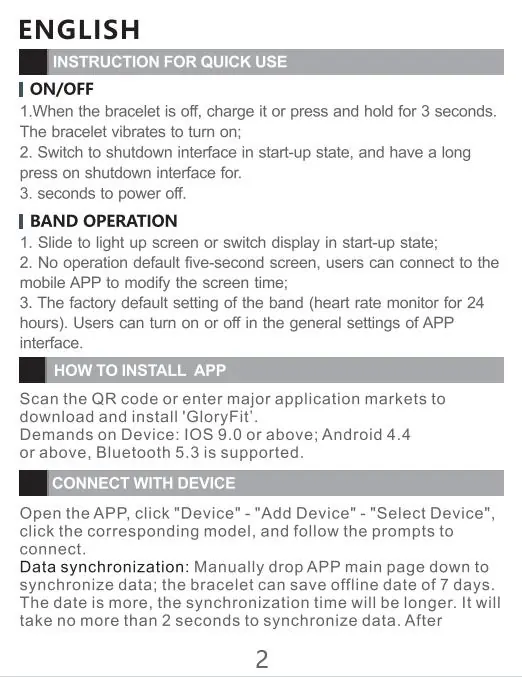
On/Off and Band Operation
To turn the device on, charge it or press and hold the button for 3 seconds until it vibrates. To power off, navigate to the shutdown interface and perform a long press. The screen lights up upon sliding; if left idle, the screen turns off after 5 seconds by default.
App Installation and Device Connection
Download and install the GloryFit app by scanning the provided QR code or searching in major app stores. Ensure your device meets the following requirements: iOS 9.0 or above, Android 4.4 or above, and Bluetooth 5.3 support. To connect, open the app, navigate to Device, select Add Device, and follow the on-screen prompts. Data synchronization is performed by pulling down on the app's main page.
Main Function Interface
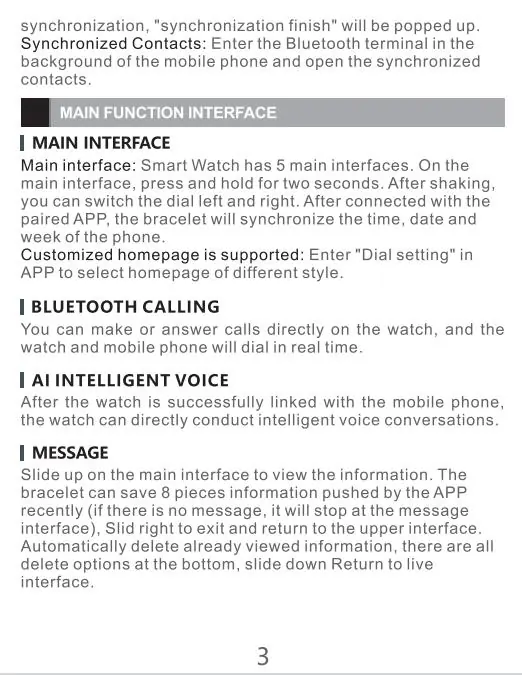
The watch features 5 main interfaces. Press and hold for two seconds on the main screen to switch dials. Features include:
- Bluetooth Calling: Make and answer calls directly from the watch.
- AI Intelligent Voice: Conduct voice conversations once linked to your phone.
- Message: View pushed notifications by sliding up on the main interface.
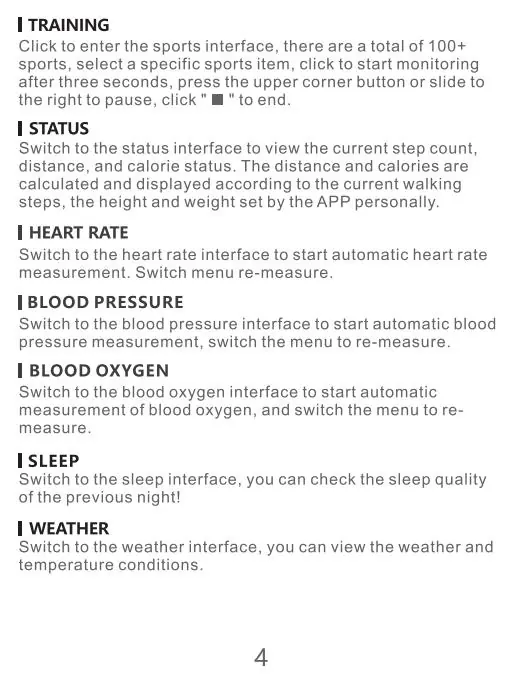
- Training: Access over 100 sports modes.
- Health Monitoring: Automatic tracking for heart rate, blood pressure, blood oxygen, and respiration rate.
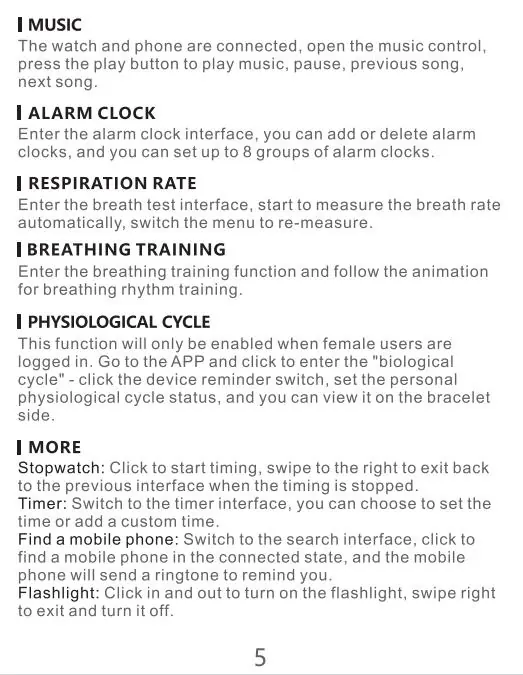
- Additional Tools: Includes music control, alarm clock, breathing training, physiological cycle tracking, stopwatch, timer, phone finder, and flashlight.
Settings and Precautions
Access settings to adjust dials, brightness, sound, vibration, passwords, and language. Important safety precautions include:
- Use only 5V 500mA chargers; avoid over-voltage power supplies.
- Operating temperature range is 0°C to 45°C.
- Keep the device away from chemicals like gasoline, alcohol, or insect repellent.
- Do not wear the watch in a hot bath.
- Clean the device weekly with a damp cloth and mild soap to prevent skin irritation.
Practical help
Common problems
Device will not turn on
Charge the device or press and hold the button for 3 seconds.
Data not synchronizing
Manually pull down on the main page of the GloryFit app to trigger synchronization.
Skin irritation or allergy
Dry sweat from your wrist promptly and clean the band weekly with mild soap.
Charging failure
Ensure the band is dry before charging; moisture on touch points can cause faults.
Before use
- Ensure your smartphone is running iOS 9.0+ or Android 4.4+.
- Download and install the GloryFit app.
- Charge the device using a 5V 500mA power source.
- Enable Bluetooth on your mobile device.
- Clean the device with a soft cloth before initial use.
Specs in practice
- Bluetooth 5.3
- Required wireless standard for stable connection with the mobile app.
Model compatibility
- Requires GloryFit app for full functionality.
- Physiological cycle tracking is only available when female users are logged in.
- Offline data storage capacity is 7 days.

Manual page author
Michael Turner
Technical manual editor
Reviews PDF manuals for structure, safety notes, and practical product details so readers can find the right information quickly.