Home Appliances / Vacuum Cleaners
Ryobi 18V Product Registration Guide
A step-by-step guide to registering your Ryobi 18V tools online via the My RYOBI portal to access extended warranties and product benefits.
Table of contents
Manual images
Jump to the sectionQuick guide from the manual
This document provides instructions for registering your Ryobi tools on the My RYOBI portal. Registration is required to manage your tools, access extended warranties, and receive product updates. Ensure you have your tool's serial number and proof of purchase ready before starting.
Account setup
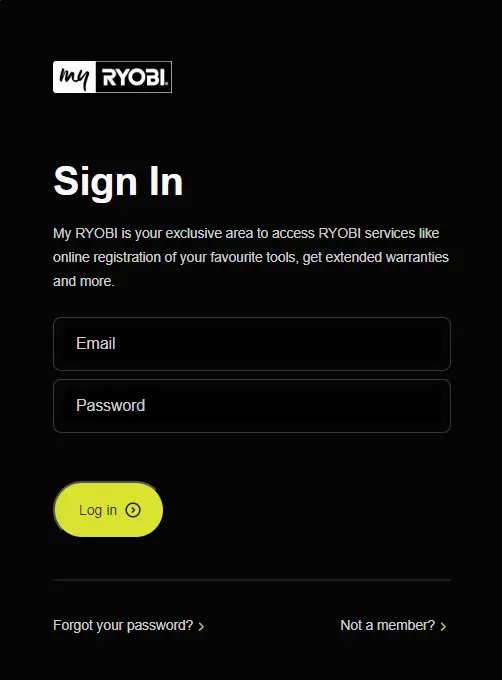
To begin, visit the My RYOBI login page at https://www.ryobi.co.nz/myryobi-login. If you do not have an account, click Not a Member? to create one by entering your personal details. If you already have an account, simply log in.
Email verification and password
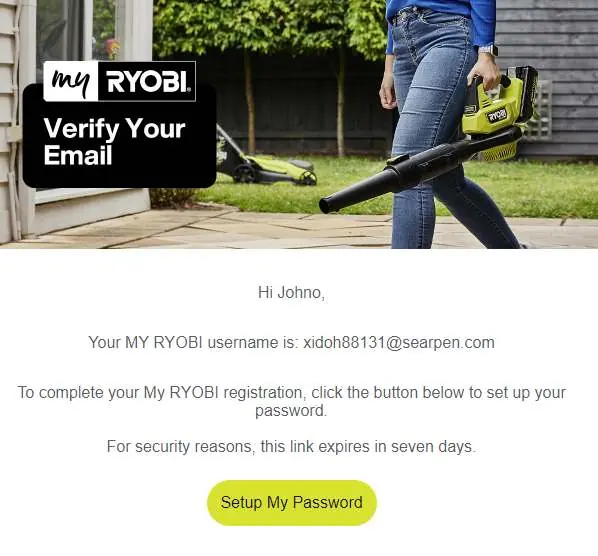
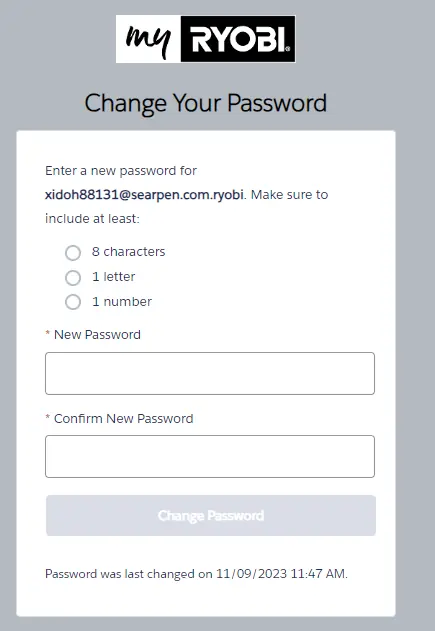
After signing up, check your inbox for a welcome email from My RYOBI. If you do not see it, check your junk mail folder. Click the Setup My Password box in the email. You will be redirected to a page where you must enter your new password twice. Ensure your password meets the security requirements (at least 8 characters, 1 letter, and 1 number) and click Change Password.
Registering a tool
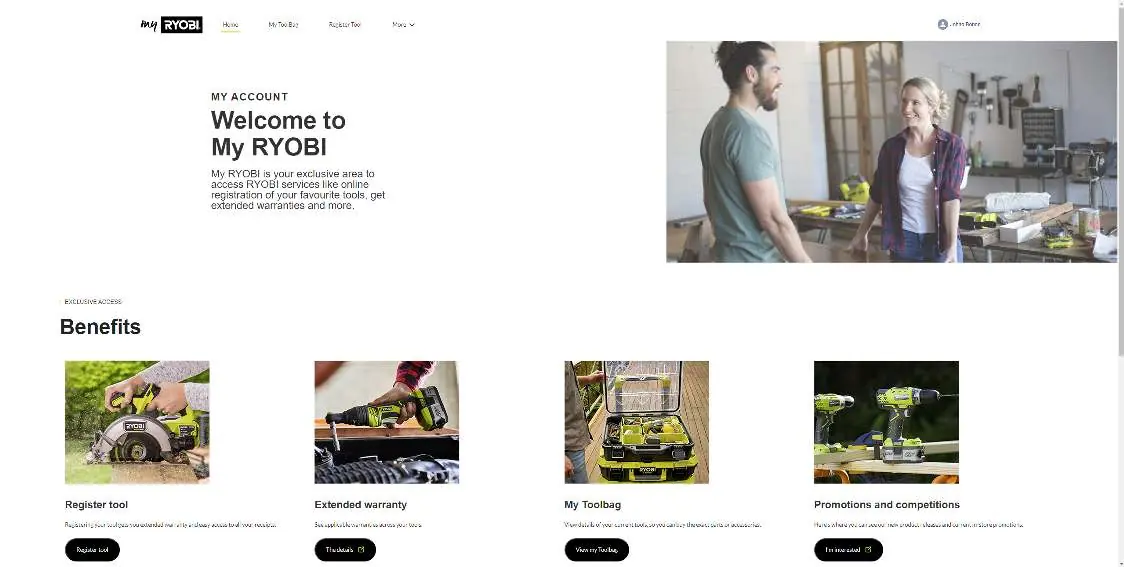
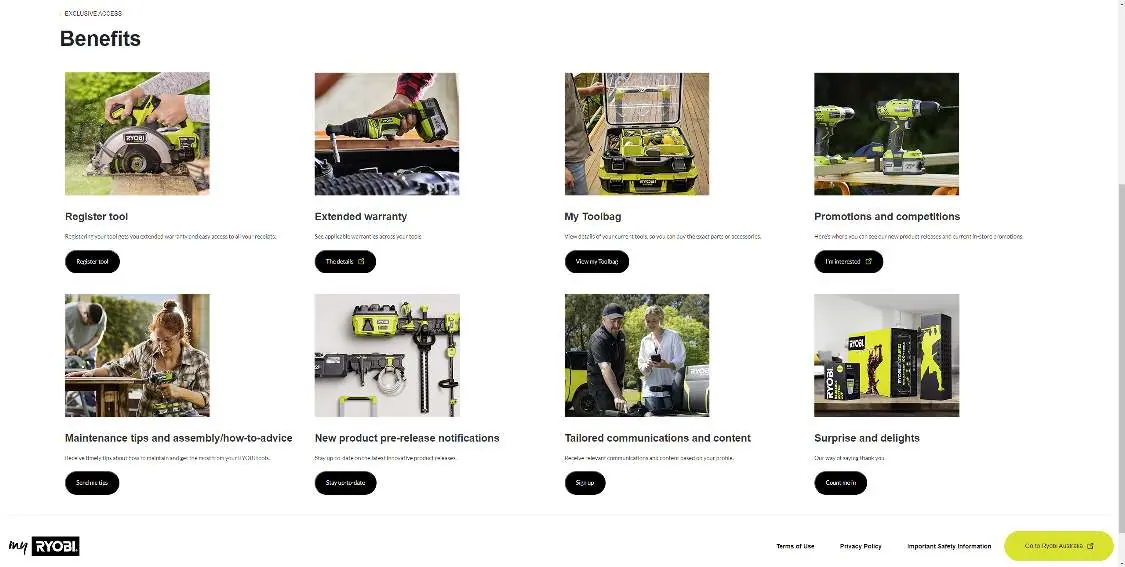
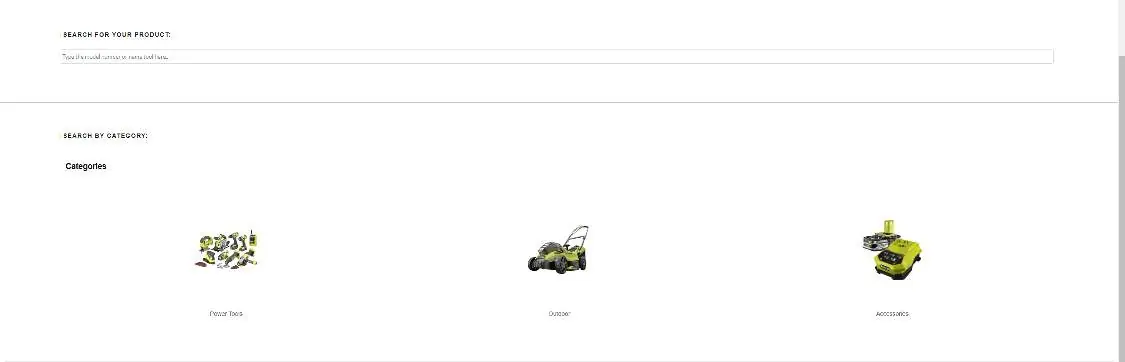
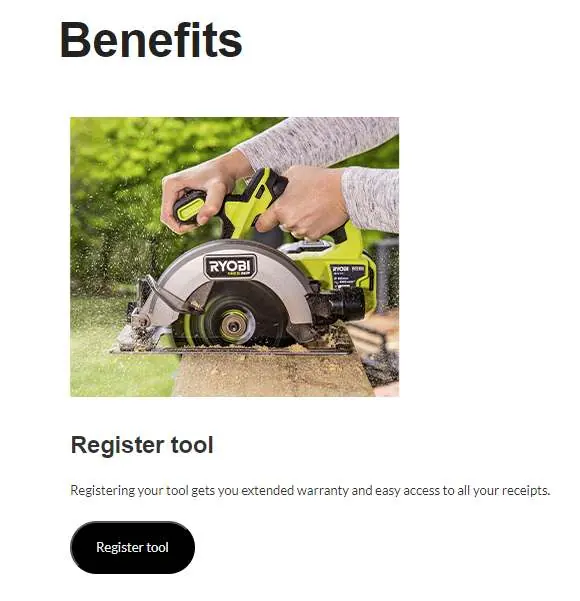
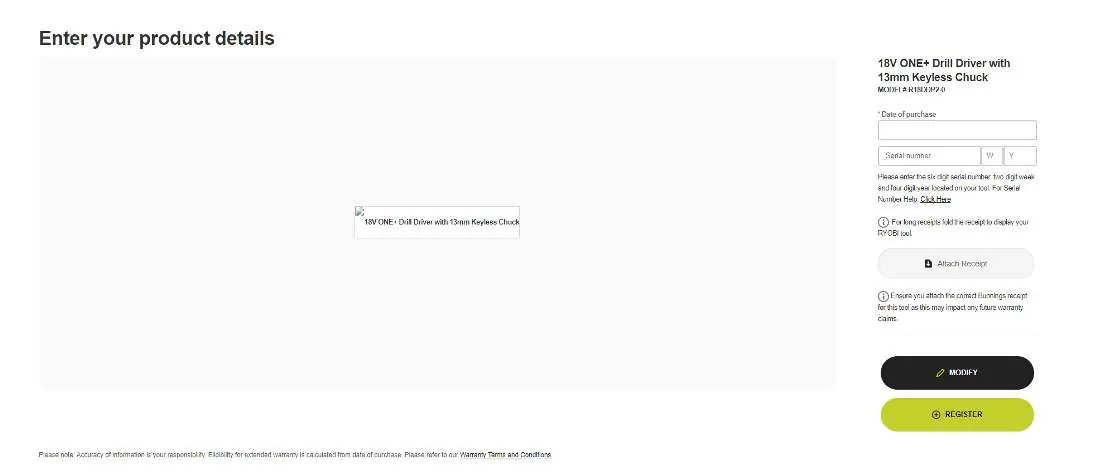
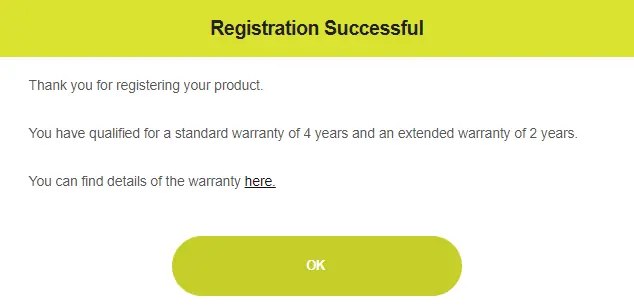
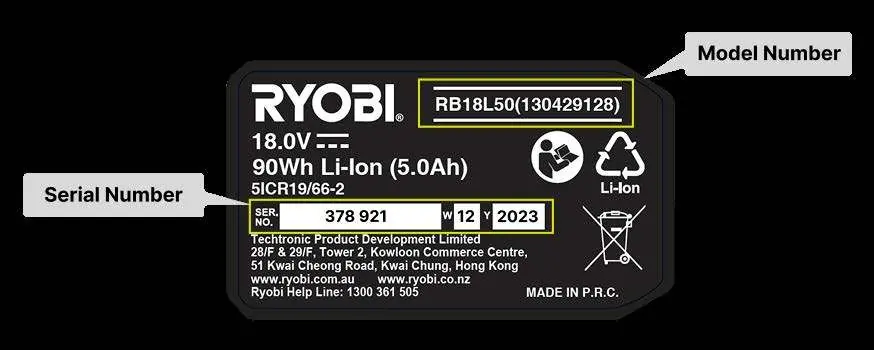
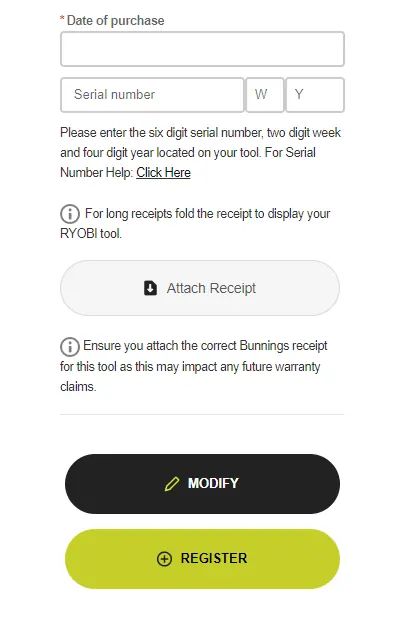
Once logged in, navigate to the Benefits section and select Register Tool. You can search for your product by typing the model number, using the drop-down menu, or selecting the relevant category box. If you purchased a kit, register the kit code rather than individual items. Enter the purchase date and the serial number found on the product label. Click Attach Receipt to upload your proof of purchase, then click Register. A confirmation pop-up will appear once the process is successful.
Official resources from the manual
Manufacturer information
Ryobi
Practical help
Common problems
Email not received
Check your junk mail folder and ensure you have added My RYOBI to your safe list.
Registration error
Ensure you are registering the kit code for kits, not individual items, and that the serial number matches the product label.
Before use
- Valid email address for account creation
- Product serial number (found on the tool label)
- Digital copy or photo of your proof of purchase (receipt)
- Ensure the receipt clearly shows the tool purchased
Specs in practice
- Serial Number
- A unique identifier found on the product label, required for warranty registration.
Images and diagrams
- The product label contains the Model Number and Serial Number, which are essential for the registration form.
- The registration portal requires uploading a receipt to validate the purchase date and warranty eligibility.
Model compatibility
- Registration is specific to the Ryobi New Zealand portal (Ryobi.co.nz).

Manual page author
David Miller
Documentation analyst
Organizes user manual content into clear summaries, with attention to model details, product context, and everyday usability.