Computers / Mobile Computers
Zebra Android 13 Release Notes for TC21 and TC52AX Series
Quick guide to the Zebra Android 13 release notes. Learn about update packages, migration procedures, new features, resolved issues, and device compatibility for TC21 and TC52AX series.
Table of contents
Quick Guide from the Release Notes
This document provides release notes for the Zebra Android 13 (NGMS) software update, version 13-30-12.00-TN-U00-STD-HEL-04. It covers critical update procedures, new features, and resolved issues for the TC21 and TC52AX device families. Users should pay close attention to the migration requirements to avoid data loss.
Update Packages
The release includes several package types for different update scenarios:
- Full package update: Used to jump to any available LifeGuard Update.
- Delta package: Used for sequential updates from specific previous versions.
- Reset Packages: Available for erasing User Data Partition only or both User Data and Enterprise Partitions.
Migration to Android 13
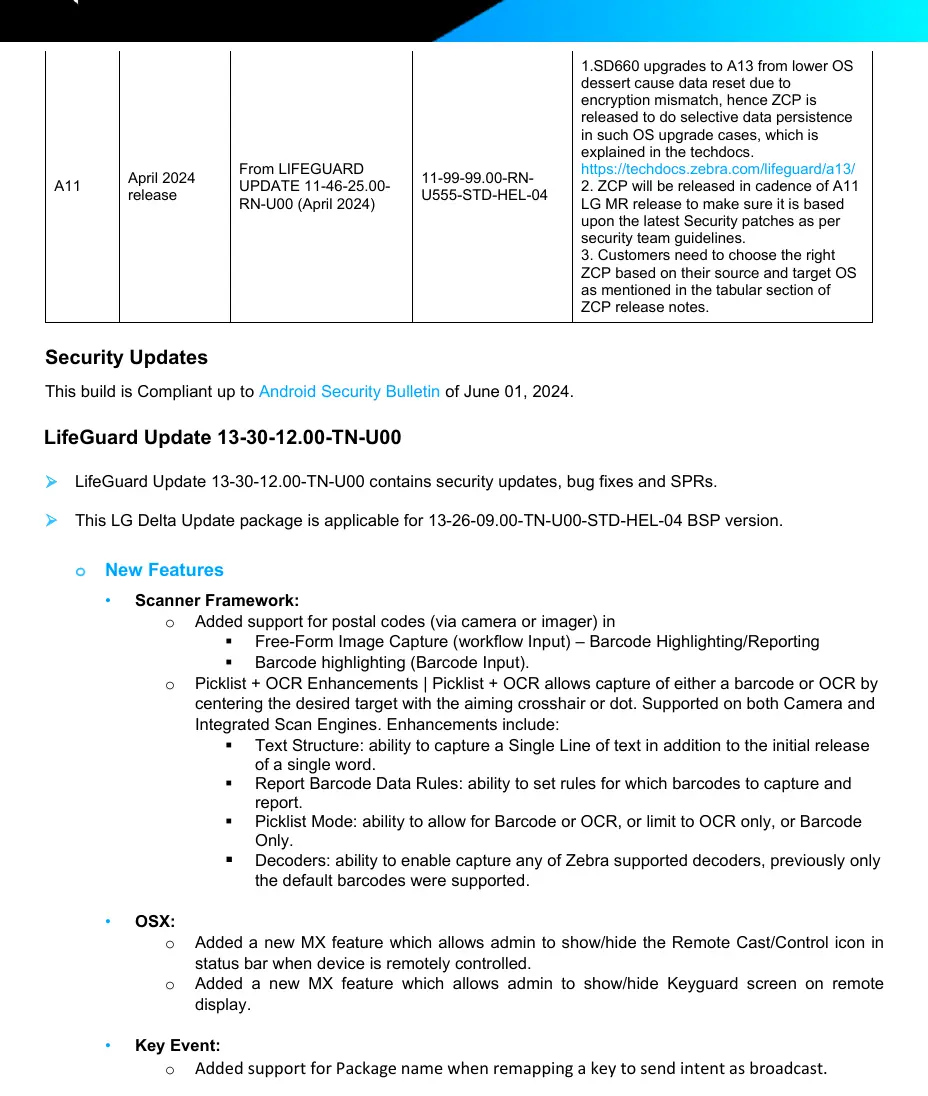
Upgrading from lower OS versions (like Android 10 or 11) to Android 13 involves a change in data encryption from Full Disk Encryption (FDE) to File Based Encryption (FBE). To prevent data loss, users must use the Zebra Conversion Package (ZCP) or EMM enterprise persistence methods (AirWatch, SOTI). Failure to use these methods will result in a data wipe.
New Features
This release introduces several enhancements across the system:
- Scanner Framework: Added support for postal codes, improved Picklist + OCR functionality, and enhanced barcode highlighting.
- DataWedge: New Point & Shoot feature allows simultaneous capture of barcodes and OCR.
- MX 13.3: New management capabilities for DevAdmin, Display Manager (secondary display resolution), and UI Manager (remote control icon visibility).
- Key Event: Added support for Package name when remapping keys.
Usage Notes and Constraints
- NFC Functionality: Zebra recommends not downgrading to images older than the specified BSP versions to ensure full NFC functionality.
- Chromium Update: The Chromium package name has been updated to org.chromium.chrome.stable. Applications relying on the old name may need updates.
- Known Constraints: Certain restrictions, such as scanner and keypad volume settings, may not persist after the A13 upgrade.
Device Compatibility
This software release is approved for the following device families:
- TC52AX
- TC52AX HC
- TC21
- TC21 HC
Official resources from the manual
Manufacturer information
Zebra Technologies
Practical help
Common problems
Data loss during OS upgrade
Use the Zebra Conversion Package (ZCP) or EMM enterprise persistence (AirWatch, SOTI) to perform selective data persistence during the upgrade.
NFC functionality issues after downgrade
Do not downgrade to images older than the specified BSP versions (e.g., A11 11-23-13.00-RG-U00) unless NFC functionality is not required.
Device freezing or rebooting
Review the 'Resolved Issues' section for specific SPR fixes. Ensure the device is running the latest firmware version.
Before use
- Verify your device model (TC21, TC21 HC, TC52AX, or TC52AX HC).
- Check your current OS version and build number.
- Review the migration path if moving from Android 10 or 11 to 13.
- Download the correct update package (Full or Delta) based on your current version.
- Ensure the device battery is sufficiently charged before starting the update process.
Model compatibility
- Compatible with TC21, TC21 HC, TC52AX, and TC52AX HC series.
- Android 13 upgrade requires specific conversion packages to prevent data wipe due to encryption changes (FDE to FBE).

Manual page author
David Miller
Documentation analyst
Organizes user manual content into clear summaries, with attention to model details, product context, and everyday usability.