Industrial / Vacuum Cleaners
User Manual for Bosch GAS 18V-12 MC Cordless Dust Extractor
Quick guide for the Bosch GAS 18V-12 MC Cordless Dust Extractor. Includes setup, operation, filter maintenance, and troubleshooting.
Table of contents
Manual images
Click an image to enlargeQuick guide from the manual
The Bosch GAS 18V-12 MC is a cordless wet/dry dust extractor designed for professional use. It is certified for dust class M, making it suitable for hazardous dust with an exposure limit of ≥ 0.1 mg/m³. Key features include an Auto-Start function for power tools, Bluetooth connectivity, and a manual filter cleaning system.
Description of the device
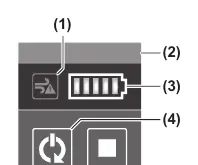
The device consists of a container, a top part with a user interface, and a main HEPA filter. It features a hose connection, a battery compartment, and various nozzles for different cleaning tasks. The user interface allows for status monitoring and connectivity setup.
Assembly
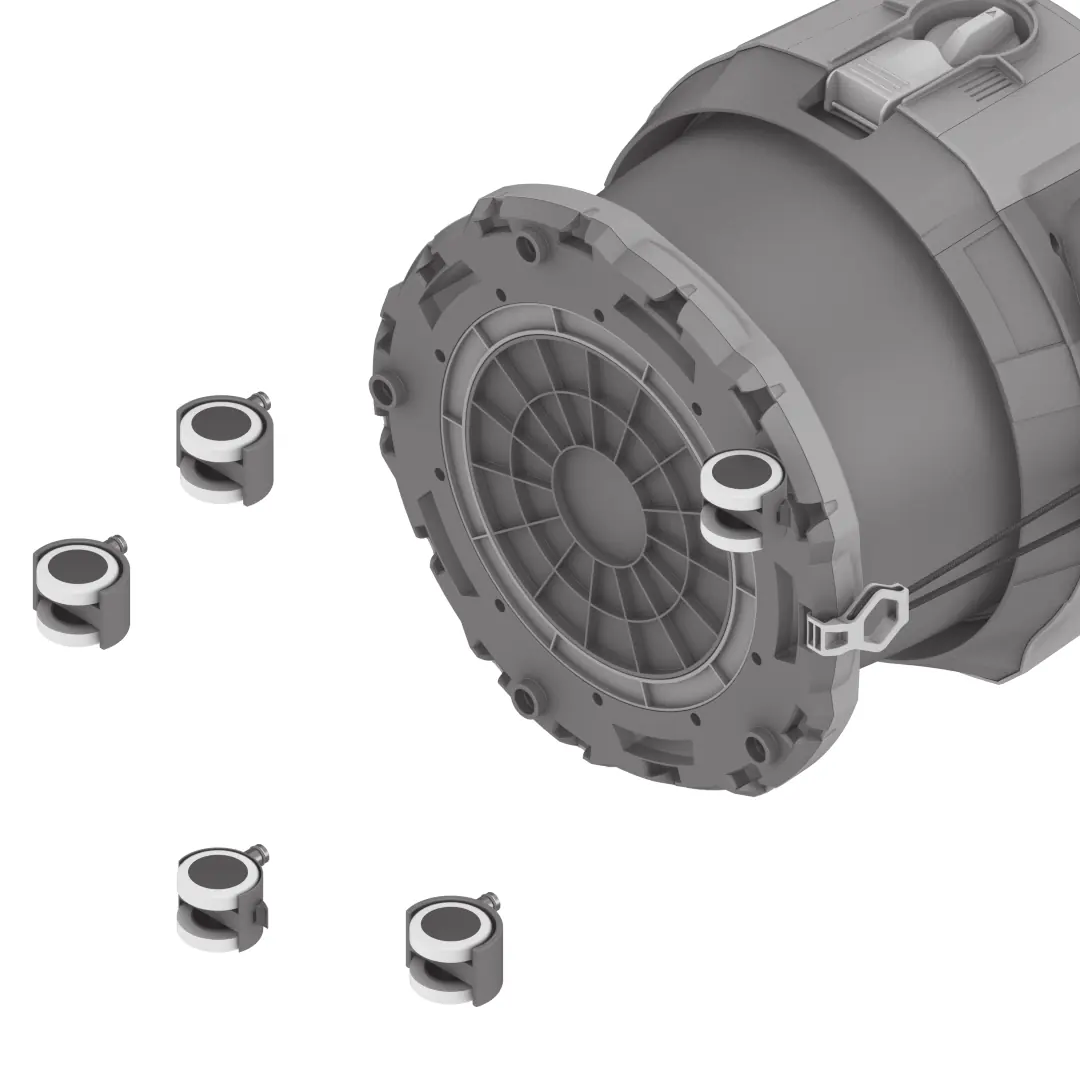
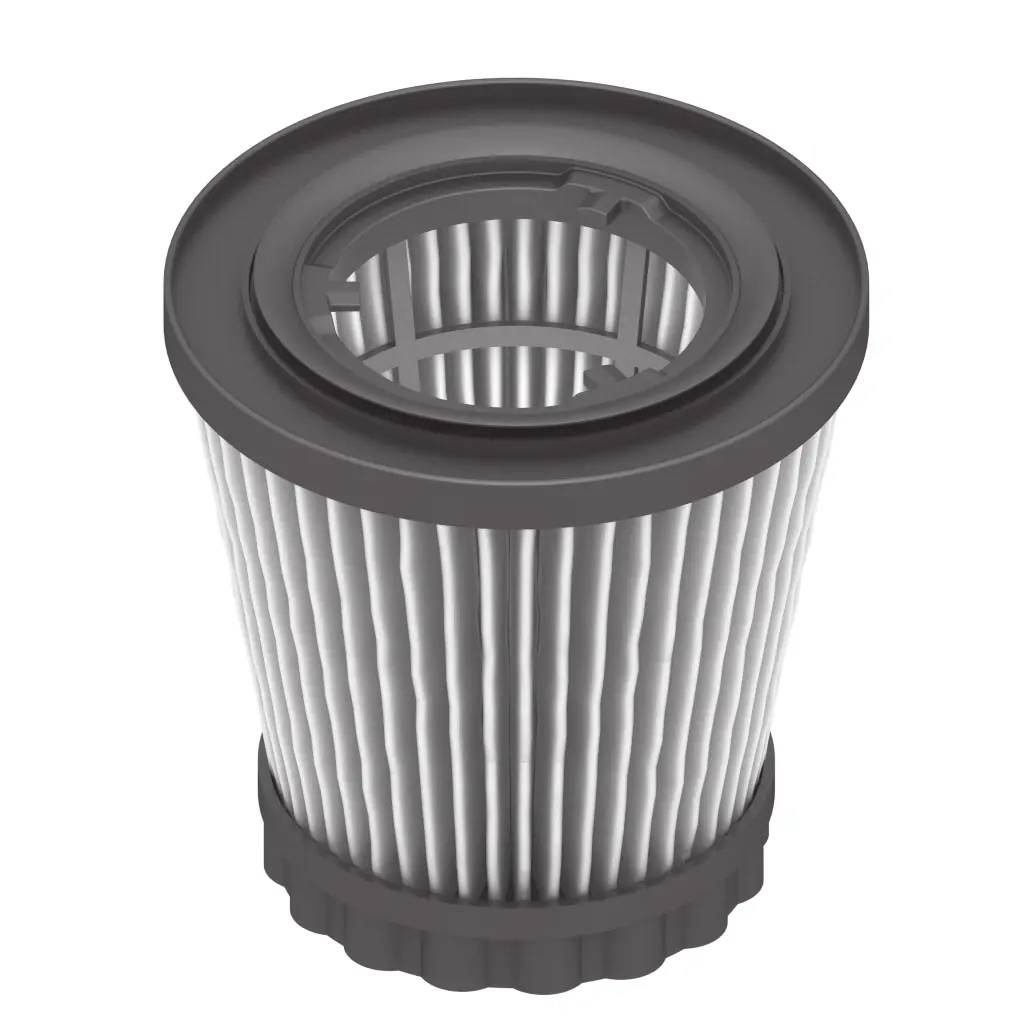
Before performing any maintenance or changing accessories, remove the battery. To insert the main filter, open the catches, remove the top part, place the filter over the float cage, and turn it to the stop position. For dry extraction, insert a plastic bag into the container, ensuring it touches all inner walls.
Operation
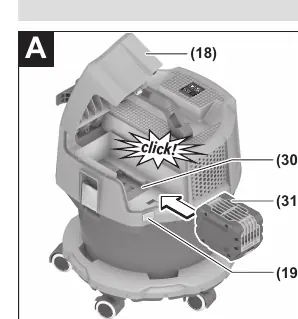
To switch on the dust extractor, turn the on/off switch to position 1. For the Auto-Start function, turn the switch to the designated position. The device can be connected to a power tool via a transmitter module (GCT). Always ensure the battery compartment cover is securely closed before use.
Maintenance and cleaning
Regularly clean the container and the main filter. If suction power decreases, perform manual filter cleaning by opening and closing the battery compartment cover. Replace damaged filters immediately. Do not use compressed air for cleaning.
Troubleshooting
If the suction turbine does not start, check the battery charge or the on/off switch position. If the suction power decreases, check if the plastic bag is full or if the hose/nozzle is blocked. If the air flow alarm is triggered, check the air flow, battery charge, and filter condition.
Manufacturer information
Bosch
Practical help
Common problems
Suction turbine will not switch on
Charge or replace the battery; ensure the on/off switch is in position 1.
Suction turbine switches off
The container is full; empty the container.
Suction power is decreasing
Replace the plastic bag; remove blockages in the nozzle, tube, or hose; perform manual filter cleaning or replace the main filter.
Dust escapes during dry extraction
Check that the main filter is correctly fitted; replace the main filter if damaged.
Before use
- Check that the vacuum hose is in perfect condition.
- Ensure the battery compartment cover is securely closed.
- Ensure the dust extractor is properly closed.
- Check that the main filter is dry and correctly installed.
- Ensure the plastic bag is correctly inserted for dry extraction.
Specs in practice
- Container volume (gross)
- Total capacity of the container (12 liters).
- Net volume (dry)
- Usable capacity for dry materials (8 liters).
- Net volume (liquid)
- Usable capacity for liquids (6 liters).
- Dust class M
- Certified for hazardous dust with an exposure limit of ≥ 0.1 mg/m³.
Images and diagrams
- Page 3: Overview of components and user interface.
- Page 5: Assembly steps for filter, plastic bag, and hose.
- Page 6: Attaching the carrying strap and manual filter cleaning.
- Page 7: Repairing the vacuum hose and bag holder.
Model compatibility
- Compatible with GBA 18V and ProCORE18V batteries.
- Recommended ProCORE18V batteries ≥ 8 Ah for full performance.

Manual page author
David Miller
Documentation analyst
Organizes user manual content into clear summaries, with attention to model details, product context, and everyday usability.