Documents / Warranty Safety
Dogtra 1200X Dog Training Collar User Guide
Quick guide for the Dogtra 1200X training collar, covering setup, pairing, stimulation levels, battery charging, and maintenance tips.
Table of contents
Manual images
Jump to the sectionQuick guide from the manual
The Dogtra 1200X is a professional dog training system with a 1200-meter range. This guide covers essential operations, including device pairing, stimulation adjustment, and battery maintenance. Always ensure the collar is fitted correctly to avoid skin irritation and never leave it on the dog for more than 6 hours at a time.
Device Overview
The system consists of a handheld transmitter and a receiver collar. The transmitter features a rheostat dial for 100 precise stimulation levels, a toggle switch for multi-dog selection (up to 3 dogs), and dedicated buttons for Nick/Constant stimulation, vibration, and tone. Both units are IPX9K waterproof.
First Setup and Pairing
To add a receiver: 1. Turn on the transmitter and set the intensity to '0'. 2. Select the desired dog channel (1, 2, or 3). 3. With the receiver turned off, hold the power button for 5 seconds until the LED blinks. 4. Simultaneously press the front transmitter button and the side boost button until 'CD****' appears on the screen.

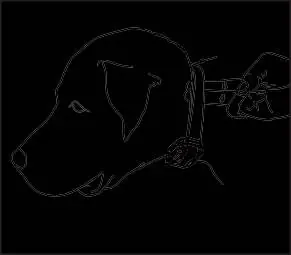
Operation and Settings
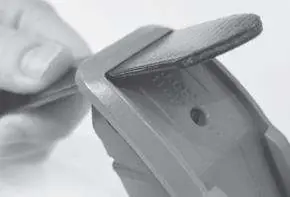
- Stimulation Modes: Toggle between Nick (N) and Constant (C) by setting the level to '0' and holding the front button and side power button for 5 seconds.
- Boosted Constant: You can add a boost to the constant stimulation. Set the boost level by holding the boost button for 5 seconds until the LED blinks, then adjust the dial and save by tapping the constant button.
- Locate Light: Press the transmitter button once to make the receiver light blink every 4 seconds. Hold the button for continuous blinking.
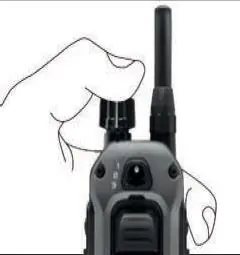
- Locking Levels: Hold the top of the intensity dial for 2 seconds to lock the stimulation level.
Battery and Charging
The system uses Lithium-Polymer batteries. Charge the device when the LED blinks red or the battery icon shows only one bar. A full charge takes approximately 2 hours. Always ensure the rubber charging port covers are securely closed after charging to maintain water resistance.
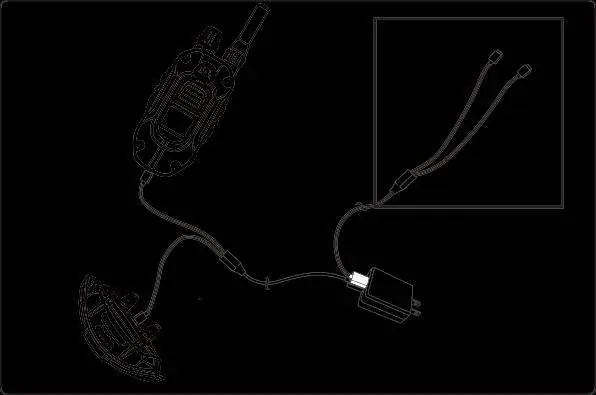
Maintenance and Troubleshooting
If the device fails to respond, check that the receiver is on and the collar is tight enough for the contact points to touch the skin. If the dog has thick fur, consider using longer contact points. For technical support, contact [email protected] or call +33 (0)1 30 62 65 65.
Manufacturer information
Dogtra
Practical help
Common problems
Dog shows no reaction to stimulation
Ensure the receiver is on, the collar is tight enough for contact, or increase the stimulation level. If the dog has thick fur, trim the hair or use longer contact points.
Insufficient range
Ensure your fingers are not touching the antenna. Range is affected by terrain; move to higher ground or hold the transmitter vertically.
Device does not hold charge
Clean the charging port with a cotton swab and rubbing alcohol. If the device is over two years old, the battery may need replacement.
Before use
- Ensure the collar is fitted so that contact points touch the skin.
- Check that the battery is fully charged.
- Verify the receiver is turned on.
- Test the stimulation level on your fingertips (touching both contacts) if unsure.
- Ensure the charging port cover is closed.
Images and diagrams
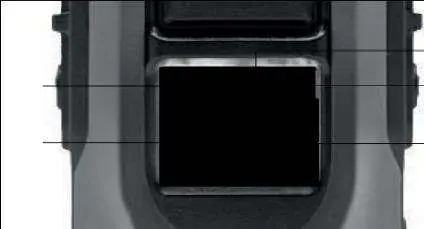
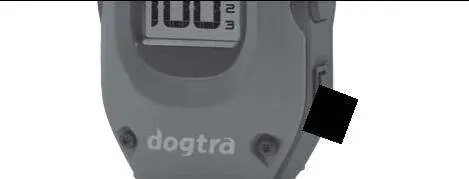
- The transmitter features a dial for intensity, a toggle for dog selection, and buttons for stimulation, vibration, and tone.
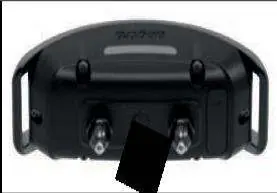
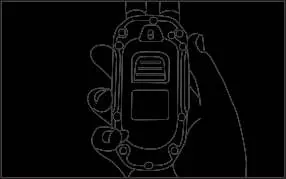
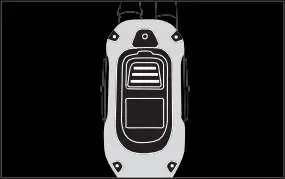
- The receiver has a power button located between the contact points.
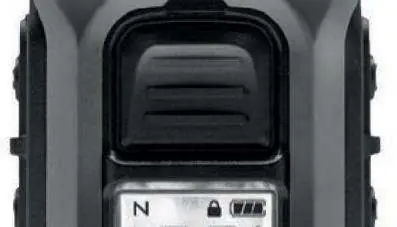
- The LCD screen displays the stimulation level, battery status, and selected dog channel.
Model compatibility
- Compatible with the Dogtra Handsfree system.
- Expandable to a 3-dog system with additional receivers.

Manual page author
Michael Turner
Technical manual editor
Reviews PDF manuals for structure, safety notes, and practical product details so readers can find the right information quickly.