Lighting / Fixtures
User Manual for Globo Lighting 16061W/16061S Portable Lamp
Quick guide for the Globo Lighting 16061W and 16061S portable lamp. Learn how to charge the battery, install the fixture, operate the touch controls, and adjust light color and brightness.
Table of contents
Manual images
Click an image to enlargeQuick Guide from the Manual
The Globo Lighting 16061W/16061S is a versatile, rechargeable LED lamp. It can be used as a portable table lamp or mounted as a fixed fixture. It features touch-sensitive controls for power, dimming, and color temperature adjustment.
Charging and Battery
The device includes a rechargeable 18650 Li-ion battery (3.7V, 1800mAh). To charge the device:
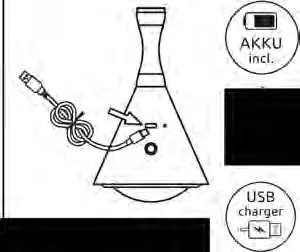
- Use the included 0.8m USB-C cable.
- Connect to a compatible 5V USB charger (not included).
- Charging time is approximately 3-5 hours.
Installation
The lamp offers two installation options:
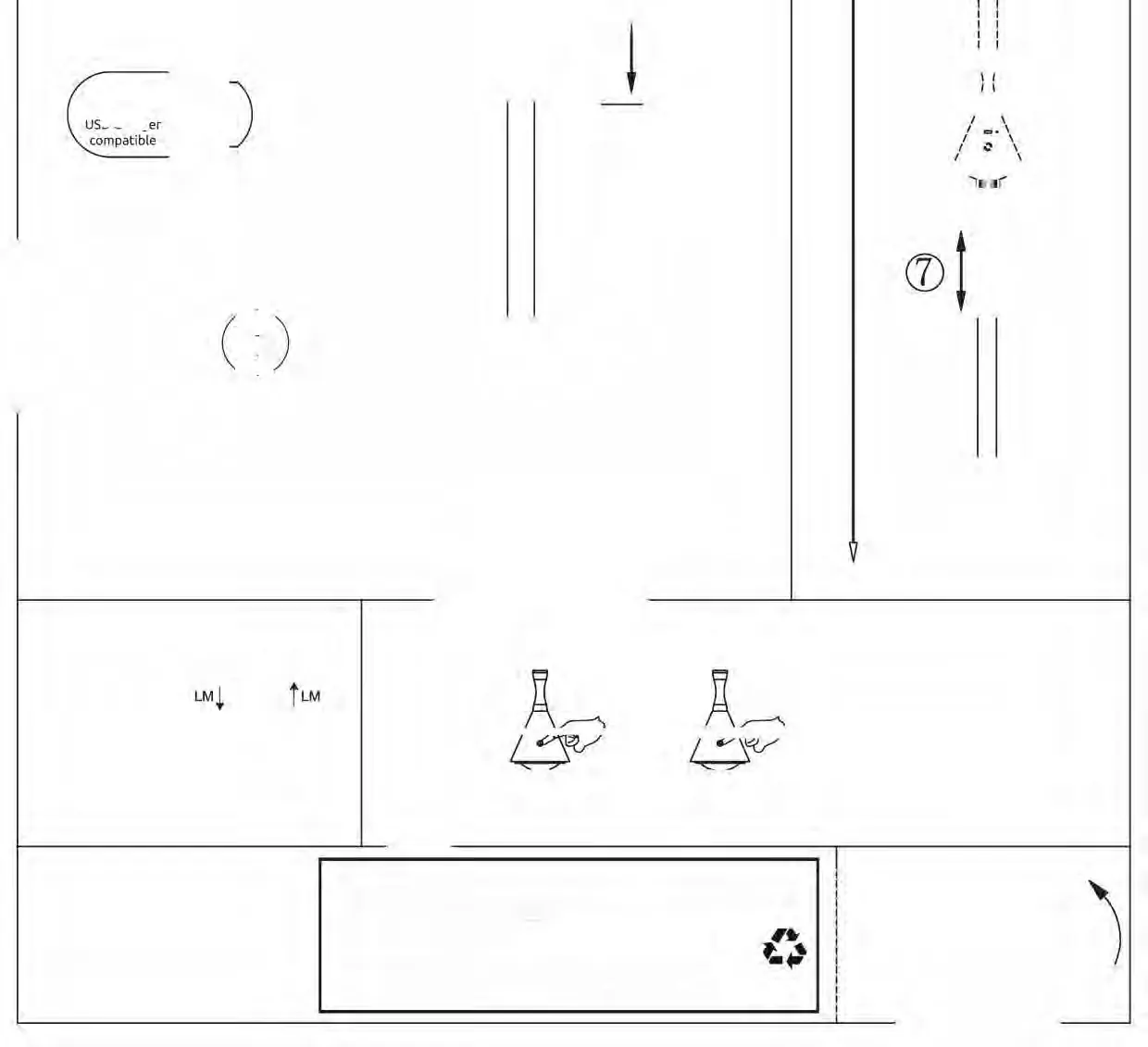
- Option 1 (Fixed): Wall or ceiling mounting using the provided hardware. Follow the numbered steps in the diagram to secure the base and attach the lamp.
- Option 2 (Portable): Use as a standalone table lamp powered by the internal battery.
Operation
The lamp is controlled via a touch sensor on the body:
- On/Off: Short press the touch button.
- Dimming: Long press the touch button to continuously adjust brightness.
- Color Temperature: Short press the touch button to cycle through color modes: 2700K, 4000K, 6500K, and OFF.
Important Safety Information
The light source in this luminaire is not replaceable. When the light source reaches its end of life, the whole luminaire must be replaced. The control gear is also not replaceable.
Manufacturer information
Globo Lighting
Practical help
Common problems
Lamp does not turn on
Ensure the battery is charged. Connect the USB-C cable to a 5V power source and allow 3-5 hours for a full charge.
Dimming is not working
Ensure you are using a long press on the touch sensor. A short press will cycle through colors or turn the light off.
Before use
- Charge the battery fully before the first use.
- Verify you have a 5V USB charger available.
- If mounting, ensure the surface is suitable for the provided screws.
- Check that the USB-C cable is securely connected.
Specs in practice
- Light Source
- LED-MAX 4.5W 3.7V. Non-replaceable light source and control gear.
Images and diagrams
- The diagram shows two installation options: Option 1 for fixed mounting and Option 2 for portable use.
- The touch sensor icon indicates where to press for On/Off, dimming, and color changes.
- The battery icon confirms the inclusion of the 18650 battery and the charging method.
Model compatibility
- Compatible with standard 5V USB chargers.
- Not compatible with replaceable light sources; the entire unit must be replaced at end-of-life.

Manual page author
Michael Turner
Technical manual editor
Reviews PDF manuals for structure, safety notes, and practical product details so readers can find the right information quickly.