General / Other Manuals
HP Pro Shredder 18CC / 12MC User Manual
Quick guide for the HP Pro Shredder 18CC and 12MC, covering setup, operation, maintenance, and troubleshooting.
Table of contents
Quick guide from the manual
This document provides essential instructions for operating the HP Pro Shredder 18CC and 12MC. Ensure the device is placed on a stable, level surface near an accessible power outlet. The shredder only operates when the waste bin is correctly inserted.
General view of the shredder
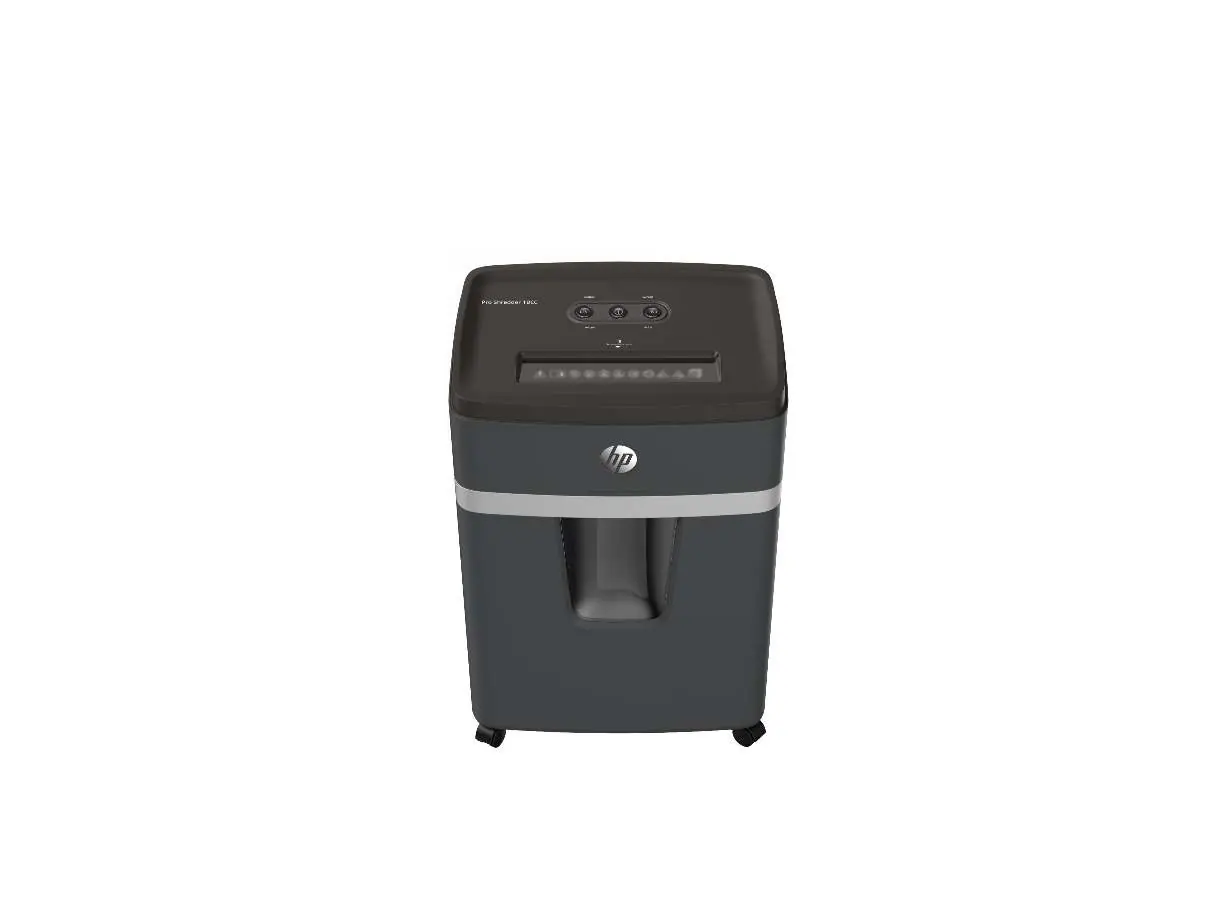
- 1: Operating buttons / Status indicator
- 2: Insertion slot
- 3: Cutting mechanism
- 4: Status indicator, front
- 5: Grip
- 6: Viewing window / Grip
- 7: Waste bin
- 8: Castors
Operating the shredder
The shredder features an automatic shredding mechanism. Simply feed the material into the center of the insertion slot. If the sensors fail to detect the material, you can use the FWD button for manual operation.
Troubleshooting
- Overheating: The device switches off automatically. The status indicator lights up RED. Wait for the cool-down period specified in the Technical Data section.
- Overload: If too much material is inserted, the status indicator flashes RED and the device automatically runs in reverse for 5 seconds. Remove the material to clear the blockage.
Maintenance
To extend the life of the cutting mechanism, oil it regularly using special oil or oiled sheets designed for shredders. Do not use spray oils. Empty the waste bin when the "Bin full" status LED flashes RED.
Technical Data
The shredder is designed for indoor use. Refer to the Technical Data section for specific details on cutting capacity, power requirements, and security levels (P-4 for 18CC, P-5 for 12MC).
Manufacturer information
HP Inc.
Practical help
Common problems
Device switches off due to overheating
Wait for the cool-down phase defined in the Technical Data section until the status indicator turns blue.
Material jam (Overload)
The device will automatically run in reverse. Pull the material out of the insertion slot to clear the blockage.
Waste bin full indicator
Empty the waste bin when the 'Bin full' LED flashes red.
Before use
- Check package contents for the shredder, waste bin, power cable, and oiled sheet.
- Place the shredder on a stable, level, horizontal surface.
- Ensure the waste bin is correctly inserted and latched.
- Maintain a distance of at least 10 cm from walls for proper cooling.
- Connect to an easily accessible power socket.
Specs in practice
- Security Level (DIN 66399-2)
- P-4 for 18CC (sensitive data), P-5 for 12MC (secret data).
- Continuous operation
- The maximum time the device can run before needing a cool-down phase (30 minutes).
- Cool down phase
- The time required for the device to cool down after continuous operation (50 minutes).
Images and diagrams
- REV: Reverse running button
- FWD: Forward running button
- On/Off: Main power button
- Status LEDs: Indicate overheat, overload, bin full, and bin open conditions.
Model compatibility
- Designed for shredding paper, credit cards, paper clips, and staples.
- Exclusively for private indoor use.
- Requires 220-240 V, 50 Hz power supply.

Manual page author
David Miller
Documentation analyst
Organizes user manual content into clear summaries, with attention to model details, product context, and everyday usability.