Electronics / Speakers & Soundbars
User Manual for JBL PartyBox 110 Portable Party Speaker
Get the most out of your JBL PartyBox 110 with this quick guide. Learn about setup, technical specifications, battery charging, Bluetooth connectivity, and using the PartyBox app for light and sound control.
Table of contents
Quick guide from the manual
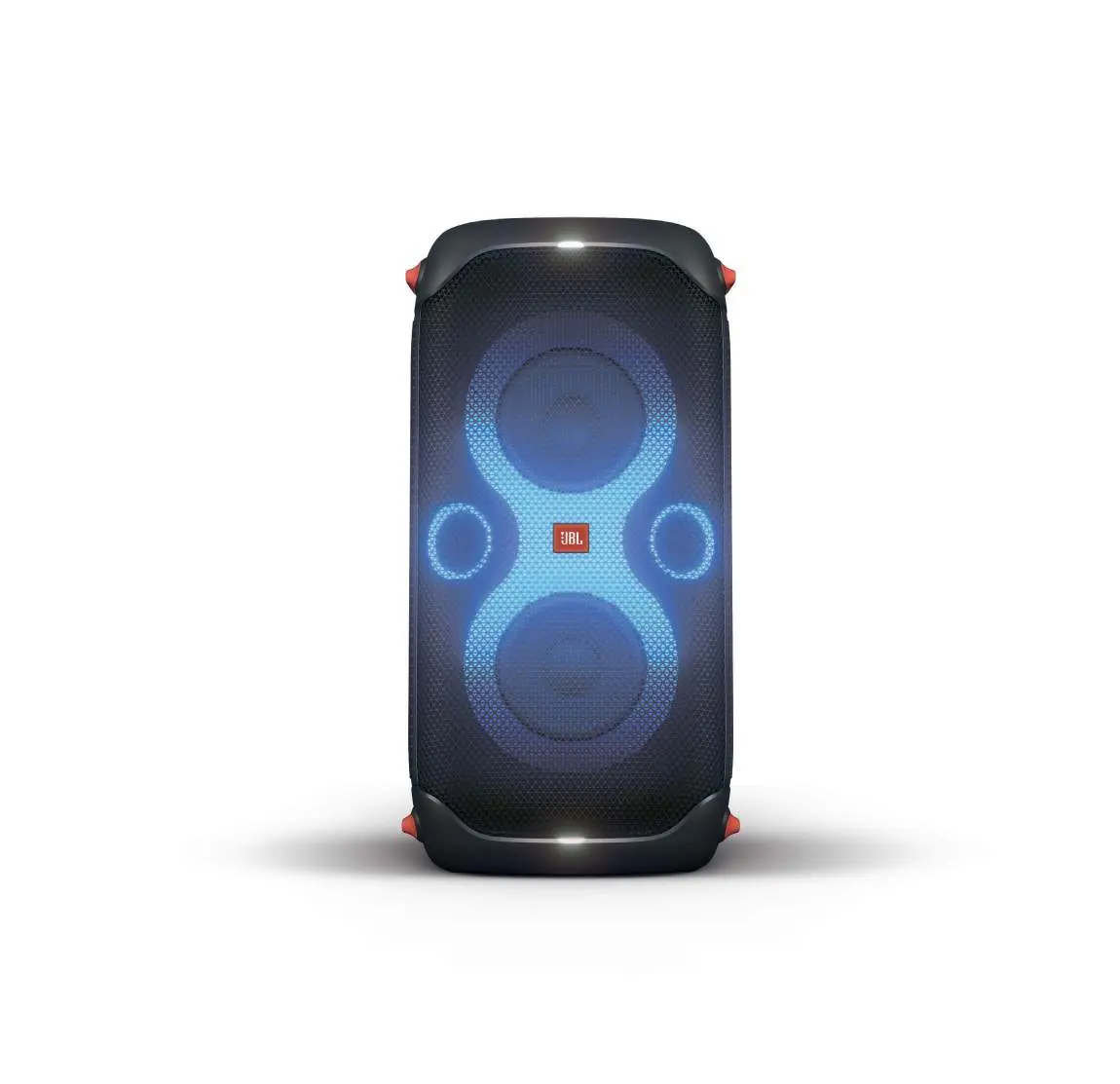
The JBL PartyBox 110 is a portable party speaker designed for high-quality audio and dynamic lighting. This document provides an overview of the device's features, technical specifications, and setup requirements. Ensure you have all included items before starting: the speaker, AC power cord, quick start guide, safety sheet, and warranty card.
Product Overview
The PartyBox 110 features a splashproof design (IPX4 rating), making it suitable for outdoor use. It includes dynamic LED lighting that syncs to the beat of your music. The speaker is equipped with inputs for both a microphone and a guitar, allowing for live performances.
Technical Specifications
Power and Battery:
- Power input: 100-240V / 50/60Hz
- Battery type: Li-ion polymer 36 Wh
- Battery charge time: 3.5 hours
- Music play time: Up to 12 hours
- Output power: 160W RMS
Connectivity and Audio:
- Bluetooth version: 5.1
- Bluetooth profiles: A2DP 1.3, AVRCP 1.6
- USB format support: FAT16, FAT32
- Supported USB file formats: .mp3, .wma, .wav
- USB charge out: 5V / 2.1A (maximum)
Usage and Features
App Control: Use the JBL PartyBox app to control music playback, update settings, and customize the colors and patterns of the light show.
Playback Options: You can stream music wirelessly via Bluetooth, connect a USB stick, or plug in an external device using an aux cable.
TWS (True Wireless Stereo): If one speaker is not enough, you can pair two PartyBox 110 speakers together using a cable or wirelessly via TWS technology for a bigger, bolder sound.
Safety and Maintenance
The speaker is IPX4 splashproof, meaning it is protected against water splashes. However, it should not be submerged in water. Always ensure the AC power cord is connected properly and the outlet is compatible with the specified voltage range.
Manufacturer information
JBL
Practical help
Common problems
Speaker not pairing via Bluetooth
Ensure the speaker is in pairing mode and your source device has Bluetooth enabled. Check that you are within range.
Battery not charging
Verify that the AC power cord is securely connected to both the speaker and a functioning power outlet.
Before use
- Check the package contents for the speaker, AC cord, and documentation.
- Ensure the speaker is charged before first use (3.5 hours for a full charge).
- Download the JBL PartyBox app for full control over light and sound settings.
- Verify the power source matches the 100-240V requirement.
Specs in practice
- Output power
- 160W RMS provides high-volume, powerful sound suitable for parties.
- Battery charge time
- Requires 3.5 hours to reach full capacity from empty.
- Bluetooth 5.1
- Ensures stable wireless connection and efficient power usage.
Model compatibility
- Supports USB playback for FAT16 and FAT32 formatted drives.
- Compatible with .mp3, .wma, and .wav audio files via USB.
- Supports TWS (True Wireless Stereo) pairing with another PartyBox 110.

Manual page author
Michael Turner
Technical manual editor
Reviews PDF manuals for structure, safety notes, and practical product details so readers can find the right information quickly.