Tools / Soldering Stations
Weller WE 1 Soldering Station User Manual
Quick guide for the Weller WE 1 Soldering Station. Includes setup, operation, temperature settings, maintenance, and safety instructions.
PDF source: Deutsch · summary: English
Quick answers from the manual
Quick answer
- The Weller WE 1 is a 1-channel digital soldering station. This manual provides instructions for setup, operation, menu settings, maintenance, and technical specifications. p. 1, 3, 5, 16
Key actions
- Adjust temperature using the UP and DOWN buttons on the front panel. p. 5
- Access the menu to configure Standby Time, Offset, Temperature Units, and Lock function. p. 6
First start
- Ensure at least 50mm of clearance around the unit. p. 3
- Connect the soldering iron to the unit and plug the power cable into a grounded outlet. p. 4
Show 3 more answers Show less
Maintenance and reset
- Reset to factory settings by pressing the UP and DOWN buttons simultaneously while switching the unit on. p. 8
Technical specifications
| Parameter | Value | Meaning | Pages |
|---|---|---|---|
| Power | 85 W | Power consumption of the soldering station | p. 16 |
| Temperature Range | 100 - 450 °C / 200 - 850 °F | Operating temperature range | p. 16 |
| Weight | 1.9 kg | Weight of the unit | p. 16 |
Where to find it in the PDF
- Safety Information p. 14, 15
- Technical Data p. 16
Table of contents
Manual images
Click an image to enlargeQuick guide from the manual
The Weller WE 1 is a digital soldering station designed for professional and hobbyist use. This guide provides essential information for setting up and operating your station safely.
Setup and Installation
Follow these steps to prepare your station for use:
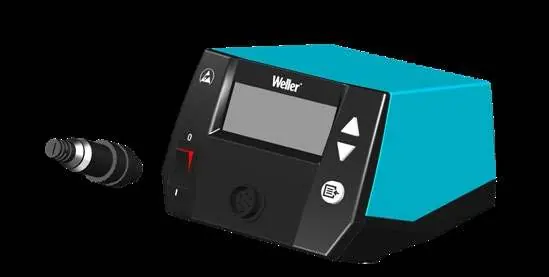
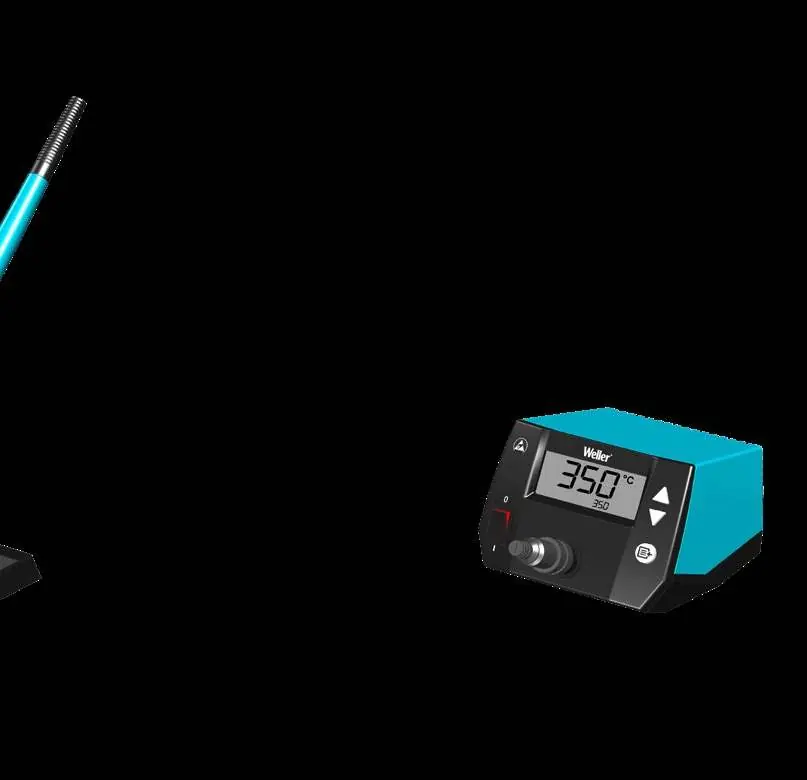
- Place the soldering station on a stable, heat-resistant surface.
- Connect the soldering iron to the station's port.
- Insert the soldering iron into the safety rest.
- Ensure the mains voltage matches the rating on the station's nameplate before plugging it into a grounded outlet.
- Switch the station on using the power switch.
Operation and Settings
The station features a digital display and menu navigation for customization:
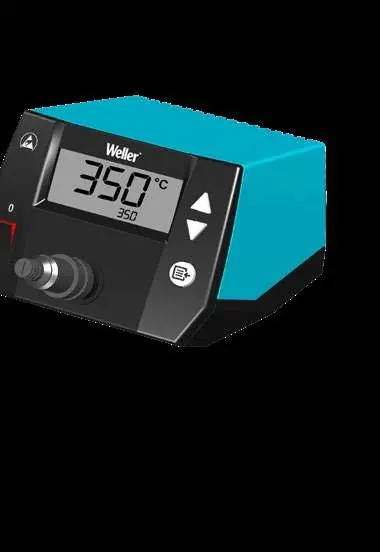
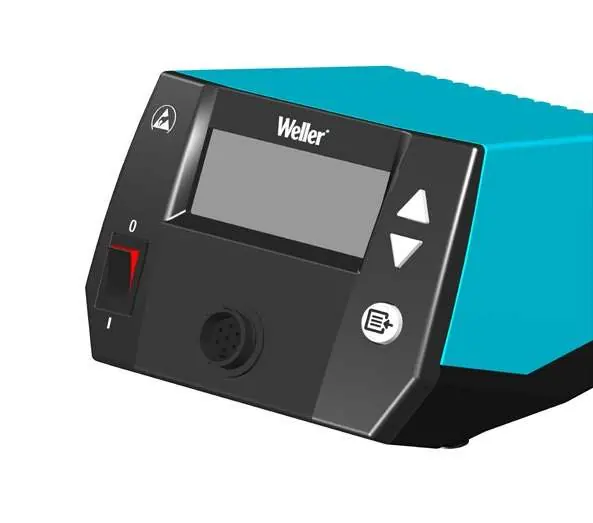
- Temperature Adjustment: Use the UP and DOWN buttons to set the desired temperature.
- Menu Navigation: Press the menu button to access settings.
- Standby Time: Adjust the time before the station enters standby mode (1-99 min).
- Offset: Calibrate the temperature offset (-40 to +40 °C).
- Lock Function: Secure settings with a lock code (1-999).
- Factory Reset: To reset to factory settings, press and hold the UP and DOWN buttons simultaneously while switching the station on.
Soldering Tip Maintenance
Proper care of your soldering tips ensures longevity and performance:
- First Use: Coat the tip with solder when heating it for the first time to remove oxidation.
- During Use: Keep the tip well-coated with solder during breaks.
- Cleaning: Do not use aggressive fluxing agents.
- Storage: Always coat the tip with solder before storing the iron for extended periods.
- Replacement: Only replace soldering tips when they are cold.
Safety Information
- Electrical Safety: Always connect to properly grounded outlets. Never work on voltage-carrying parts.
- Burn Prevention: The soldering tip and iron become very hot. Always place the iron in the safety rest when not in use. Do not touch hot tips.
- Fire Hazard: Keep the soldering station and safety rest free of flammable objects.
Technical Data
- Temperature Range: 100 - 450 °C (200 - 850 °F)
- Power Consumption: 85 W (Station), 70 W (Soldering Iron)
- Tip Family: ET
Manufacturer information
Weller Tools
Practical help
Common problems
Soldering tip not heating
Check if the soldering iron is connected correctly to the station and the station is switched on.
Tip oxidation
Coat the tip with solder during the first heating and before storage to remove oxide layers.
Station settings need reset
Press UP and DOWN buttons simultaneously while switching on to reset to factory settings.
Before use
- Ensure the station is on a stable, heat-resistant surface.
- Check that the soldering iron is connected to the station.
- Verify the mains voltage matches the nameplate.
- Ensure the soldering tip is properly fitted.
- Check all cables for damage.
Show more Show less
Specs in practice
- Temperature Range
- 100 - 450 °C (200 - 850 °F)
Images and diagrams
- Page 3: Setup of the station, iron, and safety rest.
- Page 4: Connection and tip replacement.
- Page 6: Menu navigation for standby time, offset, and lock function.
Model compatibility
- Use only original Weller soldering tips.
- Use only Weller supply units.

Manual page author
Emily Carter
User documentation editor