Electronics / Monitors
AcuRite 00251W Sportsman’s Forecaster Instruction Manual
Quick guide for the AcuRite Sportsman’s Forecaster. Learn how to set up the outdoor sensor, configure display settings, interpret weather forecasts, and troubleshoot common connectivity issues.
Table of contents
Manual images
Jump to the sectionQuick guide from the manual
The AcuRite Sportsman’s Forecaster provides localized weather data and wildlife activity predictions. To ensure accurate performance, the device requires a 14-day learning period for self-calibration. Ensure both the display unit and outdoor sensor are placed within 165 feet (50 meters) of each other, away from large metallic objects and electronic interference.
Setup and Installation
Outdoor Sensor: Requires 2 x AA batteries. Use lithium batteries if temperatures drop below -4°F (-20°C). Slide off the battery cover, insert batteries according to polarity, and replace the cover.
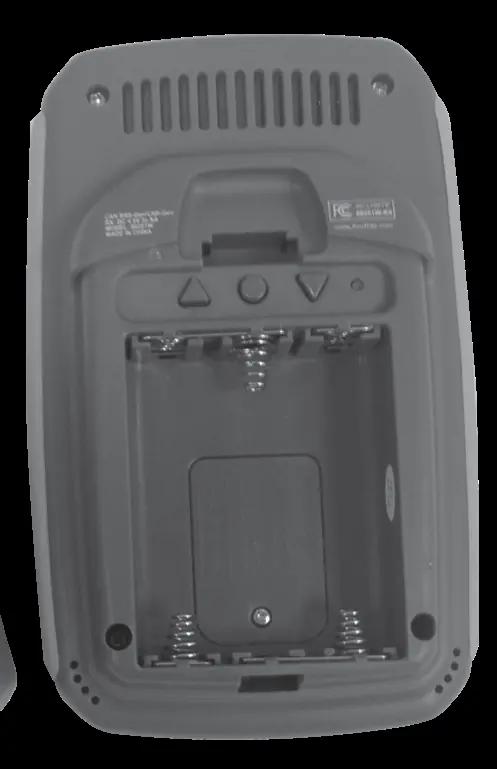
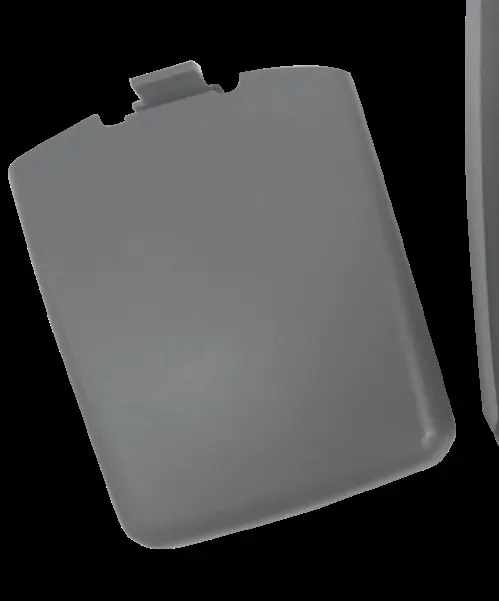
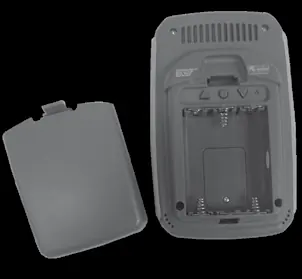
Display Unit: Requires 3 x AA batteries. Slide off the stand and battery cover to install. The unit includes an Intelli-Time clock that is pre-programmed; you only need to set your time zone and Daylight Saving Time preferences.
Operation and Features
Hunting & Fishing Activity Meter: Predicts wildlife activity levels based on weather and lunar data. Use the Mode button on the front to toggle between hunting, fishing, or auto-cycle modes.
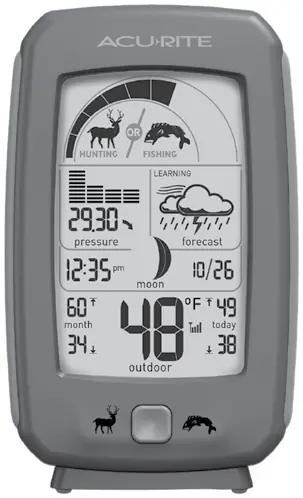
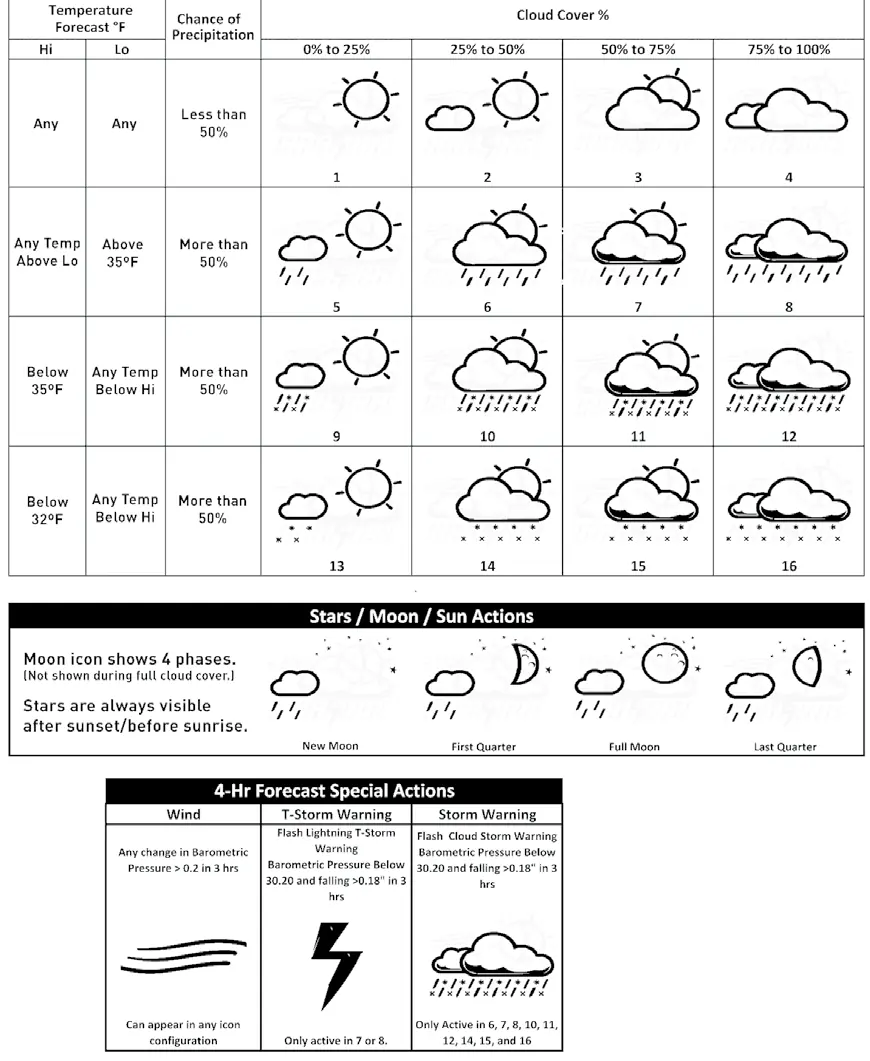
Weather Forecast: Uses a self-calibrating algorithm to analyze pressure changes. The Learning Mode icon will disappear after 14 days once calibration is complete.
High & Low Records: Today's records clear automatically at midnight. Monthly records clear at midnight on the last day of the month. You can manually clear records by holding the '+' (high) or '-' (low) buttons for 2 seconds.
Maintenance
Clean the display and sensor with a soft, damp cloth. Avoid caustic cleaners. The Intelli-Time clock is powered by a pre-installed CR2032 coin-cell battery, which can be replaced by unscrewing the compartment door inside the main battery area.
Manufacturer information
AcuRite
Practical help
Common problems
No outdoor sensor reception (no bars)
Relocate units within 165 ft (50 m), ensure they are 3 ft away from electronics, and verify battery type (alkaline or lithium for cold).
Outdoor temperature flashing or showing dashes
Indicates wireless interference. Remove batteries from both units, reinstall, and place them near each other for 20 minutes to re-sync.
Inaccurate forecast
The unit requires a 14-day learning period to calibrate to your location. Ensure the unit runs continuously without resets.
Before use
- Remove protective film from the LCD screen.
- Install 2 x AA batteries in the outdoor sensor (lithium recommended for < -4°F).
- Install 3 x AA batteries in the display unit.
- Place units within 165 ft (50 m) of each other.
- Keep units at least 3 ft away from TVs, microwaves, or computers.
Specs in practice
- Temperature Range
- Outdoor sensor operates between -40°F to 158°F (-40°C to 70°C).
- Wireless Range
- Maximum 165 ft (50 m) depending on home construction materials.
- Operating Frequency
- 433 MHz wireless signal.
- Data Reporting
- Sensor updates the display every 30 seconds.
Images and diagrams
- The display unit features a hunting/fishing activity meter, pressure history graph, and weather forecast icons.
- The back of the display contains the SET, +, -, and RESET buttons for configuration.
- The outdoor sensor includes an integrated hanger and a wireless signal indicator.
Model compatibility
- Do not use heavy-duty or rechargeable batteries.
- Lithium batteries are required for the outdoor sensor in temperatures below -4°F (-20°C).

Manual page author
David Miller
Documentation analyst
Organizes user manual content into clear summaries, with attention to model details, product context, and everyday usability.