Industrial / Commercial Refrigeration
User Manual for Avantco Square Bakery Cases
Comprehensive user guide for Avantco Square Bakery Cases. Includes installation requirements, temperature control settings, maintenance procedures, and troubleshooting tips for refrigerated and dry models.
Quick answers from the manual
Quick answer
- Avantco Square Bakery Cases require an environment below 75°F and 55% relative humidity. If transported on its side, the unit must stand upright for 24 hours before use. The condenser coil should be cleaned monthly. p. 4, 5, 8
Key actions
- Adjusting Temperature p. 6
- Cleaning Condenser Coil p. 8
First start
- Let the unit stand upright for 24 hours if transported on its side. p. 4
Problems and fixes
Compressor not running
Check fuse, power cord, thermostat setting, or wait for defrost cycle.
p. 10Maintenance and reset
- Manual Defrost p. 6
Technical specifications
| Parameter | Value | Meaning | Pages |
|---|---|---|---|
| Max Ambient Temperature | 75°F | Operating above this voids warranty. | p. 5 |
| Max Humidity | 55% | Operating above this voids warranty. | p. 5 |
Where to find it in the PDF
- Installation p. 4, 5
- Temperature Controls p. 6
- Maintenance p. 8
Table of contents
Manual images
Click an image to enlargeQuick Guide
This manual covers the setup, operation, and maintenance of Avantco Square Bakery Cases. Important: The unit is designed for use in a temperature-controlled environment of less than 75°F and 55% relative humidity. If the unit was transported on its side, it must stand upright for at least 24 hours before being plugged in.
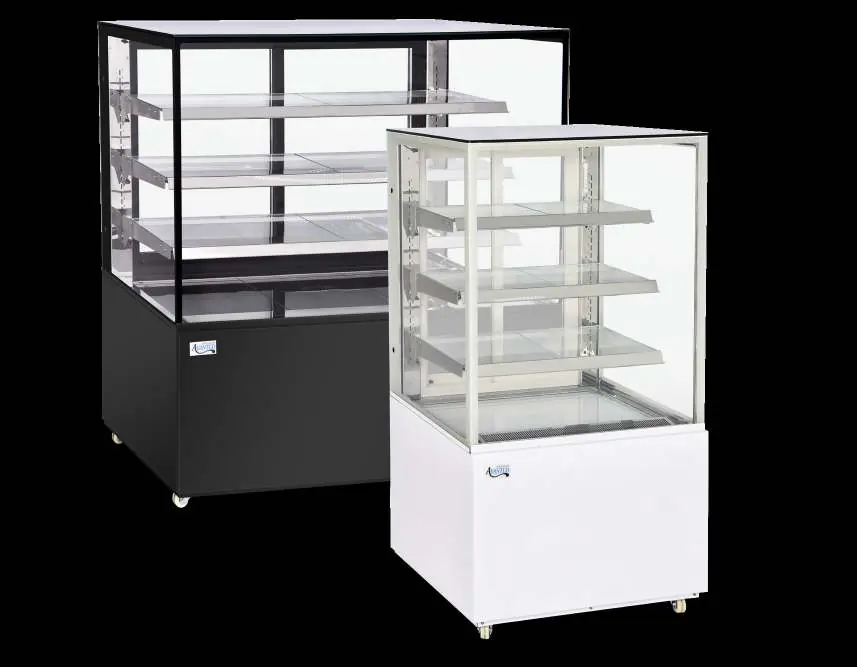
Structure & Components
The bakery case features sliding rear glass doors for access and adjustable merchandising shelves. Refrigerated models include an air suction intake and an air outlet; these must never be blocked to ensure proper air circulation.
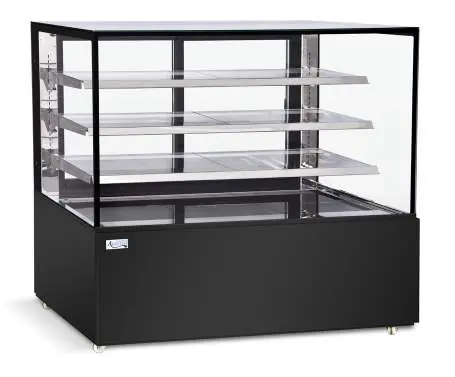
Installation
Proper installation is critical for performance and warranty coverage:
- Surface: Install on a strong, level surface to prevent noise and malfunction.
- Clearance: Maintain at least 4 inches of clearance on the back and sides.
- Environment: Do not install in direct sunlight, near heat-generating equipment, or in high-humidity/dusty areas.
- Setup: Ensure all accessories (shelves, clips, casters) are installed before plugging in.
Temperature Controls
The digital controller is factory-set for optimum food safety. To adjust settings:
- Set Temperature: Press the settings key, then use the arrow keys to adjust.
- Lights: Short press the light key to toggle LED lights.
- Manual Defrost: Press and hold the light key for 5 seconds to start/stop defrosting.
- Lock/Unlock: Press and hold the down arrow key for 5 seconds to lock or unlock the controls.
Operation
The unit features an automatic defrost cycle where the evaporator fan circulates air to melt frost during compressor downtime. Ensure shelves are level and secured before loading products. Do not store flammable or explosive materials inside.
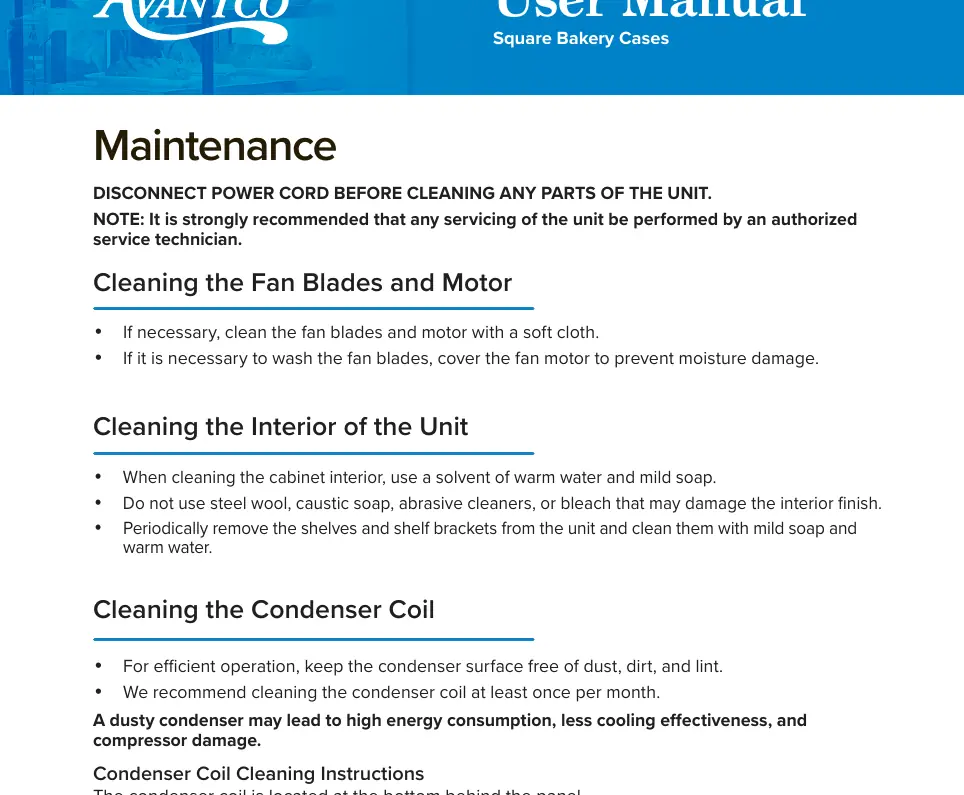
Maintenance
Disconnect power before cleaning.
- Interior: Clean with warm water and mild soap. Avoid abrasive cleaners or steel wool.
- Condenser Coil: Clean at least once per month. Remove the front and base covers, then use a soft brush or vacuum to remove dust and lint from the finned coil.
- Fan Blades: Clean with a soft cloth; cover the motor if washing to prevent moisture damage.
Safety & Warning
To minimize shock and fire hazards:
- Do not use extension cords; use a dedicated outlet.
- Do not plug or unplug with wet hands.
- Ensure the unit is properly grounded.
- Do not hang on the doors or sit/stand inside the unit.
- Wait at least 10 minutes after unplugging before plugging back in to protect the compressor.
Troubleshooting
If the unit is not cooling, check if it is turned on, if a defrost cycle is running, or if there is a refrigerant leak. If the cabinet temperature fluctuates, ensure the condenser coil is clean and there is at least 6 inches of clearance for airflow.
Manufacturer information
Avantco Equipment
Practical help
Common problems
Compressor not running
Check if the fuse is blown, the power cord is plugged in, the thermostat is set too high, or if the unit is in a defrost cycle.
Unit is not cooling
Ensure the unit is turned on, the defrost cycle has finished, or contact a service technician if refrigerant is leaking.
Condensation collecting
Ensure relative humidity is below 55% and the drainage pipe is connected properly.
Before use
- Let the unit stand upright for 24 hours if transported on its side.
- Ensure the environment is below 75°F and 55% relative humidity.
- Install all shelves, shelf clips, and casters.
- Ensure the unit is on a strong, level surface.
- Verify there is 4 inches of clearance on the back and sides.
Specs in practice
- Operating Environment
- Must be below 75°F and 55% relative humidity to prevent malfunction and warranty voiding.
Images and diagrams
- The control panel allows for temperature setting, light control, manual defrost, and locking the interface.
- The condenser coil is located at the bottom of the unit behind the front and base covers.
Model compatibility
- Refrigerated models are for chilled products only.
- Do not store flammable or explosive gases/liquids.

Manual page author
David Miller
Documentation analyst
Organizes user manual content into clear summaries, with attention to model details, product context, and everyday usability.