Power / Wireless Chargers
User Manual for Belkin BoostCharge Pro Universal Easy Align Wireless Charging Pad 15W
Quick guide for the Belkin BoostCharge Pro Universal Easy Align Wireless Charging Pad 15W (WIA007). Learn how to set up, use, and troubleshoot your wireless charger safely.
Table of contents
Manual images
Click an image to enlargeQuick guide from the manual
This guide provides essential instructions for setting up and using your Belkin BoostCharge Pro Universal Easy Align Wireless Charging Pad (Model WIA007). Ensure you use a power adapter that meets the required specifications (minimum 12V 2A) to ensure proper operation.
Setup and installation
To set up your wireless charger:
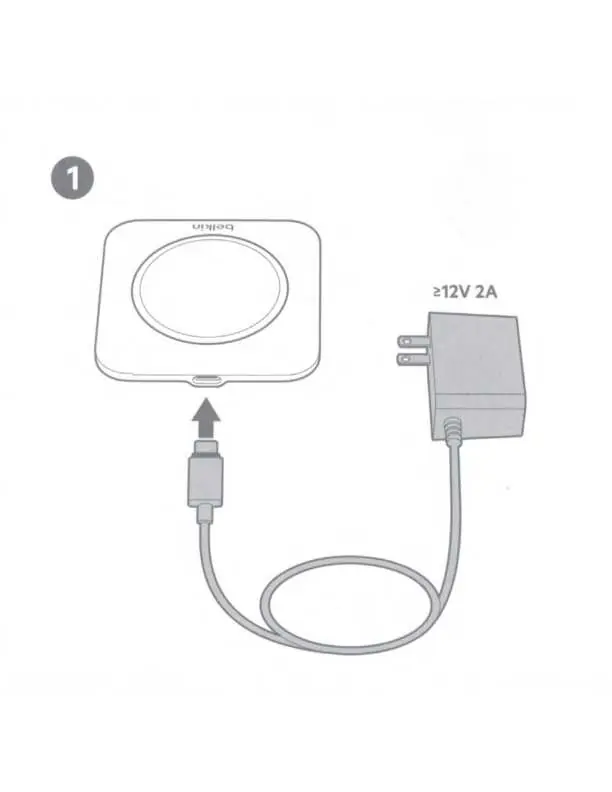

- Connect the power cable to the wireless charging pad.
- Plug the power adapter into a wall outlet. Ensure the power source provides at least 12V 2A.
- Place the charger on a flat, dry surface away from heat sources or humidity.
Usage
To charge your device:
- Place your Qi-enabled mobile device centrally on the charging pad.
- Ensure the device is aligned correctly to initiate charging.
LED status indicators
The LED light on the charger indicates the status of your device:
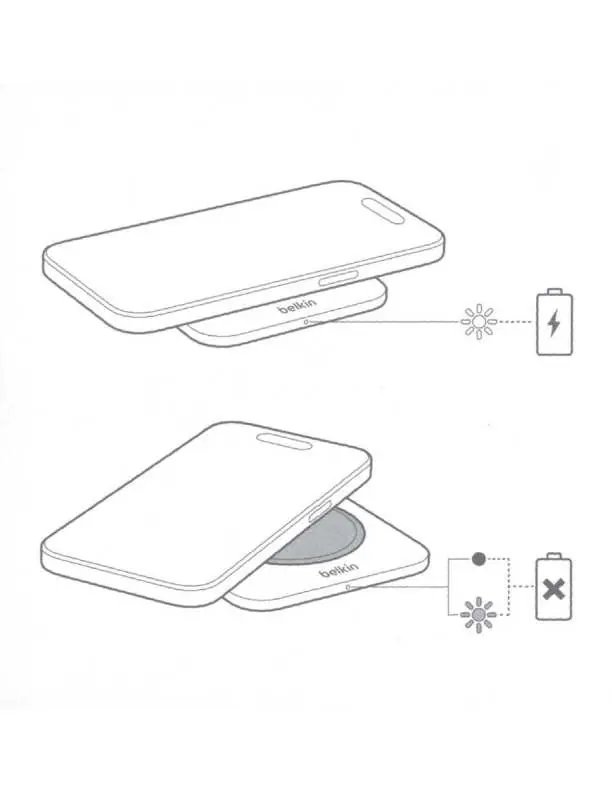
- Solid light: The device is charging correctly.
- Flashing/Other: Indicates an error or that the device is not positioned correctly. Remove the device and reposition it.
Safety and warnings
To prevent damage to the product or your devices, follow these safety guidelines:
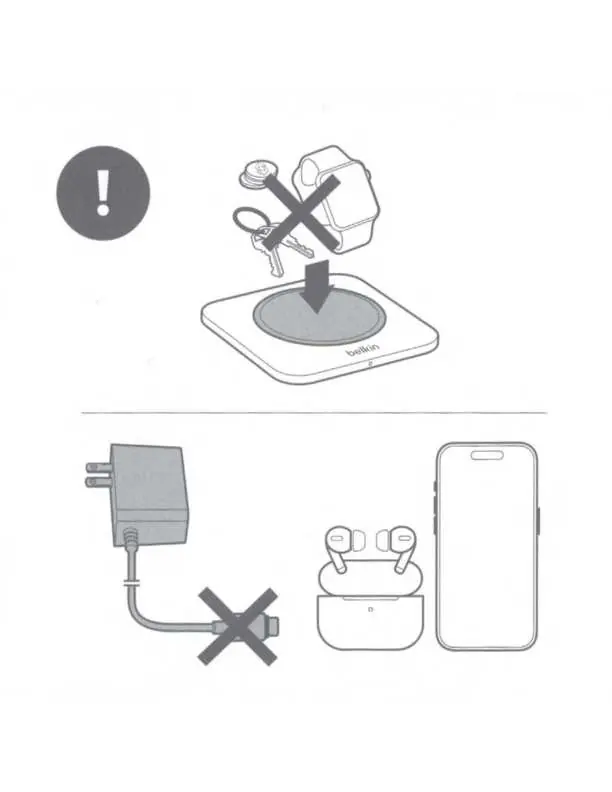
- No metal objects: Do not place metal objects such as keys, coins, or credit cards on the charging surface, as this can cause overheating or damage.
- Indoor use only: Use the device only in dry, indoor locations.
- Avoid liquids: Keep the charger and power supply away from liquids and moisture.
- Do not disassemble: Do not attempt to service, modify, or disassemble the charger or power supply.
- Use recommended power: Only use power supplies recommended or sold by Belkin.
Regulatory information
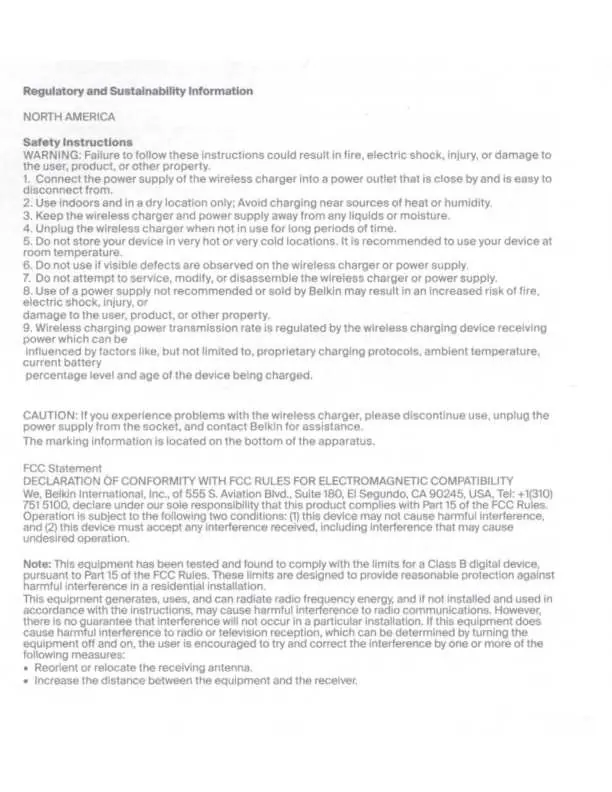
This device complies with Part 15 of the FCC Rules. Operation is subject to the condition that the device does not cause harmful interference and must accept any interference received. For detailed regulatory and sustainability information, including EU and UKCA declarations of conformity, please refer to the full documentation provided by Belkin.
Manufacturer information
Belkin
Practical help
Common problems
Device is not charging
Ensure the power adapter is connected properly and provides at least 12V 2A. Check that the device is placed centrally on the pad.
LED is flashing or indicating an error
Remove any foreign objects (keys, coins, credit cards) from the charging surface. Reposition the device on the center of the pad.
Before use
- Ensure the power adapter meets the 12V 2A requirement.
- Place the charger on a flat, dry surface.
- Verify that no metal objects are on the charging pad.
- Ensure the device is Qi-compatible.
Images and diagrams
- The setup diagram illustrates connecting the power cable to the charging pad.
- The usage diagram shows the correct placement of the mobile device on the center of the pad.
- The warning diagram highlights that metal objects should not be placed on the pad.
Model compatibility
- Designed for indoor use only.
- Do not use if visible defects are observed on the charger or power supply.

Manual page author
David Miller
Documentation analyst
Organizes user manual content into clear summaries, with attention to model details, product context, and everyday usability.