Tools / Drills
Bosch UniversalImpact Electric Impact Drill User Manual
Quick guide for the Bosch UniversalImpact series impact drills. Learn about setup, drilling modes, using the Drill Assistant, maintenance, and safety instructions.
Quick answers from the manual
Quick answer
- The Bosch UniversalImpact is an impact drill for drilling in various materials. It features a mode selector for drilling or impact drilling, speed control, and an optional Drill Assistant for depth and dust management. p. 17, 22
Key actions
- Changing the drill bit p. 21
- Setting the drilling depth p. 20
First start
- Ensure the auxiliary handle is attached and tightened. Select the desired mode (drilling or impact drilling) using the selector switch. p. 20, 22
Show 4 more answers Show less
Problems and fixes
Tool does not start
Check the power supply and ensure the plug is connected. Check if the switch is locked.
p. 16, 22Maintenance and reset
- Empty the dust container regularly. p. 20
Technical specifications
| Parameter | Value | Meaning | Pages |
|---|---|---|---|
| Rated power input | 701 W | Power consumption | p. 18 |
| Max. drilling diameter (Masonry) | 14 mm | Maximum hole size in masonry | p. 18 |
| Max. drilling diameter (Wood) | 30 mm | Maximum hole size in wood | p. 18 |
Where to find it in the PDF
- Safety Instructions p. 15, 16, 17
- Technical Data p. 18, 19
- Assembly p. 20
- Operation p. 22
Table of contents
Manual images
Click an image to enlargeQuick guide from the manual
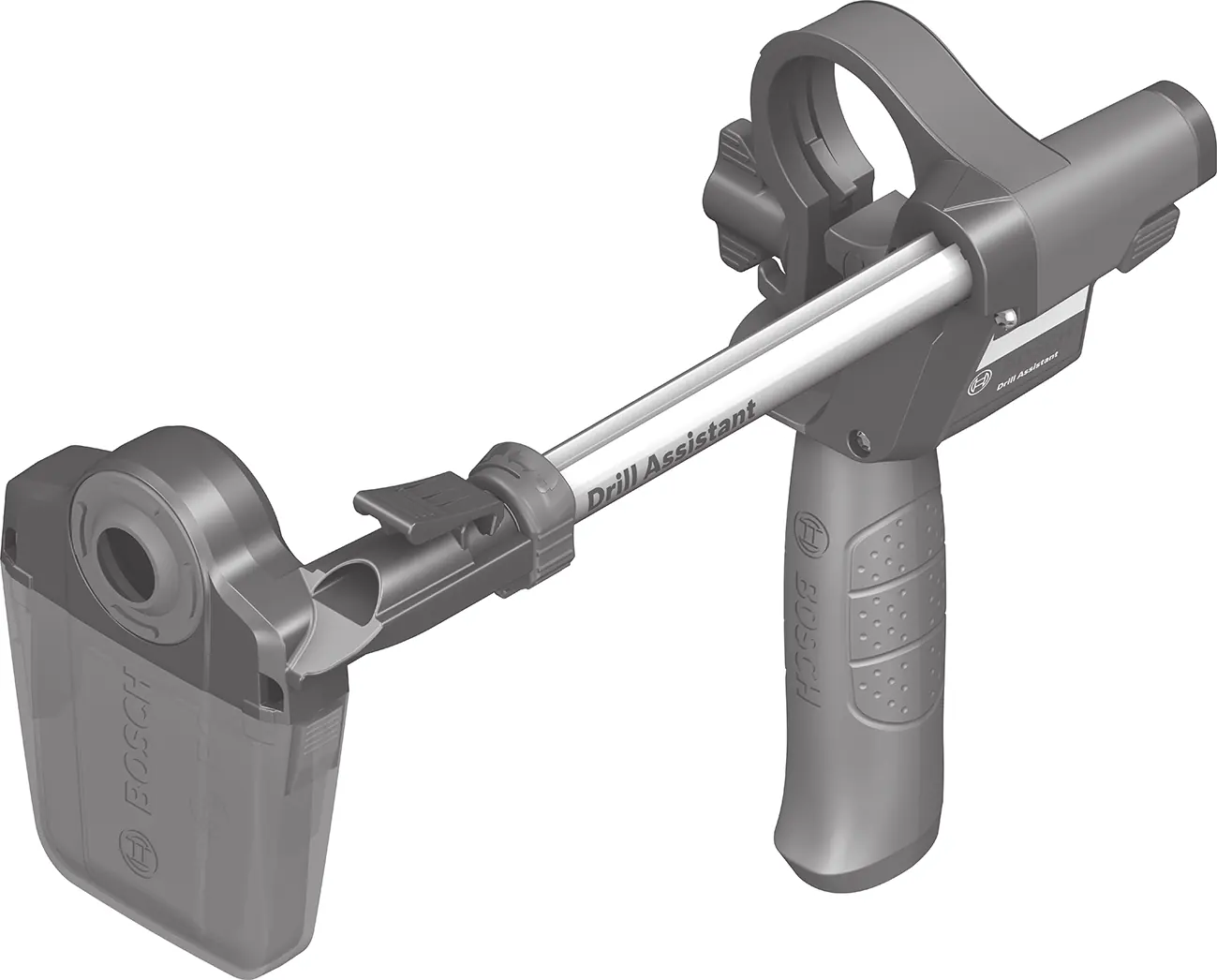
The Bosch UniversalImpact series are versatile impact drills designed for drilling in brick, concrete, stone, wood, metal, ceramic, and plastic. Some models include a 'Drill Assistant' for precise depth control and dust collection.
- Safety: Always wear ear protection when impact drilling. Use the auxiliary handle to maintain control.
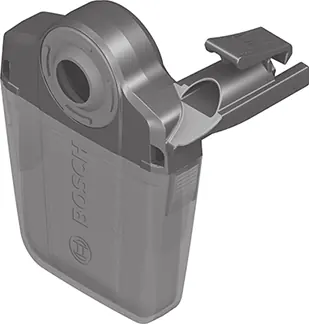
- Drill Assistant: Can be used for depth control and dust collection. Ensure it is locked securely before use.
- Operation: Use the selector switch to toggle between 'Drilling' and 'Impact Drilling'.
- Maintenance: Keep the tool and ventilation slots clean. Repairs must be performed by authorized Bosch service centers.
Safety Instructions
Read all safety warnings and instructions. Failure to follow them may result in electric shock, fire, or serious injury. Keep the work area clean and well-lit. Do not operate in explosive atmospheres. Always wear personal protective equipment, including eye protection and hearing protection when impact drilling.
Assembly
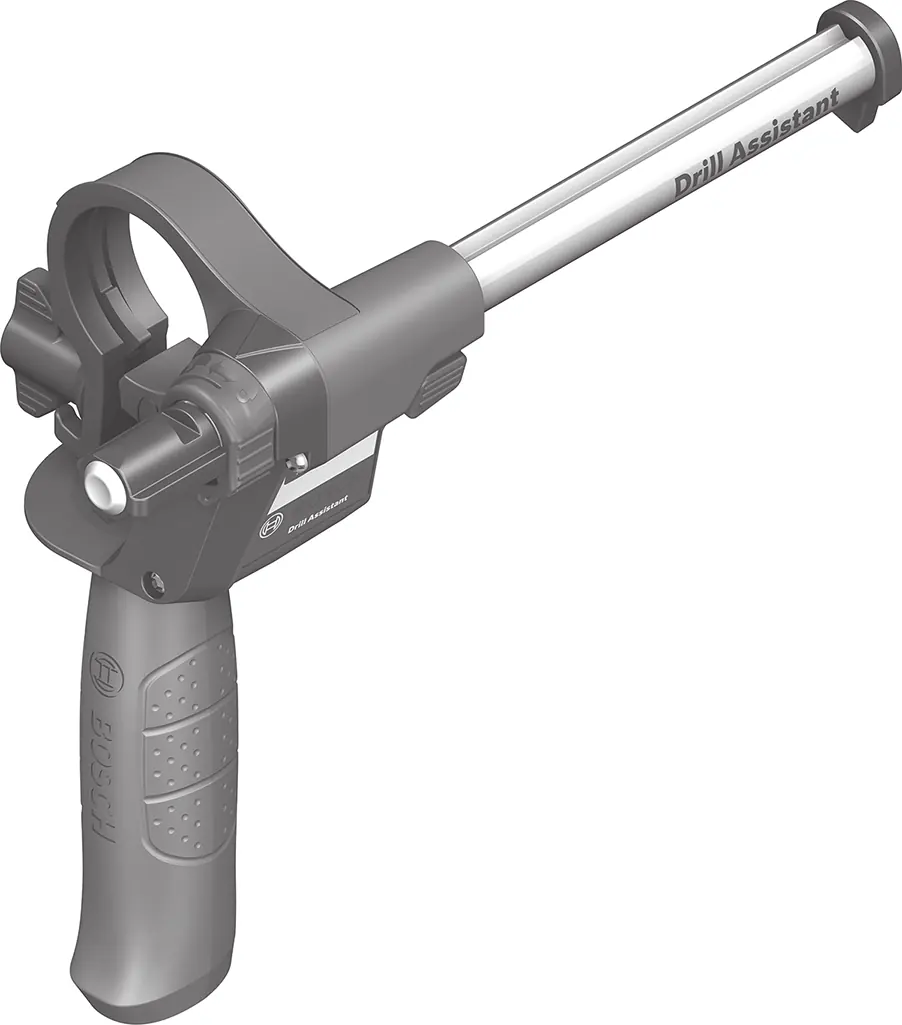
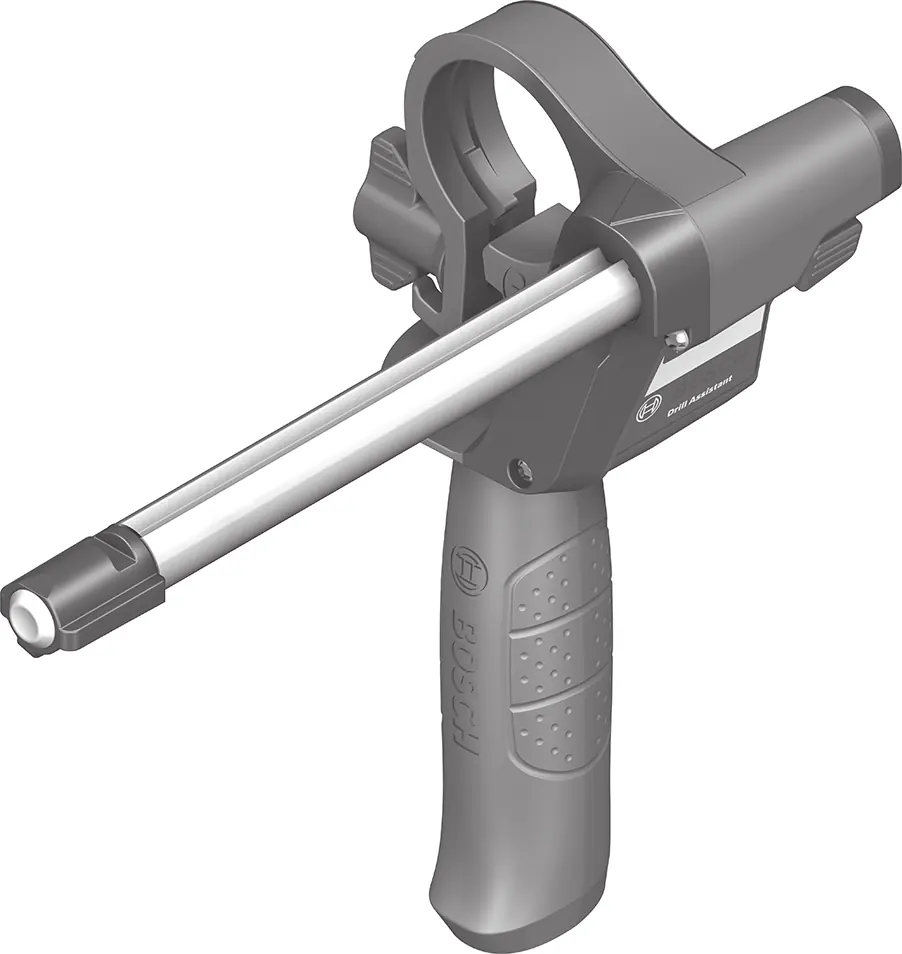
Before any work on the tool, pull the plug from the socket. Always use the auxiliary handle for safe operation. The Drill Assistant can be attached to the spindle collar and locked with the wing bolt. The depth stop can be adjusted to the required drilling depth.
Operation
Set the rotational direction using the switch. Use the selector switch to choose between drilling (screwdriving) and impact drilling. The speed can be controlled by the pressure applied to the on/off switch. Use the speed preselection thumbwheel to set the required speed.
Maintenance and Cleaning
Always keep the tool and ventilation slots clean. If the power cord needs replacement, it must be done by Bosch or an authorized service center to avoid safety hazards.
Manufacturer information
Bosch
Practical help
Common problems
Drill bit slips in the chuck
Ensure the chuck is tightened firmly. For keyless chucks, turn until no more clicking is heard.
Dust container is full
Press the side release buttons and pull the container downwards to empty it.
Drill bit overheats
Use protective gloves when changing bits. Run the tool at maximum speed for 3 minutes without load to cool it down.
Before use
- Check that the mains voltage matches the tool's rating plate.
- Ensure the auxiliary handle is securely tightened.
- Verify the correct drill bit is selected for the material.
- Check that the rotational direction switch is set correctly.
- Ensure the mode selector is set to the correct function (Drilling or Impact Drilling).
Show more Show less
Specs in practice
- Rated power input
- The power consumption of the tool (701W).
- Max. drilling diameter (Masonry)
- The maximum hole size recommended for masonry (14mm).
- No-load speed
- The speed of the tool when not under load (50-3000 min-1).
Images and diagrams
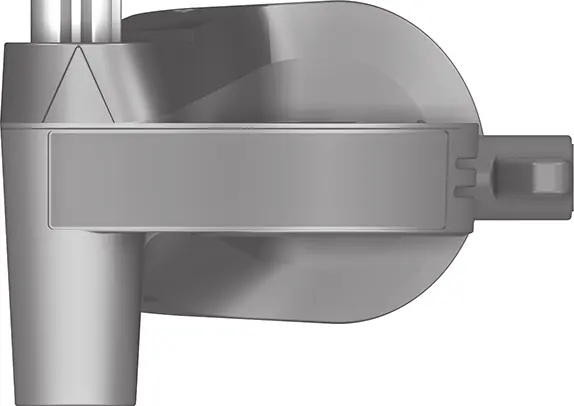
- The manual includes diagrams for assembly (A), depth stop setting (B), Drill Assistant setup (C-D), and tool changing (H-K).
Model compatibility
- Dust collection device is limited to drill bits with a diameter of 12 mm and a length of 120 mm.

Manual page author
David Miller
Documentation analyst