Computers / Desktop Computers
User Manual for Part4You Mains Charger
Quick guide for the Part4You mains charger. Learn how to safely connect, maintain, and troubleshoot your USB power adapter.
Table of contents
Quick guide from the manual
This document provides essential instructions for the safe and efficient use of the Part4You mains charger. It is designed for charging compatible electronic devices such as smartphones, tablets, and other USB-powered equipment. Always ensure the charger is used in dry, indoor environments and never leave it unattended for long periods.
General Information
The mains charger is designed to safely and efficiently charge compatible electronic devices. Ensure your device is compatible with USB charging before use.
Safe Use
- Use only in dry, indoor areas.
- Do not use the charger if it is damaged, such as having an abraded cable or a damaged plug.
- Avoid contact with water or other liquids.
- Do not leave the charger plugged in unattended for long periods.
- Do not use with incompatible devices to prevent overheating or fire risks.
Installation and Connection
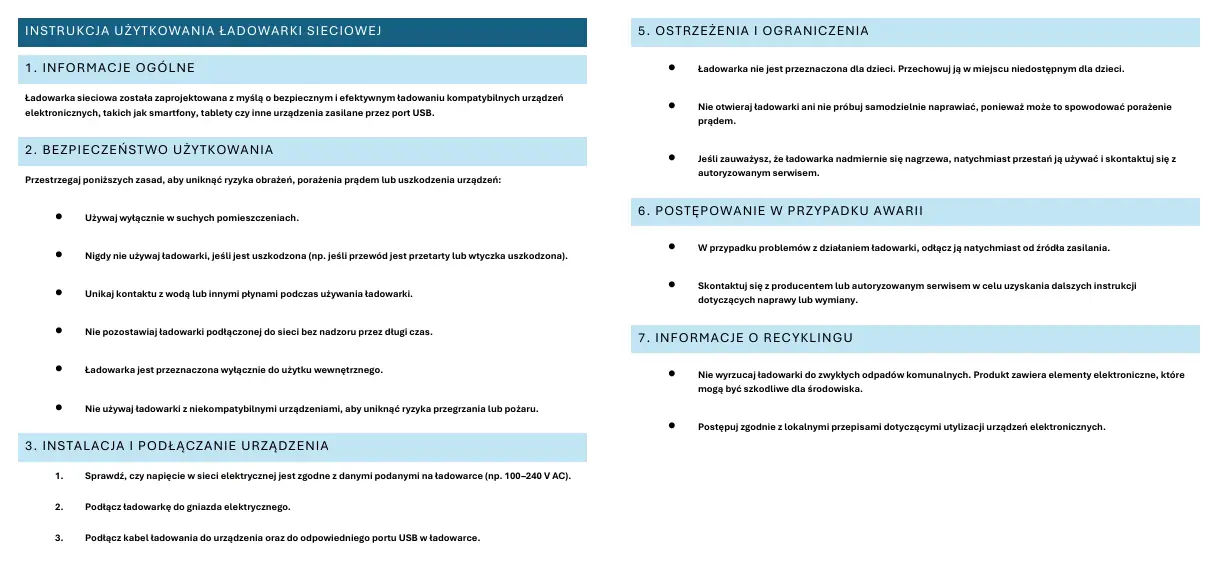
- Check that the mains voltage corresponds to the specifications stated on the charger (e.g., 100-240 V AC).
- Plug the charger into a power socket.
- Connect the charging cable to your device and the appropriate USB port on the charger.
- Ensure the device has started charging and monitor the process.
Maintenance
- Regularly check the condition of the charger and the cable.
- Clean the device using a soft, dry cloth. Do not use chemicals, as they may damage the surface.
- Store the charger in a cool and dry place.
Warnings and Restrictions
- The charger is not intended for children; keep it out of their reach.
- Do not open the charger or attempt to repair it yourself, as this poses a risk of electric shock.
- If the charger becomes excessively hot, stop using it immediately and contact an authorised service centre.
Handling Faults
In the event of operational problems, disconnect the charger immediately from the power source. Contact the manufacturer or an authorised service centre for further instructions regarding repair or replacement.
Recycling Information
Do not dispose of the charger in normal municipal waste. As it contains electronic components that may be harmful to the environment, please follow local regulations for the disposal of electronic devices.
Manufacturer information
Dell Inc.
Practical help
Common problems
Charger gets excessively hot
Stop using the charger immediately and contact an authorised service centre.
Charger is damaged (e.g., abraded cable, damaged plug)
Do not use the charger under any circumstances.
Operational issues
Disconnect the charger immediately from the power source and contact the manufacturer or an authorised service centre.
Before use
- Verify that the local mains voltage matches the charger's input (100-240 V AC).
- Ensure the environment is dry and suitable for indoor use.
- Inspect the cable and plug for any signs of wear or damage.
- Confirm the device being charged is compatible with USB power.
Specs in practice
- Input Voltage
- 100-240 V AC. Ensure your wall outlet provides this voltage range.
Model compatibility
- Compatible with smartphones, tablets, and other USB-powered devices.

Manual page author
Emily Carter
User documentation editor
Prepares concise manual descriptions and highlights the most useful setup, operation, and maintenance information for readers.