Electronics / Speakers Soundbars
User Guide for Denon Home Amp Wireless Streaming Amplifier
Quick start guide for the Denon Home Amp, covering unpacking, placement, connections, HEOS app setup, and Bluetooth pairing.
Table of contents
Manual images
Jump to the sectionQuick guide from the manual
The Denon Home Amp is a wireless streaming amplifier designed to add HEOS multi-room audio functionality to your existing pair of speakers. This guide provides the essential steps to set up your device and begin streaming music.
Unpacking and Setup
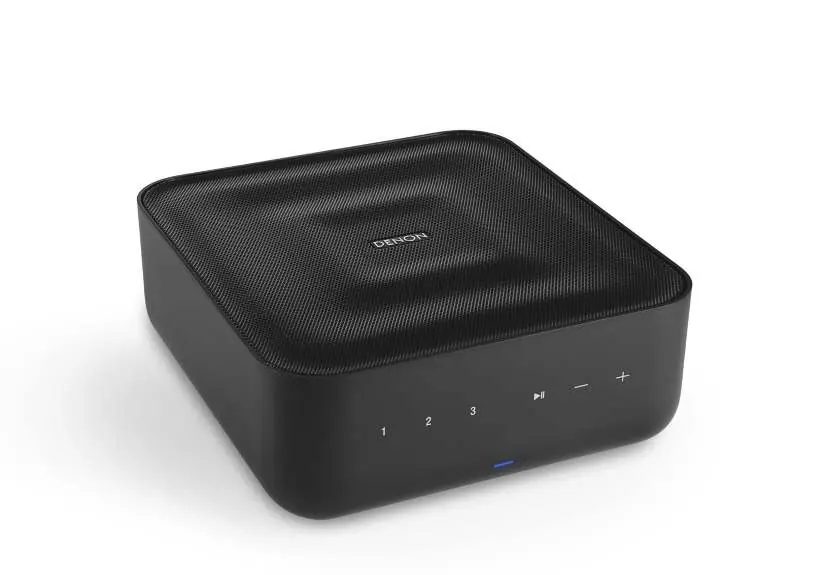
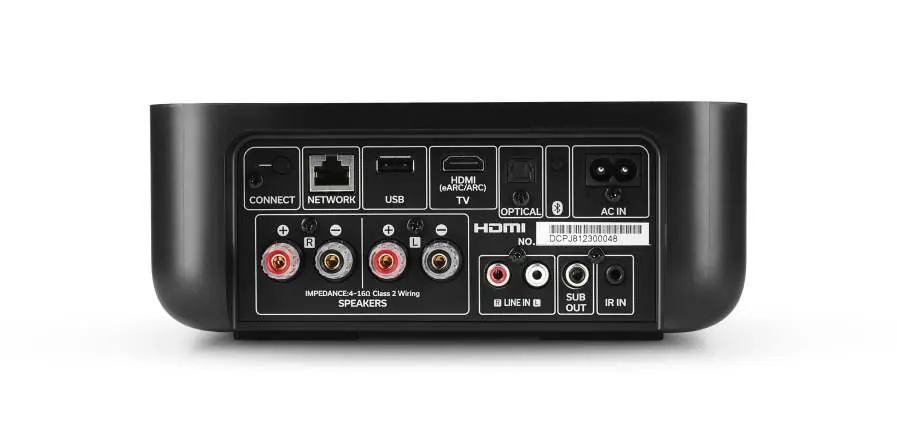
- Unpack: Ensure you have the Denon Home Amp, power cord, and optical cable.
- Place: Position the amplifier in a convenient location near your speakers.
- Connect: Connect the power cord to the amplifier and a wall outlet.
Control and App Setup
- Download: Install the HEOS app from the Apple App Store, Google Play, or Amazon App Store.
- Launch: Open the HEOS app and follow the on-screen instructions to add the device to your network.
Optional Bluetooth Pairing
- Activate Bluetooth on your mobile device.
- Press and hold the Bluetooth button on the back of the Denon Home Amp for 3 seconds.
- Release the button when the status LED flashes green twice.
- Select 'Denon Home Amp' from your mobile device's Bluetooth list.
Safety and Installation
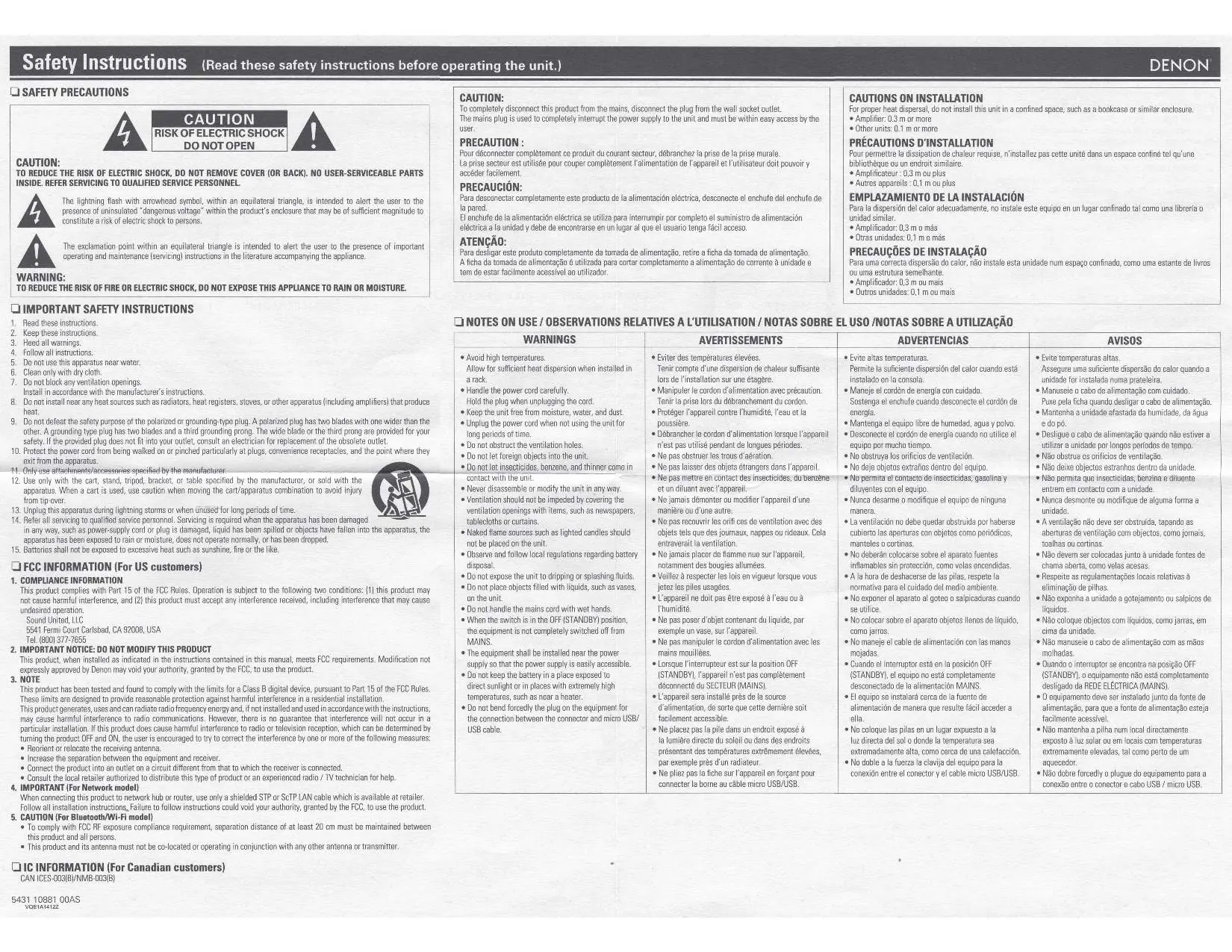
Important Safety Instructions:
- Do not install in confined spaces like bookcases; ensure at least 0.3m clearance for the amplifier and 0.1m for other units.
- Keep the unit away from moisture, water, and dust.
- Do not block ventilation openings.
- Do not use near heat sources like radiators or stoves.
- The power plug is used to disconnect the unit; ensure it is easily accessible.
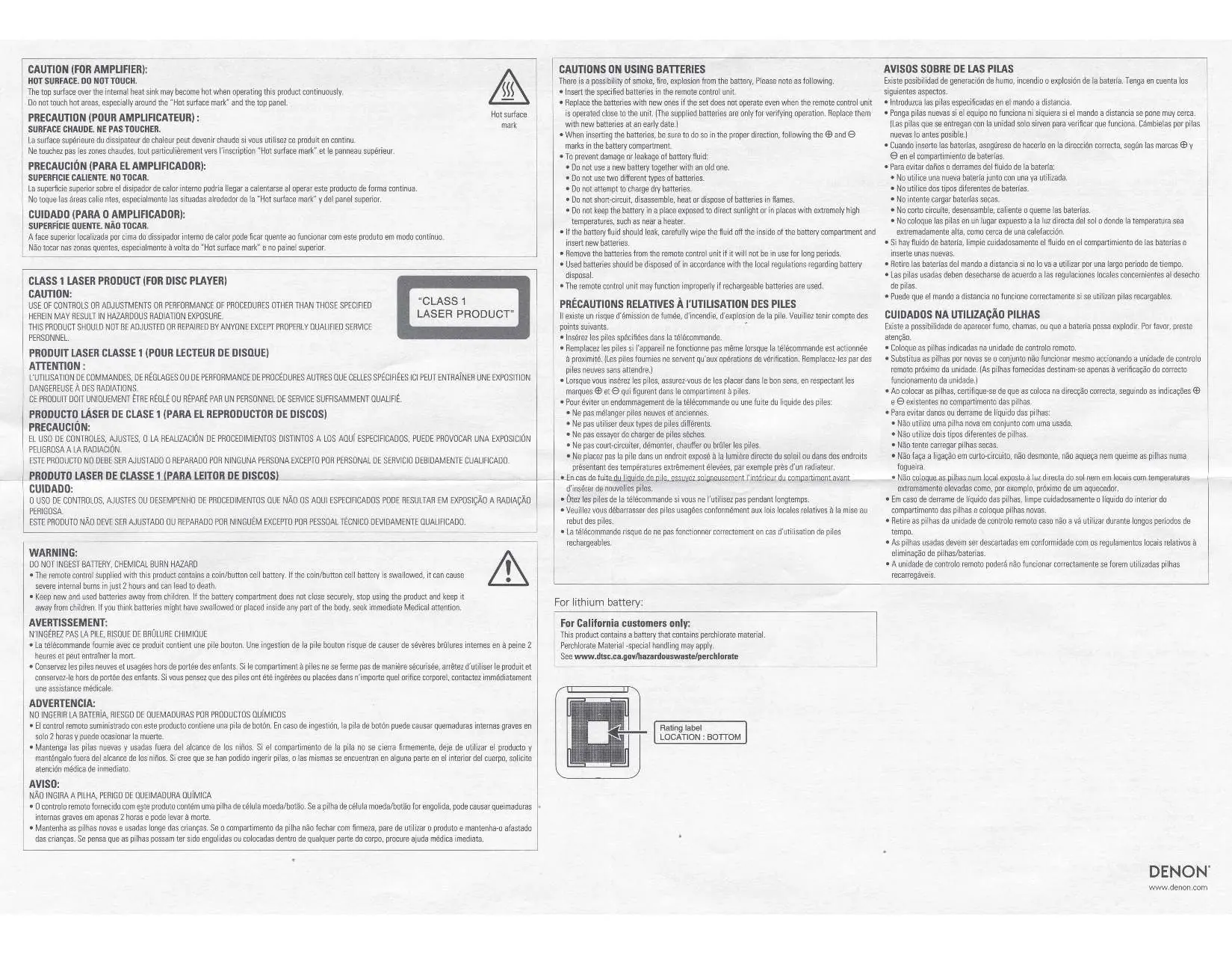
Battery Safety: The remote control uses a coin/button cell battery. Keep away from children. If swallowed, seek immediate medical attention.
Support
For further assistance, contact the Denon helpline at (855) 499 2820 or visit the support section at www.denon.com. For detailed operation procedures, refer to the online manual at manuals.denon.com/DenonHomeAmp/ALL/EN/
Official resources from the manual
Manufacturer information
Denon
Practical help
Common problems
Remote control not working
Replace batteries with new ones. Ensure they are inserted in the correct direction (+/- marks).
Device not connecting to network
Ensure your mobile device is connected to your Wi-Fi network and follow the HEOS app setup instructions.
Unit overheating
Ensure proper ventilation; do not install in confined spaces and maintain at least 0.3m clearance.
Before use
- Wi-Fi router
- Active internet connection
- Apple iOS or Android mobile device connected to your network
- Speakers and speaker wires
Specs in practice
- Power Output (8 ohm)
- 100 W + 100 W (20 Hz to 20 kHz, T.H.D. 0.05%)
- Power Output (4 ohm)
- 125 W + 125 W (1 kHz, T.H.D. 0.1%)
- Loudspeaker Impedance
- Supports 4–16 ohms
Images and diagrams
- The rear panel features connections for speakers (binding posts), HDMI (eARC), Optical, USB, and Analog inputs.
- The front panel includes touch controls for volume, play/pause, and Quick Select buttons.
Model compatibility
- Supports HEOS multi-room audio.
- Compatible with Apple AirPlay 2.
- Supports Bluetooth 4.2 (Receive).

Manual page author
Michael Turner
Technical manual editor
Reviews PDF manuals for structure, safety notes, and practical product details so readers can find the right information quickly.