Electronics / RFID Barcode Scanners
Configuration Guide for Honeywell Granit Ultra 2100i and 2105i Scanners
A comprehensive configuration guide for the Honeywell Granit Ultra 2100i and 2105i industrial scanners. Includes setup, cable options, accessories, and maintenance service details.
Quick answers from the manual
Quick answer
- The Granit Ultra 2100i is a tethered industrial scanner, while the 2105i is a Bluetooth-enabled model. This guide provides configuration options, cable compatibility, accessory lists, and maintenance service details. p. 1, 2, 3, 4
Key actions
- Pairing 2105i Bluetooth scanner p. 6
Problems and fixes
Bluetooth pairing issues
Use the CCB23 base with BASLNK0 to avoid unwanted pairing; scan the EZPairing LnkB barcode.
p. 6Show 2 more answers Show less
Technical specifications
| Parameter | Value | Meaning | Pages |
|---|---|---|---|
| Bluetooth Range | 100m (300') | Maximum range for CCB23 base. | p. 6 |
Where to find it in the PDF
- 2100i Configurations p. 3, 4
- 2105i Configurations p. 6, 7
- Cable Options p. 10, 11, 12, 13
- Optional Parts p. 14, 15, 16, 17
Table of contents
Manual images
Click an image to enlargeQuick Guide from the Manual
This document serves as a configuration guide for the Honeywell Granit Ultra 2100i (Tethered) and 2105i (Bluetooth) industrial scanners. It provides details on available configurations, cable options, optional accessories, and maintenance service contracts.
Scanner Models
The Granit Ultra series includes two main scanner types:
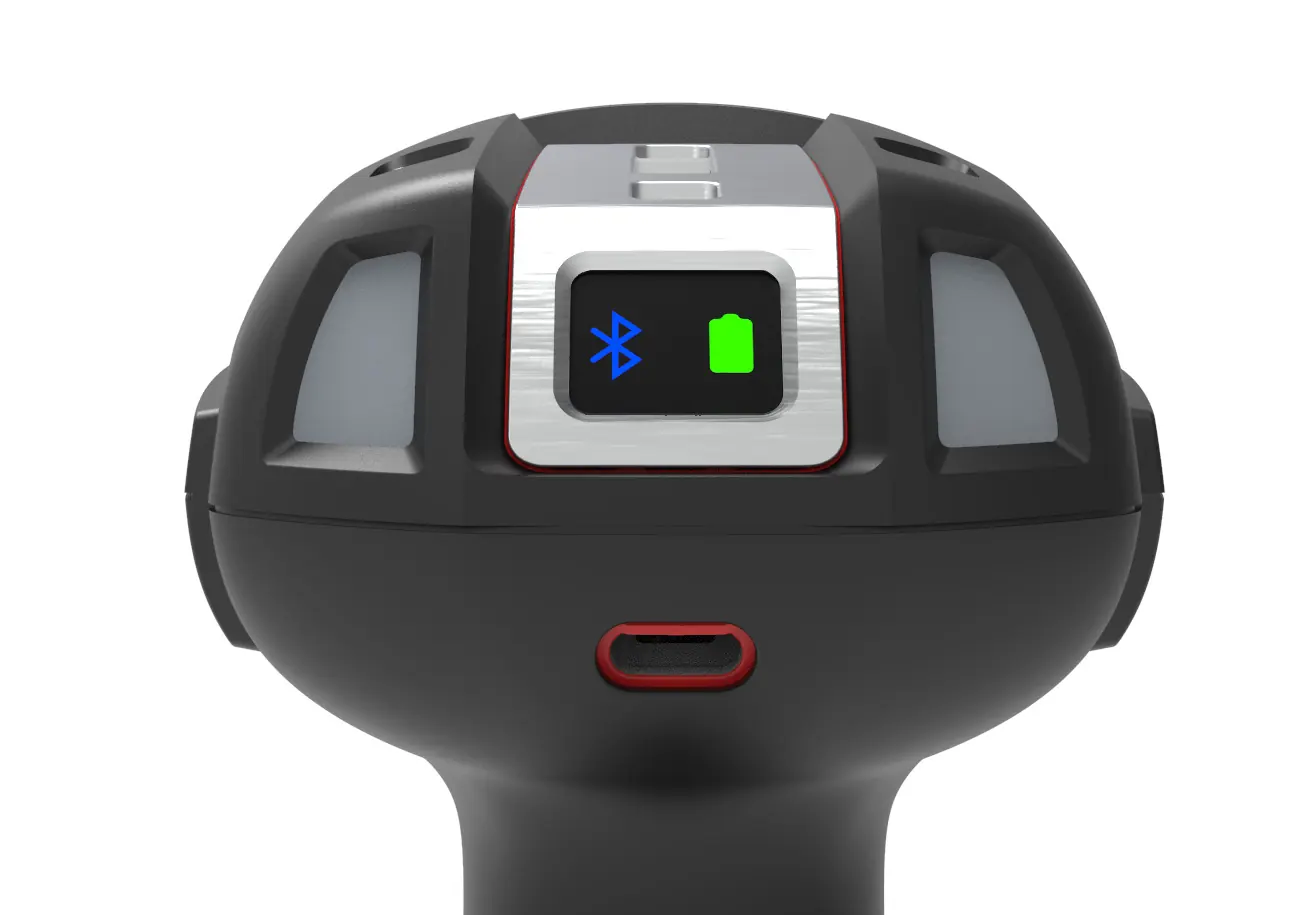
- 2100i (Tethered): Designed for direct connection to a host device via cable.
- 2105i (Bluetooth): Wireless scanner offering Bluetooth connectivity for greater mobility.
Configurations
Scanners are available in different configurations based on the scanning range and included accessories:
- Standard Range (SR): Features an LED Aimer.
- Expanded Range (XR): Features a Class 2 Laser Aimer.
- Extra Long Range (XLR): Features a Class 2 Laser Aimer for extended distances.
Kits are available as Scanner Only or bundled with USB or Serial cables.
Cable Options
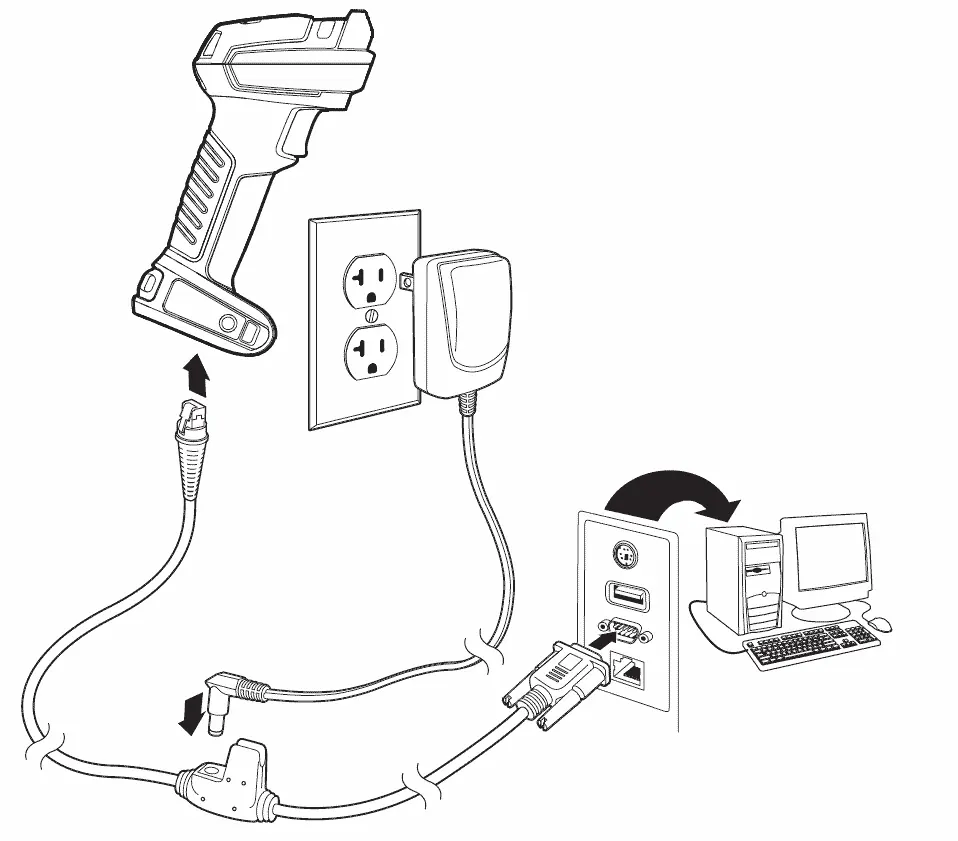
Various cable types are supported for different host interfaces:
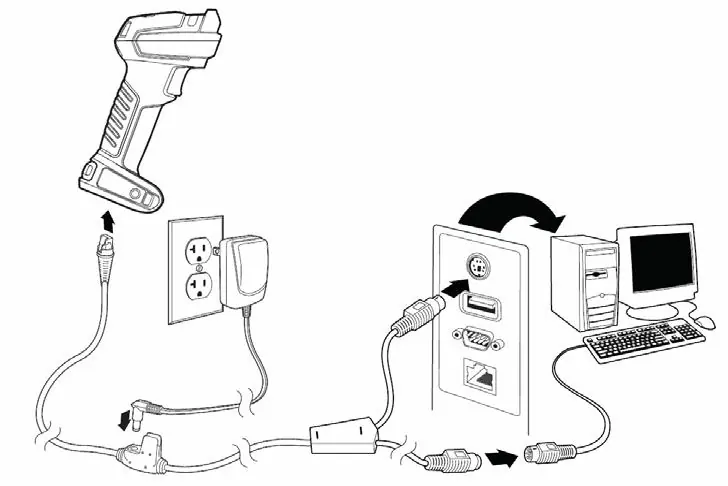
- USB Cables: Available in straight or coiled versions, various lengths (3m, 5m), and industrial/freezer-rated options.
- Serial Cables: RS232 options with different power configurations (5V, +/-12V) and connector types (DB9, modular).
- Keyboard Wedge: PS2 interface cables.
Optional Parts & Accessories
Enhance your scanner setup with the following accessories:
- Bases: Charge and Communication bases (CCB23) and Charge Only bases.
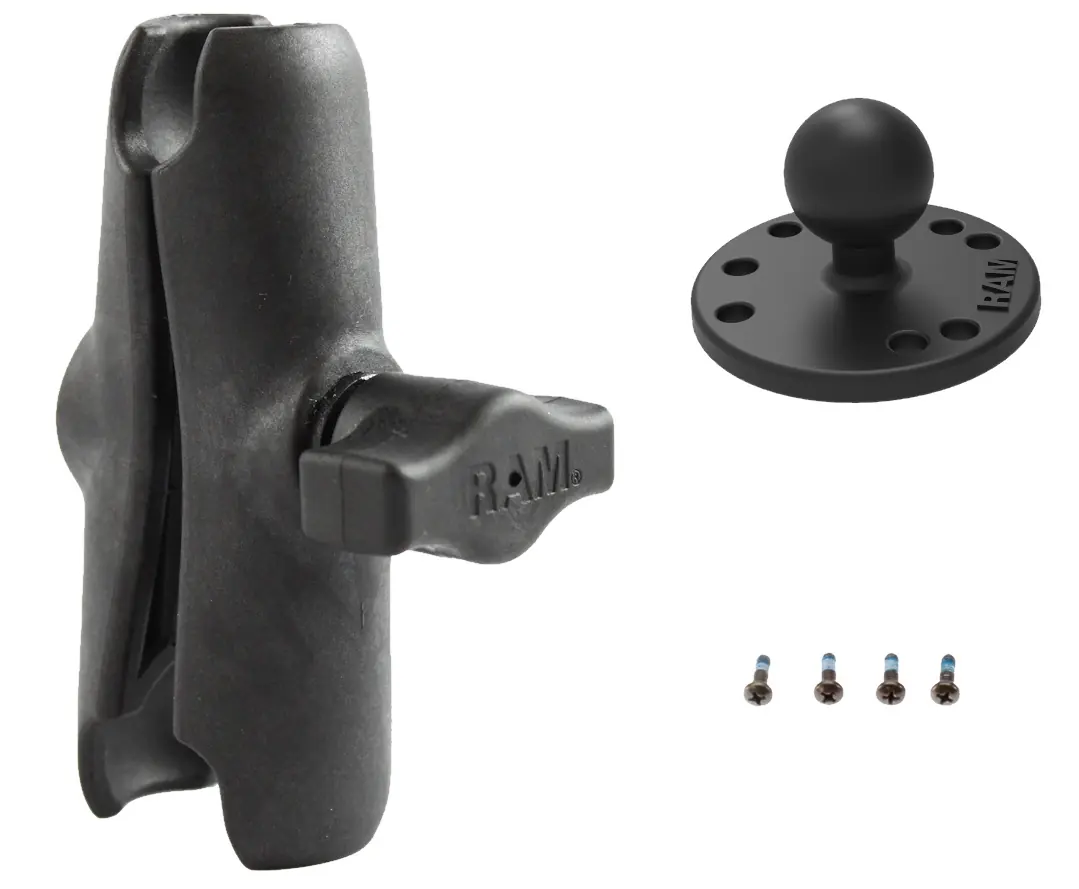
- Mounting: Vehicle mount kits (VMHOLDER series) and wall holder kits.
- Power: Various power supplies and regional plugs.
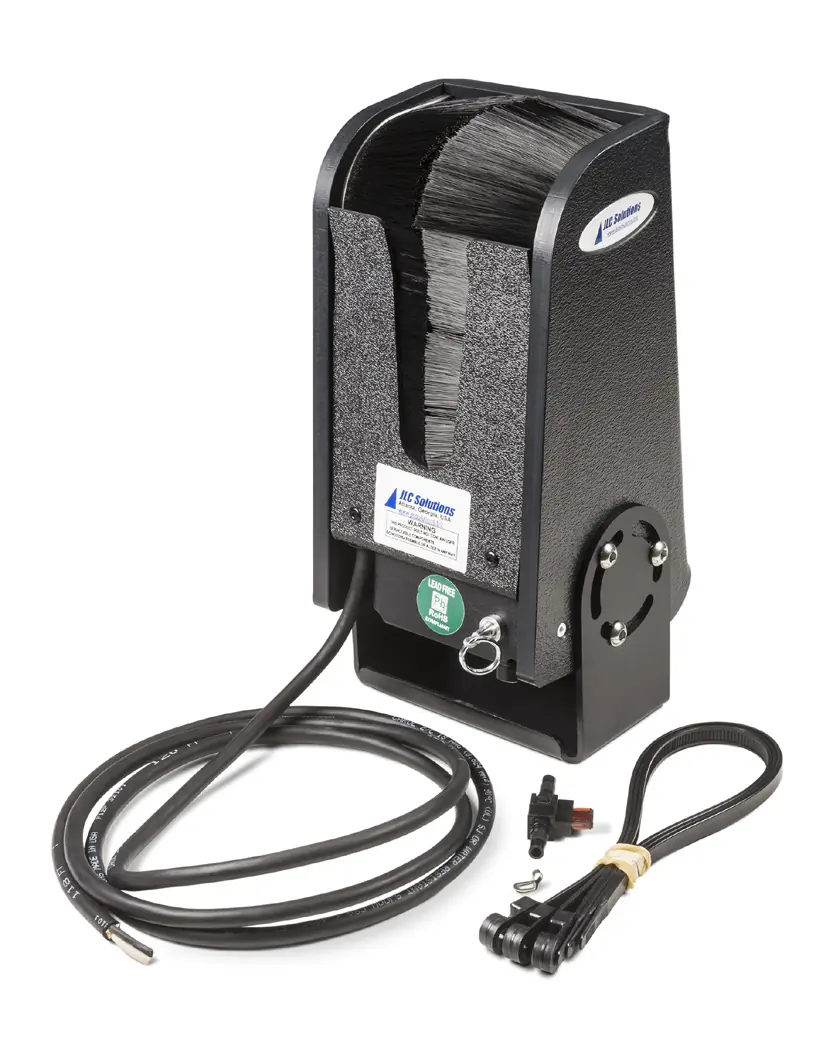
- Maintenance: Batteries (BAT-SCN11), O-rings for IP65 sealing, and tool balancers.
Honeywell Edge Services
Honeywell offers maintenance contracts to ensure operational continuity:
- Gold Repair Services: Includes 5-day depot repairs, coverage for wear and tear, and accidental damage.
- Platinum Repair Services: Includes 2-day depot repairs, spare pool management, and telephone-based technical support.
- Add-On Services: Options for accessory replacement, battery replacement, and device replacement are available.
Manufacturer information
Honeywell International Inc.
Practical help
Common problems
Scanner not charging
Ensure the charge base is connected to a power supply and the scanner is properly seated in the base.
Bluetooth pairing issues
Use the CCB23 base with BASLNK0 to avoid unwanted pairing; scan the EZPairing LnkB barcode to initiate pairing.
Cable compatibility
Verify the cable part number against the scanner interface requirements (USB, Serial, KBW) listed in the cable options section.
Before use
- Verify the scanner model (2100i tethered or 2105i Bluetooth).
- Select the appropriate cable based on your host interface (USB, Serial, KBW).
- Ensure the correct power supply is used for the charge base.
- If using a vehicle mount, verify compatibility with the scanner cup.
- Check if your environment requires industrial-grade or freezer-rated cables.
Show more Show less
Specs in practice
- SR (Standard Range)
- LED Aimer for standard scanning distances.
- XR (Expanded Range)
- Laser Aimer (Class 2) for longer scanning distances.
- XLR (Extra Long Range)
- Laser Aimer (Class 2) for extended range scanning.
Images and diagrams
- Wiring diagrams illustrate connections for USB, Serial, and Keyboard Wedge interfaces.
- Vehicle mount diagrams show the assembly of the scanner cup with mounting arms.
Model compatibility
- CCB23 base is not compatible with Granit 1981i or Granit XP 1991i.
- BAT-SCN11 battery is specific to Granit Ultra 2105i.
- VMHOLDERK and VMHOLDER2K are compatible with Granit, Granit XP, and Granit Ultra scanners.

Manual page author
Emily Carter
User documentation editor