Electronics / Speakers & Soundbars
User Guide for JBL PartyLight Beam
Quick start guide and user manual for the JBL PartyLight Beam. Learn how to power on, sync with PartyBox, adjust light angles, and use the app.
Table of contents
Manual images
Click an image to enlargeQuick guide from the manual
The JBL PartyLight Beam is a Bluetooth projection party light designed to sync with JBL PartyBox speakers or operate independently. This guide provides essential setup and operation instructions to help you get the most out of your device.
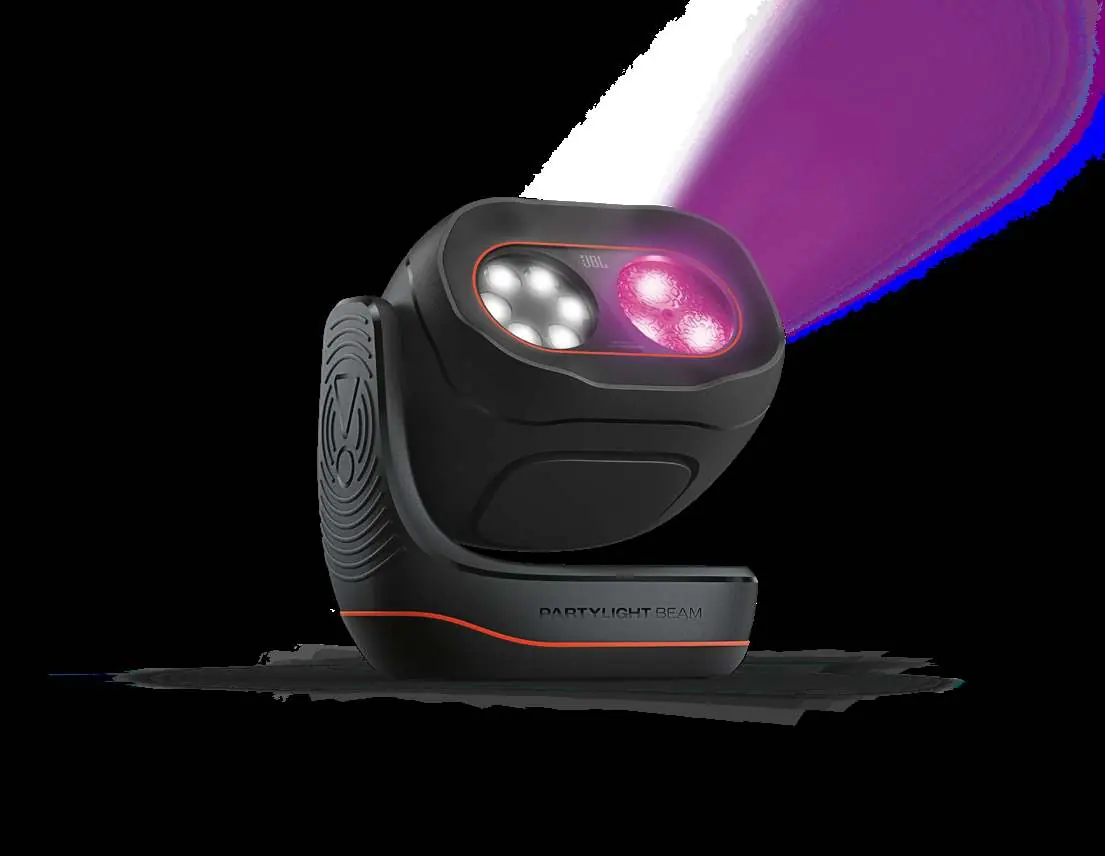
What is in the box
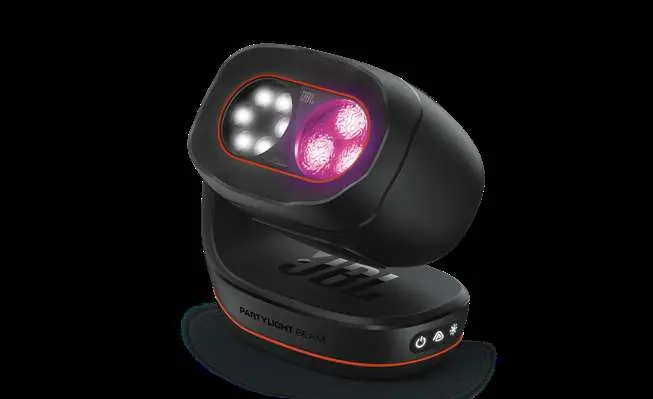
- 1 x JBL PartyLight Beam
- 1 x Power Cord (quantity and plug type vary by region)
- 1 x Quick start guide
- 1 x Safety sheet and warranty card
Powering on
Connect the power cord to the device and plug it into a power outlet. Press the power button to turn the unit on. Avoid direct eye contact with the light-emitting parts.
Syncing with PartyBox
The PartyLight Beam can sync with JBL PartyBox speakers for a choreographed lightshow. Press the sync button on the unit to initiate connection. The indicator light will blink while connecting and turn solid when connected.
Lightshow modes
You can cycle through different lightshow patterns by pressing the lightshow button. Available modes include Neon, Loop, Bounce, Trim, Switch, and Freeze.
App control
Download and install the JBL ONE or JBL PartyBox app to access advanced settings, adjust lightshow speed, colors, patterns, and connect multiple PartyLight Beams.
Adjustable angle
The unit features an adjustable angle. Rotate the light head manually to center the light show where you want it. The adjustable range is from 330 degrees to 30 degrees.
Technical specifications
- LED: RGB x 3; W LED x 4
- Power input: 100-240V, 50/60Hz
- Power consumption: 22W
- Bluetooth version: 5.3
- Bluetooth transmitter power: < 12 dBm (EIRP)
- Dimensions (W x H x D): 152 mm x 156 mm x 96 mm
- Net weight: 0.92 kg
Safety information
Do not look directly at the light-emitting parts when the lights are turned on. This product is for indoor use only. Ensure the device is not exposed to dripping or splashing liquids.
Manufacturer information
JBL
Practical help
Common problems
Light not syncing with PartyBox
Ensure your PartyBox is compatible and press the sync button on the PartyLight Beam. Check that the indicator light is blinking to indicate it is searching for a connection.
Light effect not reacting to music
Ensure the sync button is off; when the sync button is off, the built-in microphone detects ambient sound and adapts the light effect dynamically.
Cannot adjust angle
The unit is designed to be rotated manually. Ensure you are rotating the head within the 330 to 30-degree range.
Before use
- Check package contents for all items
- Connect the power cord to a suitable outlet
- Download the JBL ONE or JBL PartyBox app
- Ensure the unit is placed on a stable surface
- Avoid looking directly into the light source
Specs in practice
- Power consumption
- 22W maximum power usage
- Bluetooth version
- 5.3 for stable wireless connectivity
- Bluetooth frequency range
- 2400 MHz - 2483.5 MHz
Images and diagrams
- Power button location on the base
- Sync button for PartyBox connection
- Lightshow mode button
- Angle adjustment range (330 to 30 degrees)
Model compatibility
- Syncs automatically with JBL PartyBox lightshow or music
- Requires JBL ONE or JBL PartyBox app for full feature control

Manual page author
David Miller
Documentation analyst
Organizes user manual content into clear summaries, with attention to model details, product context, and everyday usability.