Computers / Laptops
LG 14T90S 16 Inch 2-in-1 Laptop Instruction Manual
Quick guide for the LG 14T90S 2-in-1 laptop, covering key specifications, durability standards, and device sharing features via LG gram Link.
Table of contents
Manual images
Click an image to enlargeQuick guide from the manual
This document provides an overview of the key features and specifications for the LG 14T90S 2-in-1 laptop. It highlights the device's ultra-thin design, high-performance hardware, and software integration capabilities. Please note that actual features and specifications may vary and are subject to change without notice.
Device Overview
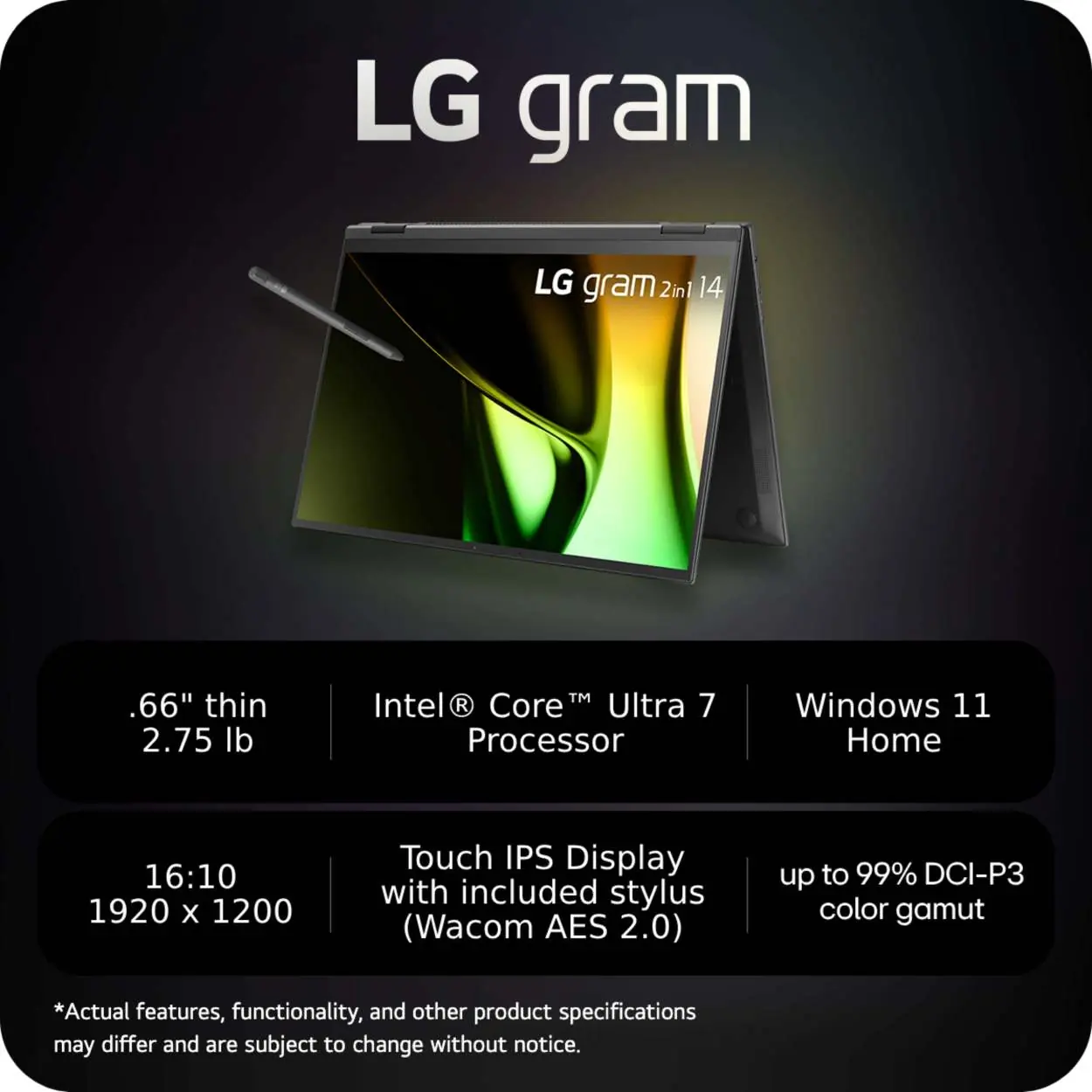
The LG 14T90S is a thin and lightweight 2-in-1 laptop featuring a 16:10 touch IPS display. It comes with an included stylus (Wacom AES 2.0) for precise input. The device is powered by an Intel Core Ultra 7 processor and runs on Windows 11 Home.
Key Specifications
- Processor: Intel Core Ultra 7
- Display: 16:10 Touch IPS, 1920 x 1200 resolution, up to 99% DCI-P3 color gamut
- Memory/Storage: LPDDR5x RAM and NVMe (Gen4) storage
- Physical Dimensions: 0.66 inches thin, 2.75 lbs weight
LG gram Link
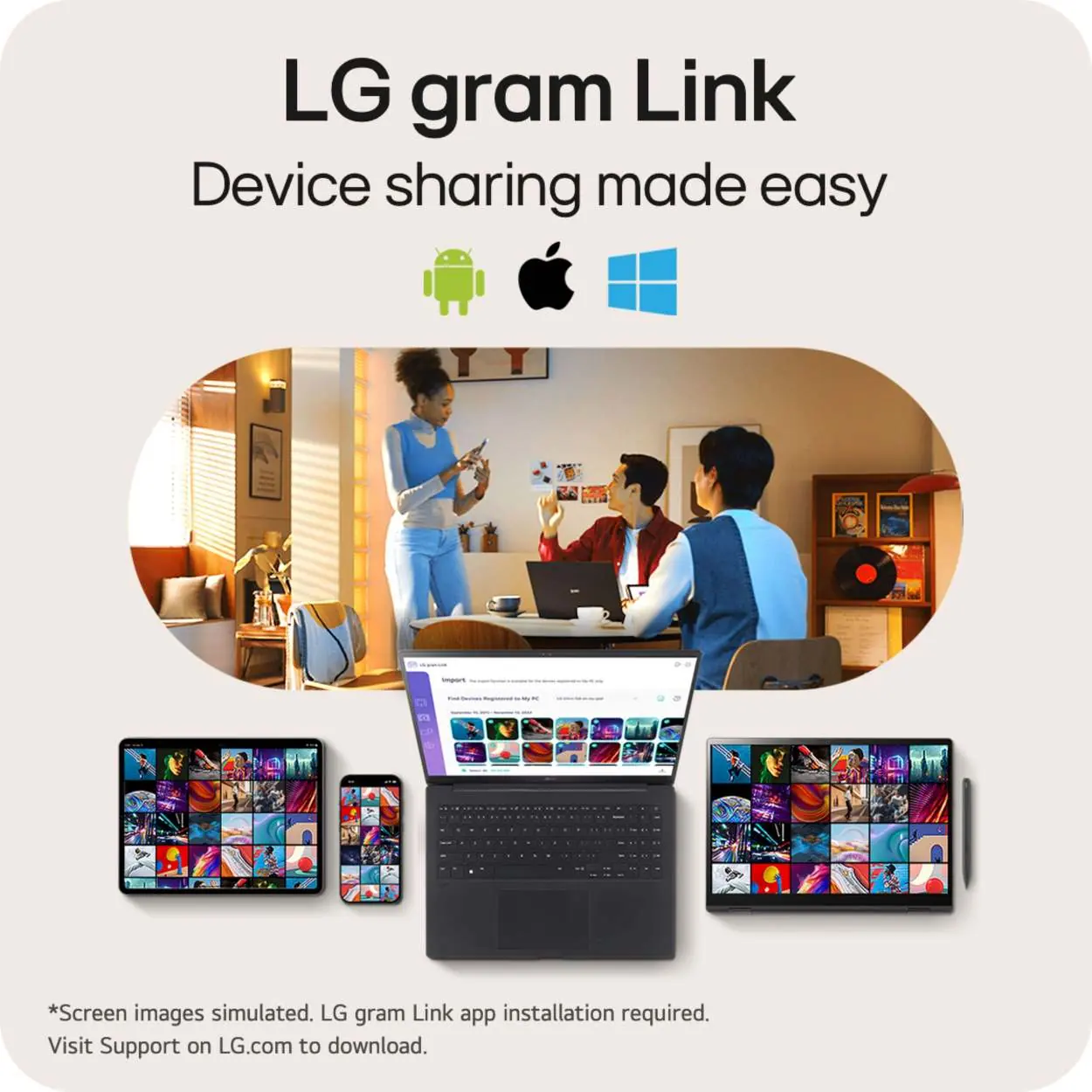
The LG gram Link feature facilitates easy device sharing across different platforms, including Android, iOS, and Windows. To use this feature, you must install the LG gram Link application. You can download the necessary software by visiting the support section on LG.com.
Durability
The device has passed 7 different MIL-STD 810H durability tests conducted by an independent laboratory. These tests include:
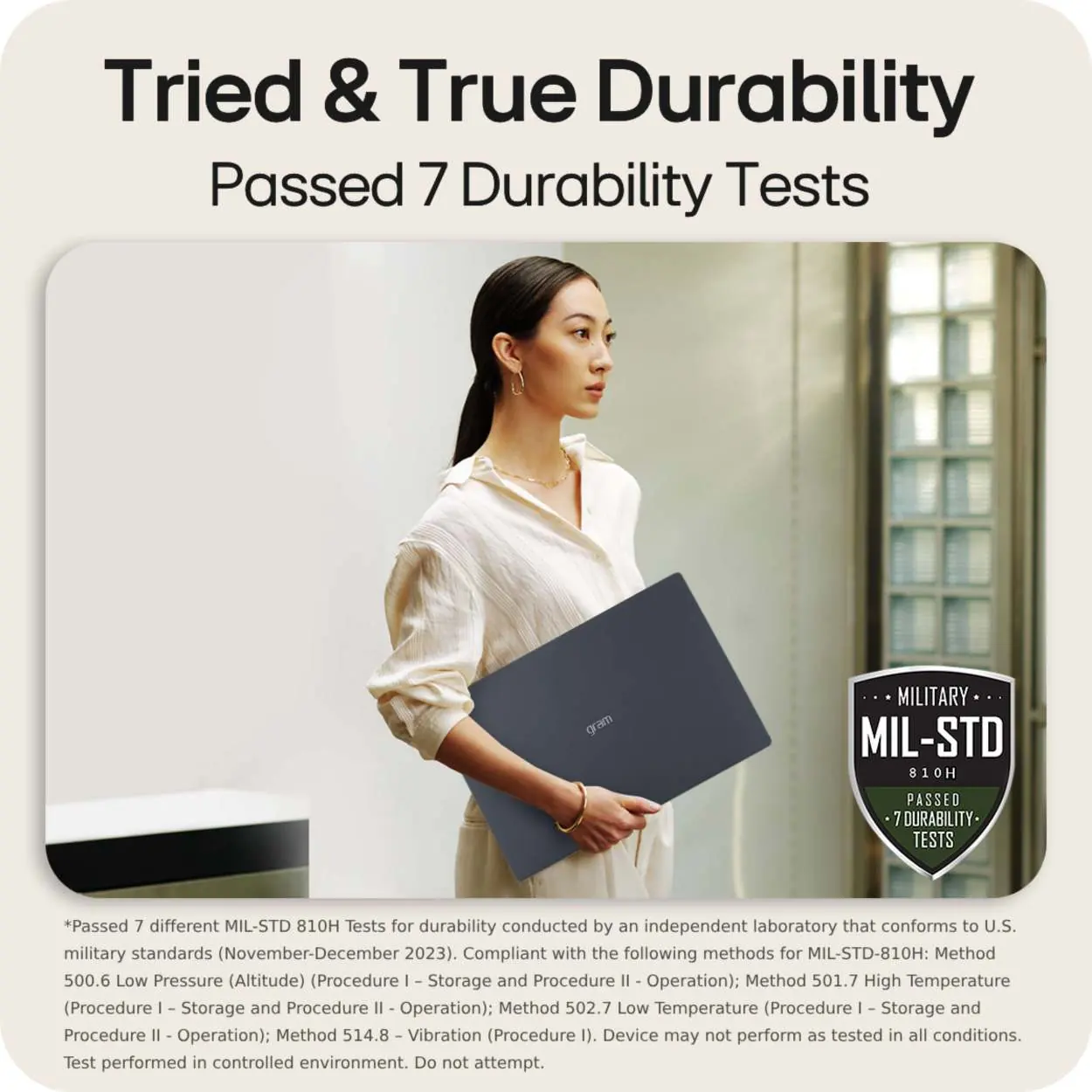
- Low Pressure (Altitude) - Storage and Operation
- High Temperature - Storage and Operation
- Low Temperature - Storage and Operation
- Vibration
Note: The device may not perform as tested in all conditions. These tests were performed in a controlled environment; do not attempt to replicate them.
Audio
The laptop supports Dolby Atmos, providing an enhanced surround sound experience.
Official resources from the manual
Manufacturer information
LG Electronics
Practical help
Common problems
LG gram Link not working
Ensure the LG gram Link application is installed on both the laptop and the secondary device. Visit LG.com support to download the latest version.
Before use
- Verify the device is charged.
- Ensure the Wacom AES 2.0 stylus is available for touch input.
- Download the LG gram Link app if cross-device sharing is required.
- Check for Windows 11 updates.
Specs in practice
- MIL-STD 810H
- A U.S. military standard for equipment durability, indicating the laptop has passed specific tests for altitude, temperature, and vibration.
- Wacom AES 2.0
- Active Electrostatic technology used for the included stylus, providing precise pressure sensitivity and input.
Model compatibility
- LG gram Link is compatible with Android, iOS, and Windows devices.
- The device is optimized for Windows 11.

Manual page author
Emily Carter
User documentation editor
Prepares concise manual descriptions and highlights the most useful setup, operation, and maintenance information for readers.