Electronics / Monitors
Philips 190X6 LCD Monitor Service Manual
Technical service and disassembly guide for the Philips 190X6 LCD monitor. This document provides detailed internal component identification, PCB layouts, and assembly views for qualified service personnel.
Table of contents
Manual images
Click an image to enlargeTechnical Service Overview
This document serves as a technical service and disassembly guide for the Philips 190X6 LCD monitor. It is intended for use by qualified service personnel to assist in the identification of internal components, understanding the PCB layout, and performing safe disassembly procedures.
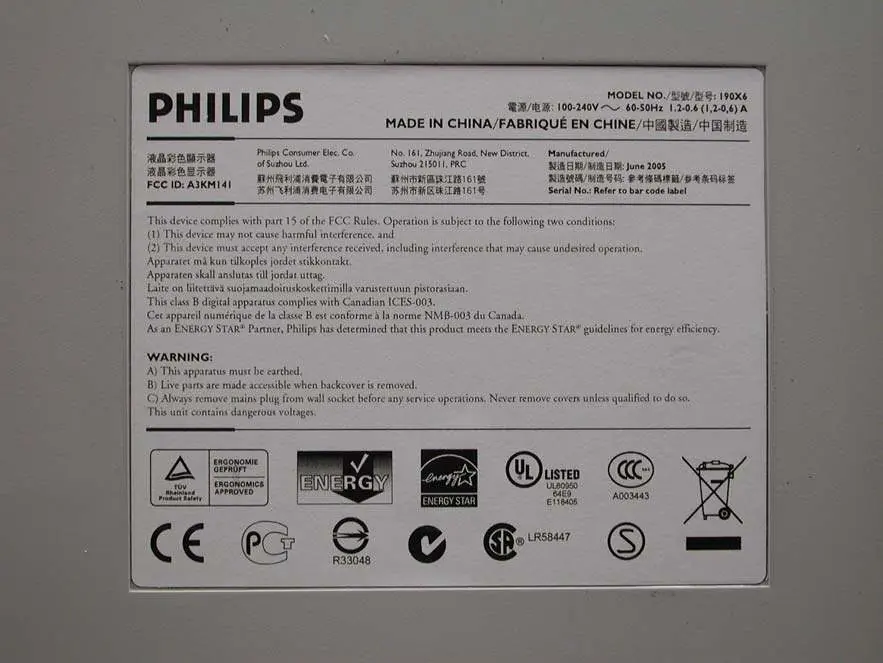
Safety Information
Warning: The monitor contains dangerous voltages. Always disconnect the power plug from the wall socket before performing any service operations. Live parts are accessible when the back cover is removed. Only qualified personnel should attempt to open or repair this unit.
Internal Components and Assembly
The manual provides visual documentation of the monitor's internal structure, including:
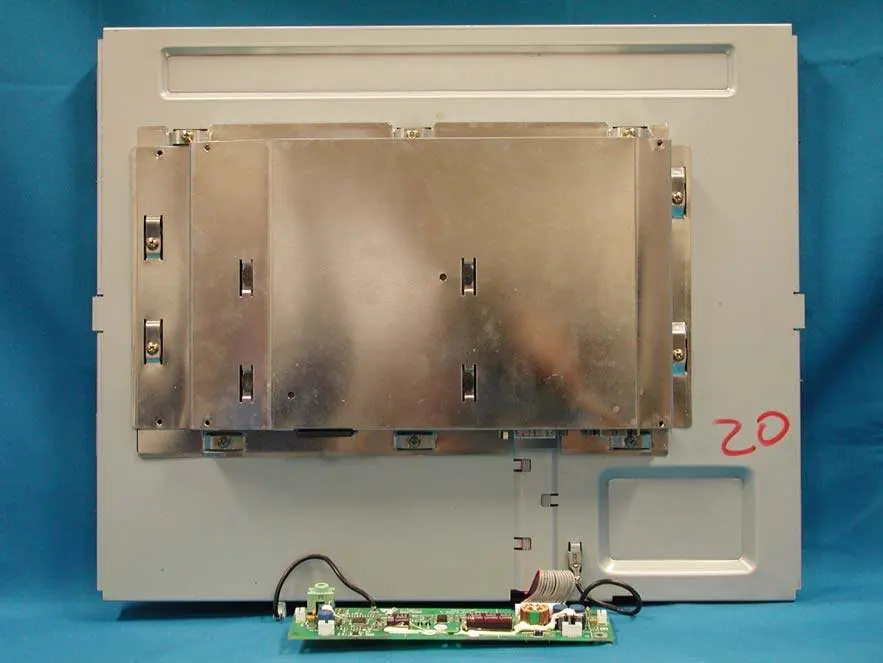
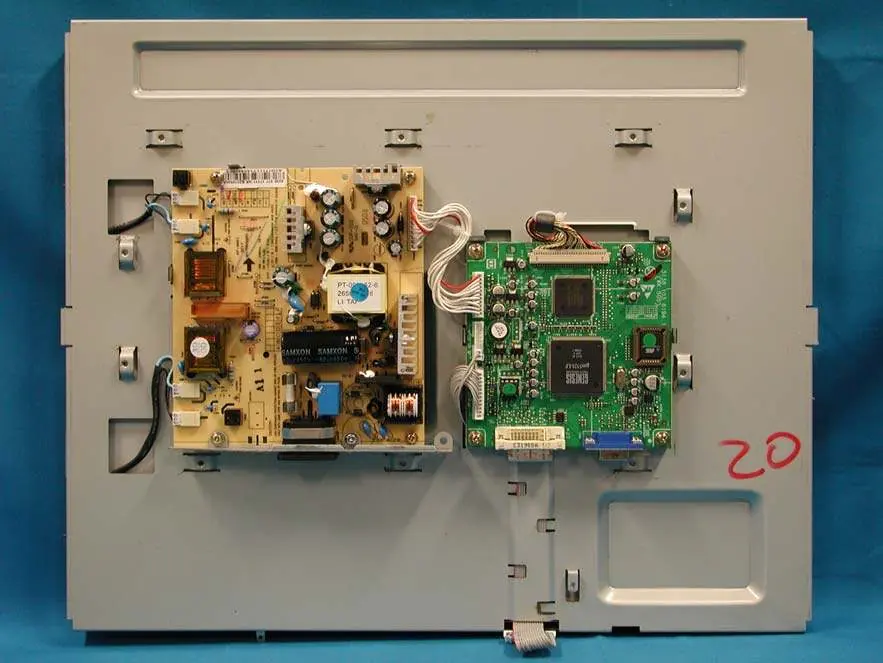
- Rear View: Views of the monitor with the front cabinet and back cover removed.
- Shielding Cover: Identification of the internal shielding components.
- Assembly: Detailed views of the assembly without the shielding cover, showing the placement of the power board and main control boards.
- Plate and LCD Panel: Views of the internal mounting plate and the LCD panel assembly.
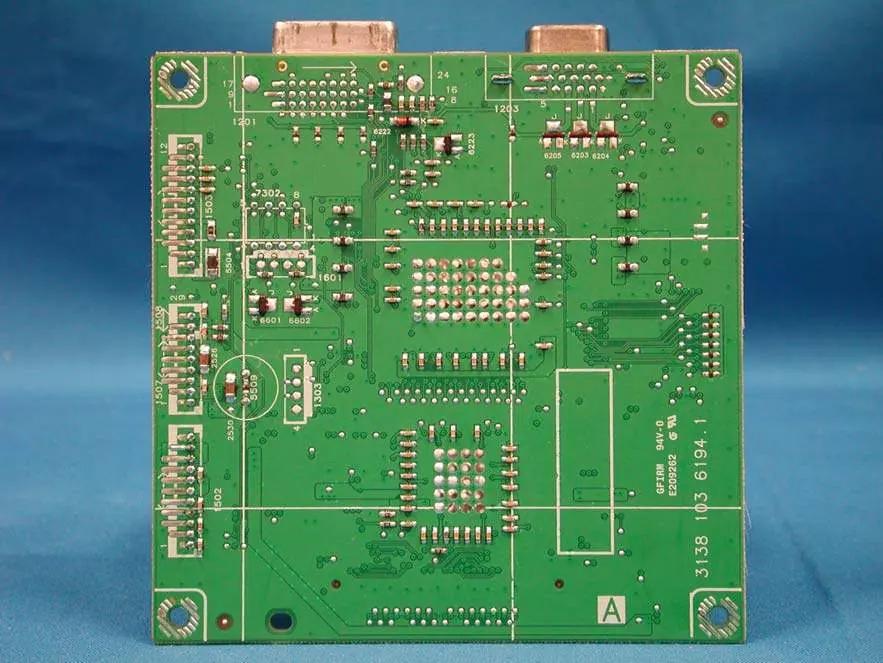
PCB Layouts
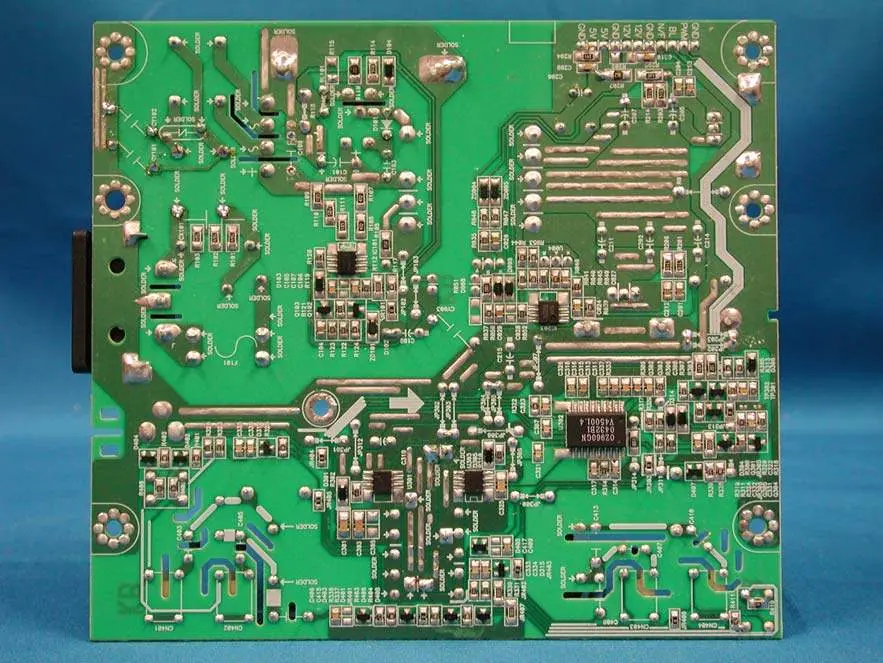
The document includes detailed photographic layouts of the printed circuit boards (PCBs) used within the monitor. These images are intended to assist in component identification and circuit tracing during repair or maintenance.
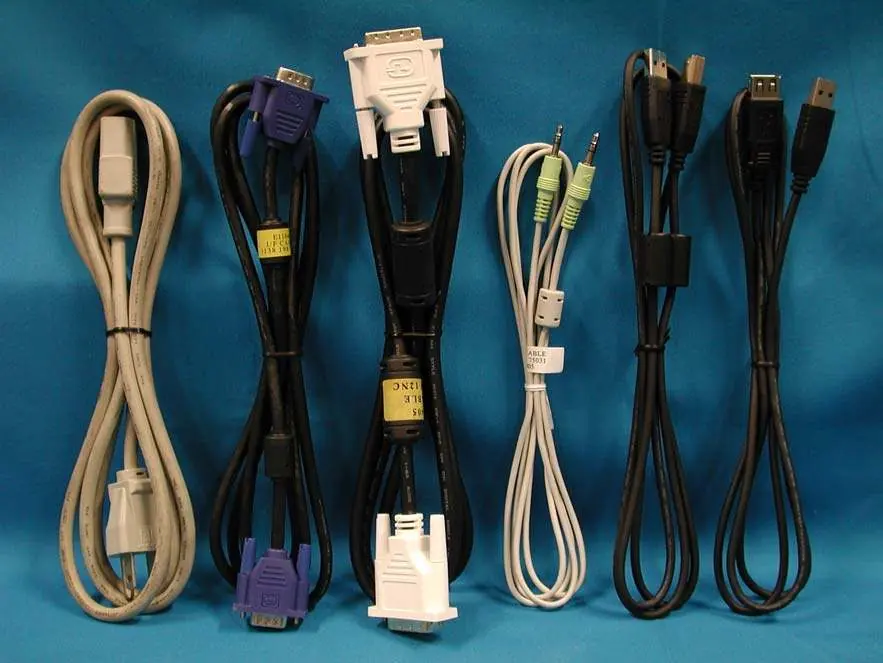
Cables and Connectivity
The manual includes a reference image for the power cord and interface cables associated with the unit, ensuring correct identification of the required connection hardware.
Manufacturer information
Philips
Practical help
Common problems
Exposure to live electrical parts
Always disconnect the power cord from the wall socket before removing the back cover or performing any service.
Risk of electric shock
The unit contains dangerous voltages. Only qualified service personnel should perform maintenance or disassembly.
Before use
- Disconnect the power cord from the wall socket.
- Ensure you have a clean, static-free workspace.
- Verify you have the appropriate tools for monitor disassembly.
- Identify the specific PCB or component requiring inspection.
Show more Show less
Images and diagrams
- PCB Layouts: Photographic references of the internal circuit boards for component identification.
- Assembly Views: Step-by-step visual breakdown of the monitor's internal structure and shielding.

Manual page author
Michael Turner
Technical manual editor