Smart Home / Smart Switches
User Manual for Sonoff MINIDUO 2-Gang Zigbee Smart Switch
Quick start guide for the Sonoff MINIDUO 2-Gang Zigbee Smart Switch. Includes wiring diagrams, installation instructions, and app pairing steps.
Quick answers from the manual
Quick answer
- The Sonoff MINIDUO is a 2-gang Zigbee smart switch. It requires a Zigbee gateway and professional installation. It is controlled via the eWeLink app. p. 1
Key actions
- Turn off power before installation p. 1
- Pair with eWeLink app p. 1
First start
- Ensure Zigbee gateway is online, then follow app instructions to pair. p. 1
Where to find it in the PDF
- Quick Start Guide p. 1
Table of contents
Quick guide from the manual
The Sonoff MINIDUO is a 2-gang Zigbee smart switch designed to control two independent electrical circuits. This device requires a Zigbee gateway to function and must be installed by a qualified professional electrician. Always ensure the main power supply is turned off before beginning any installation work.
Installation and Wiring
The device supports different wiring configurations depending on your electrical setup. Please refer to the wiring diagrams provided in the manual:
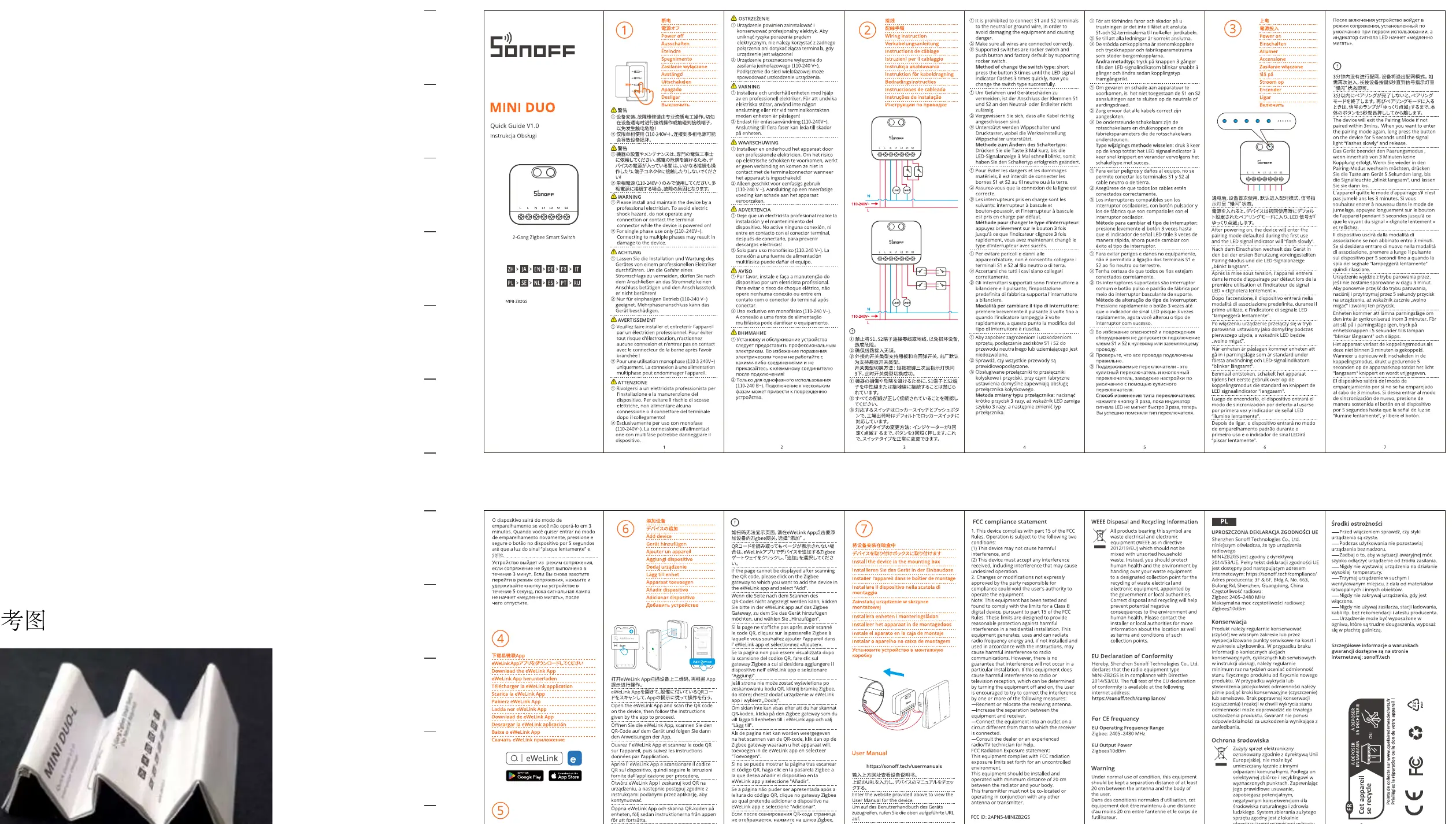
- Diagram 1: Standard wiring for the switch.
- Diagram 2: Wiring configuration for light control.
- Diagram 3: Neutral and Live connection requirements.
Warning: High voltage. Installation must be performed by a professional. Do not install the device with wet hands or when the power is on.
App Pairing
To control the device remotely, you must pair it with the eWeLink app:
- Download and install the eWeLink app on your smartphone.
- Ensure your Zigbee gateway is powered on and connected to the network.
- Follow the in-app instructions to add a new device.
- Put the switch into pairing mode as indicated by the device status LED.
Safety and Regulatory
This device complies with FCC and CE regulations. Ensure proper disposal according to local WEEE and RoHS guidelines. Do not attempt to disassemble or repair the device yourself, as this may void the warranty and create safety hazards.
Practical help
Common problems
Device not pairing with the app
Ensure the Zigbee gateway is online and within range. Verify the device is in pairing mode (check the LED status).
Installation safety concerns
This device involves high voltage. If you are not a qualified electrician, do not attempt installation.
Before use
- Turn off the main power supply at the circuit breaker.
- Ensure you have a compatible Zigbee gateway.
- Verify that your wiring matches one of the provided diagrams.
- Download the eWeLink app.
Images and diagrams
- Diagram 1: Basic switch wiring.
- Diagram 2: Light control wiring.
- Diagram 3: Power supply connection.
Model compatibility
- Requires a Zigbee gateway for smart features.
- Designed for professional installation.

Manual page author
Emily Carter
User documentation editor
Prepares concise manual descriptions and highlights the most useful setup, operation, and maintenance information for readers.