Power / Batteries Chargers
Spektrum DX Rugged+ 12-Channel Radio System Instruction Manual
Comprehensive user guide for the Spektrum DX Rugged+ 12-Channel 2.4GHz DSMR Radio System, covering setup, binding, programming, AVC tuning, and maintenance.
Table of contents
Manual images
Jump to the sectionQuick guide from the manual
The Spektrum DX Rugged+ is a 12-channel 2.4GHz DSMR radio system designed for hobby-grade remote-controlled vehicles. Before operating, ensure all batteries are charged and the transmitter is bound to your receiver. Always turn on the transmitter first, then the vehicle. When finished, turn off the vehicle first, then the transmitter.
Identifying Controls and Switches
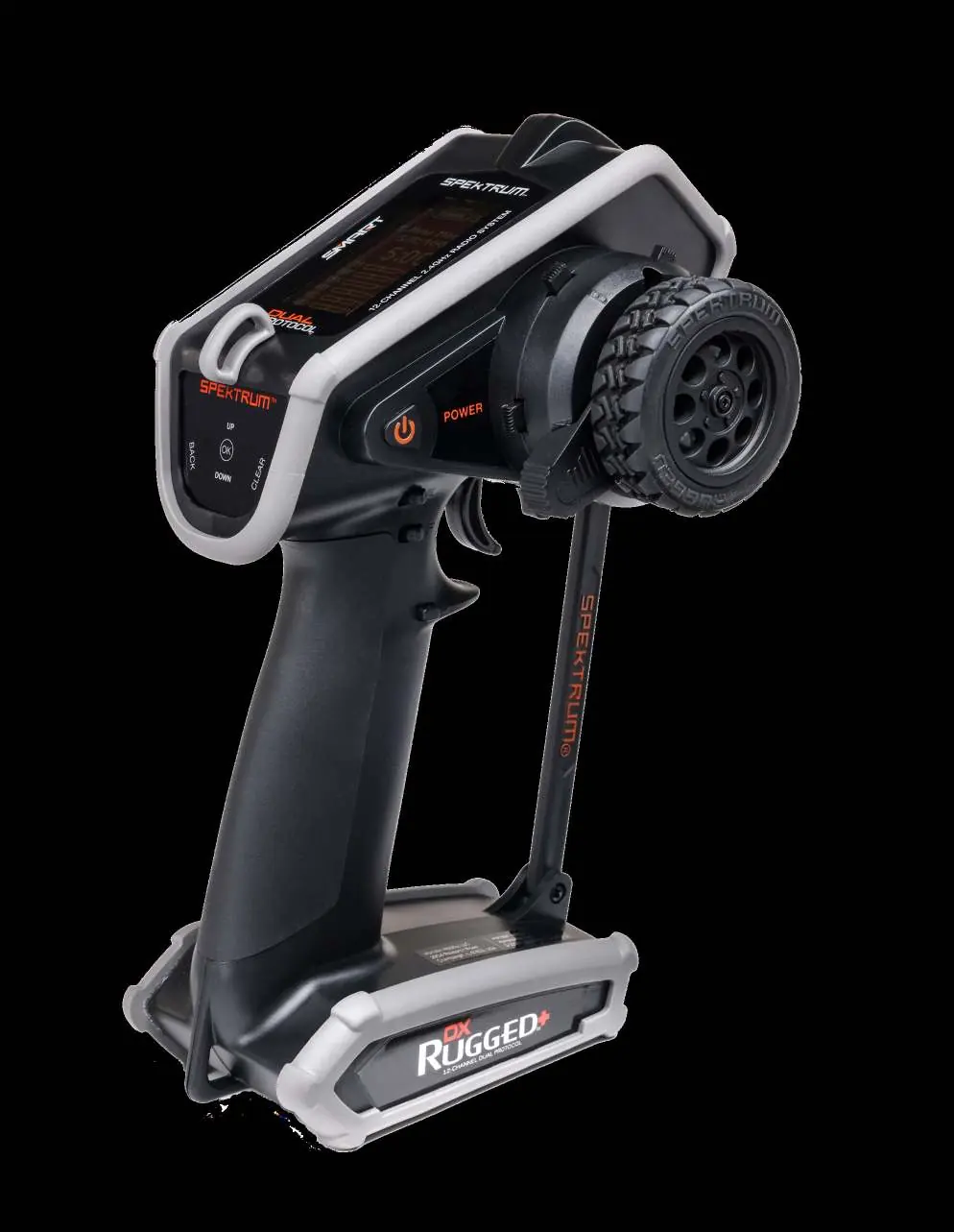
The transmitter features a touch interface for navigation, a steering wheel, a throttle/brake trigger, and various programmable buttons. The main screen displays battery voltage, model name, steering rate, and timer information. Use the scroll wheel to access the Function List.
Installing Batteries
- Remove the battery cover from the bottom of the transmitter.
- Install 4 AA batteries as shown in the compartment.
- Replace the battery cover securely.
Caution: Never remove batteries while the model is powered on. Only use rechargeable batteries if the transmitter is configured for them; charging non-rechargeable batteries can cause them to burst.
Binding Process
- Place the receiver into Bind mode using a bind plug or the bind button.
- Power on the transmitter.
- Select the desired Model Memory.
- Select Bind from the Function List.
- Move the throttle to the desired failsafe position.
- Slide to Bind and press OK.
- Once LEDs turn solid, remove the bind plug from the receiver.
AVC Tuning
The DX Rugged+ supports AVC (Active Vehicle Control) for enhanced stability. Tuning involves adjusting Steering Gain, Throttle Gain, and Priority. Notice: If you adjust steering or throttle trim, you must power cycle the receiver to save the new settings for AVC to function correctly.
Physical Adjustments
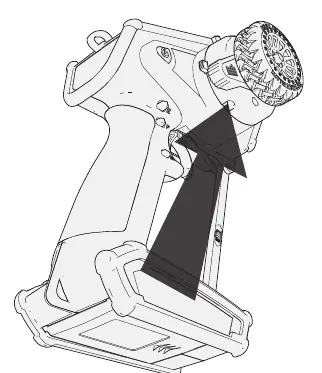
- Steering Tension: Turn the screw clockwise with a small Phillips screwdriver to increase tension.
- Wheel Conversion: Use a 1.5mm hex wrench to remove and re-install the steering wheel.
- Data Port: Located under the accessory door, used for firmware updates via micro USB.
Troubleshooting
If the system fails to connect, ensure the transmitter and receiver are 8-12 feet apart and not near large metal objects. If the receiver loses bind, re-bind the transmitter. For AVC oscillation issues, reduce the steering gain.
Manufacturer information
Spektrum
Practical help
Common problems
System will not connect
Ensure transmitter and receiver are 8-12 feet apart, check model memory selection, and re-bind if necessary.
Receiver goes into failsafe mode
Check that the receiver antenna is not cut or damaged and is positioned above the vehicle.
Vehicle oscillates at high speeds
Reduce the steering gain in the AVC menu.
Receiver won't finish calibration
Ensure travel adjust is at least 80% on steering or throttle.
Before use
- Ensure all batteries are properly charged.
- Check all servos and their connections.
- Verify the correct model memory is selected.
- Ensure the receiver antenna is properly positioned.
- Perform a control test after making any adjustments.
Specs in practice
- Voltage Range
- 3.5–9.6V operating voltage.
Images and diagrams
- The transmitter features a touch slider and scroll wheel for menu navigation.
- The accessory door provides access to the data port and a tool holder for 4-way wrenches.
- The main screen provides real-time telemetry and trim status.
Model compatibility
- Compatible with Spektrum DSMR 5.5, DSMR, DSMR+, and SLT receivers.
- Not intended for children under 14 years.
- Requires micro USB cable (not included) for firmware updates.

Manual page author
David Miller
Documentation analyst
Organizes user manual content into clear summaries, with attention to model details, product context, and everyday usability.