Electronics / Audio
User Guide for Walrus Audio Fundamental Ambient Reverb Pedal
Quick guide for the Walrus Audio Fundamental Ambient Reverb pedal. Learn how to use the three reverb algorithms, adjust controls, toggle Trails mode, and power your device correctly.
Table of contents
Manual images
Jump to the sectionQuick guide from the manual
The Walrus Audio Fundamental Ambient is a reverb pedal designed to provide three distinct atmospheric algorithms. It is powered by a 9V DC, Center Negative power supply (100mA minimum). For optimal performance and to avoid noise, the use of an isolated power supply is strongly recommended; daisy chain power supplies are not recommended. If you have questions or require repairs, you can contact support at [email protected].
Controls
The pedal features three sliders to shape your sound:
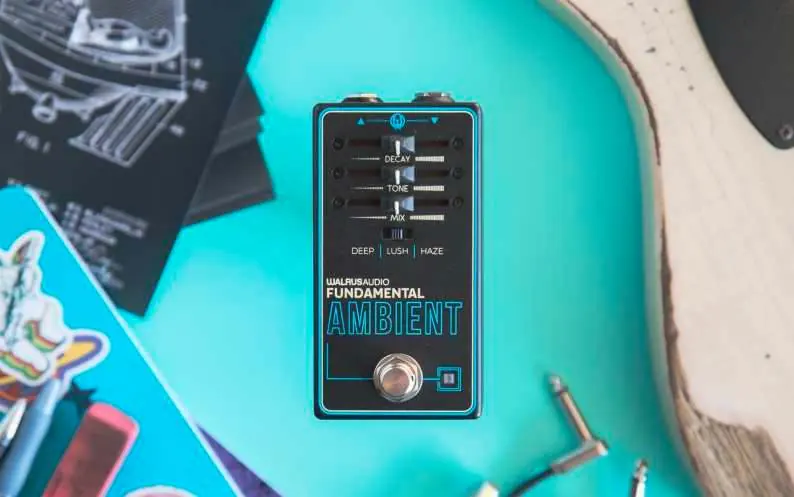
- Decay: Adjusts the length of the reverb decay time. Moving the slider to the left decreases the time, while moving it to the right increases it.
- Tone: Shapes the overall tonality. In Deep and Lush modes, this controls the cutoff of a synth-style lowpass filter. In Haze mode, it controls the width of a resonant bandpass filter, filtering both high and low ends at the right, and allowing more high and low frequencies to pass through at the left.
- Mix: Controls the balance between the effect and the original clean signal. Fully left outputs only the clean signal, while fully right outputs only the affected reverb signal.
Reverb Modes
The pedal offers three distinct algorithms:
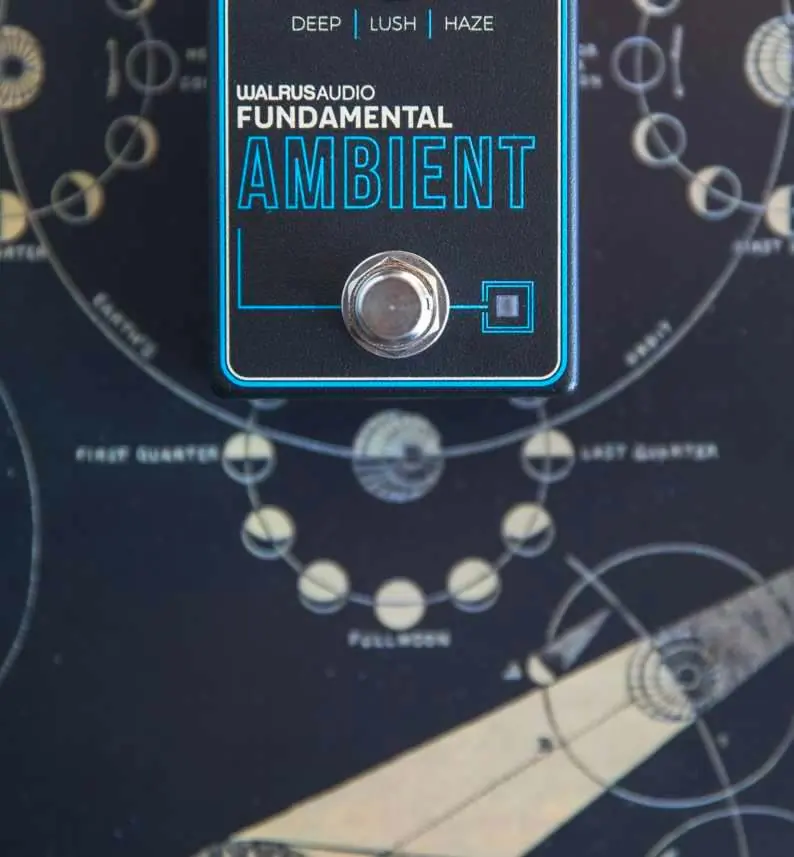
- Deep: A dark ambient reverb with an added low octave, ideal for creating murky, cavernous sustain or moody atmospheres.
- Lush: A breathy, expansive reverb with ultra-long sustain, perfect for generating silky pads and immersive soundscapes.
- Haze: A textured, lo-fi reverb featuring distortion, sample rate reduction, and a resonant bandpass tone control, suitable for vintage or experimental tones.
Trails Mode
The Ambient pedal comes with Trails mode active by default. This allows the reverb decay to fade off naturally after turning the pedal off. To disengage Trails mode:
- Hold down the bypass stomp switch while applying power to the pedal.
- The LED will flash, indicating that Trails mode is turned off.
- To re-engage, repeat the process and wait for the LED to turn dark, indicating Trails mode is back on.
When Trails mode is inactive, the decay will abruptly cut off when you turn off the pedal.
Practical help
Common problems
Reverb cuts off abruptly when turning off the pedal.
Trails mode is likely inactive. Hold down the bypass stomp switch while applying power to the pedal to re-enable it.
Excessive noise or interference.
Ensure you are using an isolated power supply. Daisy chain power supplies are not recommended.
Before use
- Ensure your power supply is 9V DC, Center Negative.
- Verify the power supply provides at least 100mA.
- Use an isolated power supply for best performance.
- Check that the desired reverb mode (Deep, Lush, or Haze) is selected.
Specs in practice
- 9V DC, Center Negative
- The standard power requirement for the pedal; ensure your power adapter matches this polarity.
Images and diagrams
- The pedal interface includes three sliders (Decay, Tone, Mix) and a three-way switch to select the reverb algorithm.
Model compatibility
- Daisy chain power supplies are not recommended.

Manual page author
Michael Turner
Technical manual editor
Reviews PDF manuals for structure, safety notes, and practical product details so readers can find the right information quickly.