Computers / Laptops
Technical Specifications for Apple MacBook Pro 14-inch (2024)
Comprehensive technical specifications and user guide for the 2024 14-inch MacBook Pro with M4 Pro and M4 Max chips. Includes details on ports, display, battery, and performance.
Table of contents
Quick guide from the manual
This document provides the technical specifications for the 14-inch MacBook Pro (2024 model). It details the hardware configurations, including M4 Pro and M4 Max chip options, display capabilities, connectivity, and power requirements. Use this guide to understand the capabilities of your specific configuration and to verify compatibility with external devices.
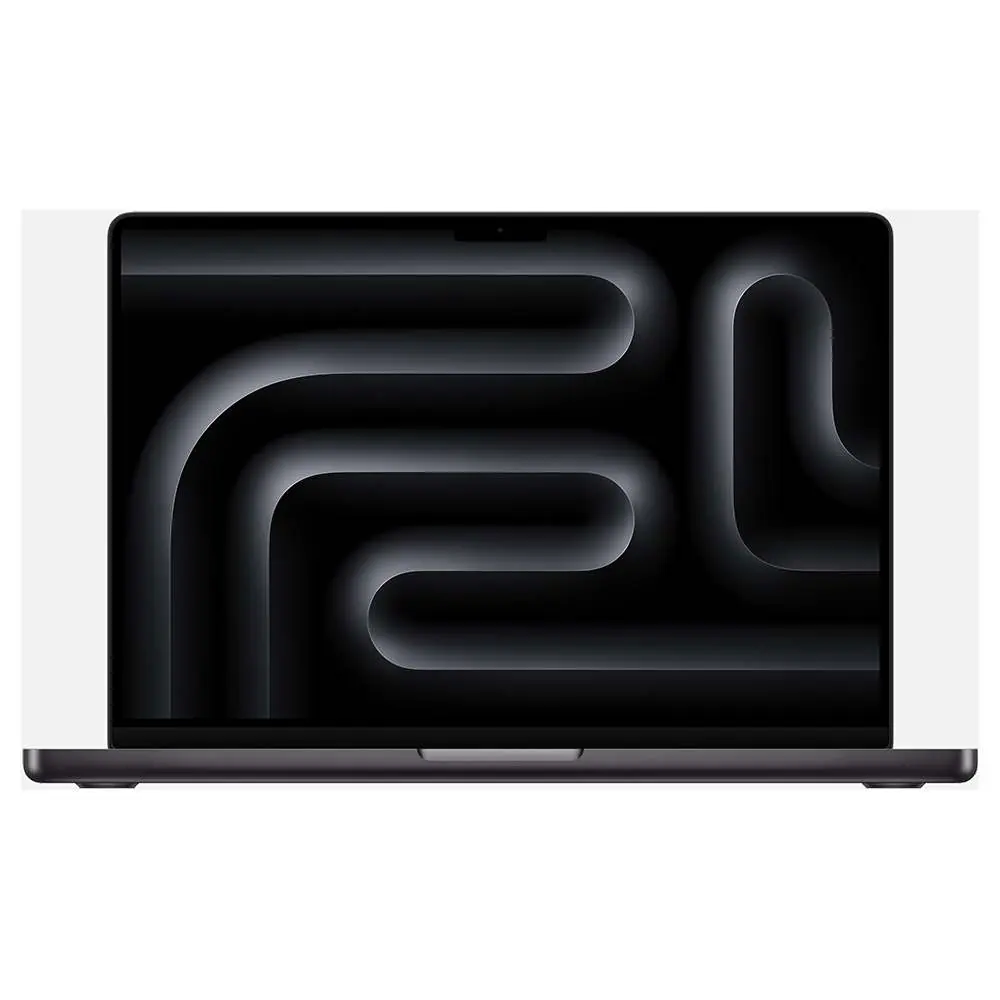
Performance and Chips
The 14-inch MacBook Pro is available with either the Apple M4 Pro or M4 Max chip. Key performance features include:
- M4 Pro: Up to 14-core CPU and 20-core GPU, with 16-core Neural Engine and 273GB/s memory bandwidth.
- M4 Max: Up to 16-core CPU and 40-core GPU, with 16-core Neural Engine and 546GB/s memory bandwidth.
- Media Engine: Hardware-accelerated H.264, HEVC, ProRes, and ProRes RAW, with dedicated video decode and encode engines.
Display and Graphics
The device features a 14.2-inch Liquid Retina XDR display with the following specifications:
- Resolution: 3024x1964 native resolution at 254 pixels per inch.
- Brightness: 1,000 nits sustained full-screen, 1,600 nits peak (HDR content only).
- Refresh Rates: ProMotion technology for adaptive refresh rates up to 120Hz.
- Color: 1 billion colors, Wide color (P3), and True Tone technology.
Connectivity and Ports
The MacBook Pro includes a variety of ports for expansion:
- Thunderbolt 5 (USB-C): Three ports supporting charging, DisplayPort, and data transfer up to 120Gb/s.
- HDMI Port: Supports multi-channel audio output and external displays.
- SDXC Card Slot: For memory card access.
- MagSafe 3 Port: Dedicated charging port.
- Headphone Jack: 3.5mm jack with advanced support for high-impedance headphones.
Battery and Power
Battery life and power adapter specifications vary by configuration:
- Battery: 72.4-watt-hour lithium-polymer battery.
- Power Adapters: Includes either a 70W or 96W USB-C Power Adapter depending on the chip configuration.
- Fast Charging: Capable of fast charging when used with the 96W USB-C Power Adapter.
Operating Requirements
To ensure optimal performance and longevity, observe the following environmental conditions:
- Operating Temperature: 10° to 35° C (50° to 95° F).
- Storage Temperature: -25° to 45° C (-13° to 113° F).
- Relative Humidity: 0% to 90% non-condensing.
- Operating Altitude: Tested up to 3,000 metres (10,000 feet).
What's in the Box
- 14-inch MacBook Pro
- 70W or 96W USB-C Power Adapter (configuration dependent)
- USB-C to MagSafe 3 Cable (2m)
- Polishing cloth (included only with nano-texture display option)
Manufacturer information
Apple Inc.
Practical help
Common problems
External display limitations
M4 Pro supports up to two external displays (6K at 60Hz). M4 Max supports up to four external displays (three 6K at 60Hz and one 4K at 144Hz).
Fast charging not working
Ensure you are using the 96W USB-C Power Adapter. Fast charging is not supported with the 70W adapter.
Wi-Fi 6E connectivity issues
Wi-Fi 6E availability depends on local regulations and support in your specific country or region.
Before use
- Verify the wattage of your included power adapter (70W or 96W).
- Check if your external monitors meet the resolution and refresh rate requirements for your specific chip (M4 Pro vs M4 Max).
- Ensure your workspace temperature is between 10° and 35° C.
- If you purchased the nano-texture display, locate the included polishing cloth in the box.
Specs in practice
- Unified Memory
- High-bandwidth, low-latency memory integrated directly into the chip for faster data access.
- Thunderbolt 5
- The latest high-speed interface standard allowing for up to 120Gb/s data transfer and high-resolution display output.
Model compatibility
- M4 Pro supports up to two external displays.
- M4 Max supports up to four external displays.
- Fast-charge capability requires the 96W USB-C Power Adapter.

Manual page author
Emily Carter
User documentation editor
Prepares concise manual descriptions and highlights the most useful setup, operation, and maintenance information for readers.