Electronics / Amplifiers Receivers
Quick Start Guide for IK Multimedia TONEX ONE
Learn how to operate the IK Multimedia TONEX ONE pedal, including parameter editing, performance modes, global settings, and preset management.
Table of contents
Manual images
Jump to the sectionQuick guide from the manual
The TONEX ONE is a compact guitar pedal that allows you to load and play Tone Models. This guide covers the essential operations to get you started, including parameter editing, performance modes, and global settings. For advanced editing, firmware updates, and library management, use the TONEX software for Mac/PC.
Main Operation
The pedal features micro knobs and a main knob for controlling parameters. You can edit main and alternative parameters directly on the device.
Editing Parameters
- Main Parameters: Rotate the micro knobs (BASS, MID, TREBLE) and the main knob (VOLUME/GAIN) to edit settings. The volume knob adjusts model volume or compressor make-up gain (if compressor is set to post).
- Alternative Parameters: Press the ALT button (micro knobs and ALT LED will blink). You can then edit GATE threshold, Compression, Reverb, and GAIN by rotating the micro and main knobs.
Footswitch
- Press the footswitch to toggle between preset A and B or to bypass the pedal, depending on the selected play mode.
- Hold the footswitch to enable the Tuner.
Two Performance Modes
The pedal offers two distinct performance modes:
- Dual mode (default): Allows you to switch between Preset A and Preset B by pressing the footswitch.
- Stomp mode: Ideal for using the pedal as a boost, overdrive, distortion, or fuzz pedal. Use the footswitch to bypass the effect.
Global Setup
To access the global setup menu, hold the ALT button for 6 seconds.
- Changing Mode: Rotate the BASS micro knob fully counter-clockwise for Dual mode, or fully clockwise for Stomp mode.
- Global Cabinet Bypass: Rotate the MID micro knob fully counter-clockwise to keep the cabinet active on all presets, or fully clockwise to bypass the cabinet on all presets.
- Input Trim: Use the TREBLE micro knob to set your input level. The LED color indicates the level: no input, low input, good input, or clip.
- Global Volume: Rotate the main knob while in global setup to adjust the pedal's global volume.
Browsing Presets
The TONEX ONE can store 20 presets. To manage them:
- Press the footswitch + ALT to enter browsing mode.
- The three micro knobs correspond to three preset slots: BASS (Dual mode, preset A), MID (Dual mode, preset B), and TREBLE (Stomp mode preset).
- The blinking micro knob indicates the selected slot. Turn the knob to change the loaded preset.
- Use the volume/gain knob to adjust the selected preset volume/gain (use ALT to toggle between parameters).
- Press the footswitch to select the next preset slot.
- Press ALT + footswitch to return to play mode.
Other Features
- Safe mode: Hold ALT for 3 seconds to lock the pedal and prevent unwanted editing during performance. Hold ALT for 3 seconds again to disable.
- Tuning modes: While the tuner is active (hold footswitch), press ALT to toggle between mute and thru tuning modes.
Software Integration
Connect the TONEX ONE to your Mac or PC to access the TONEX software. This allows you to:
- Browse and transfer over 25,000+ Tone Models.
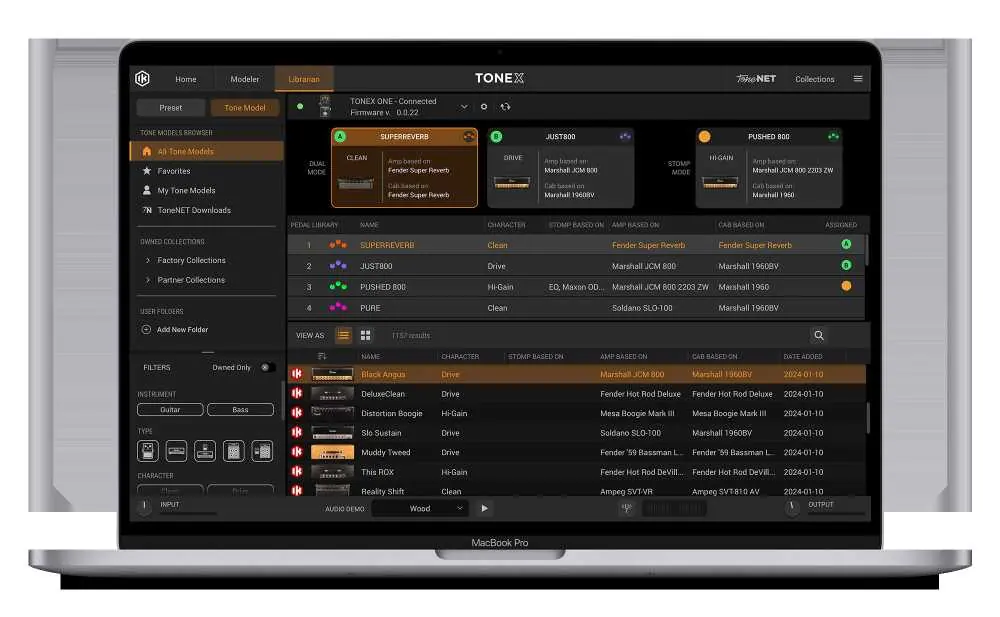
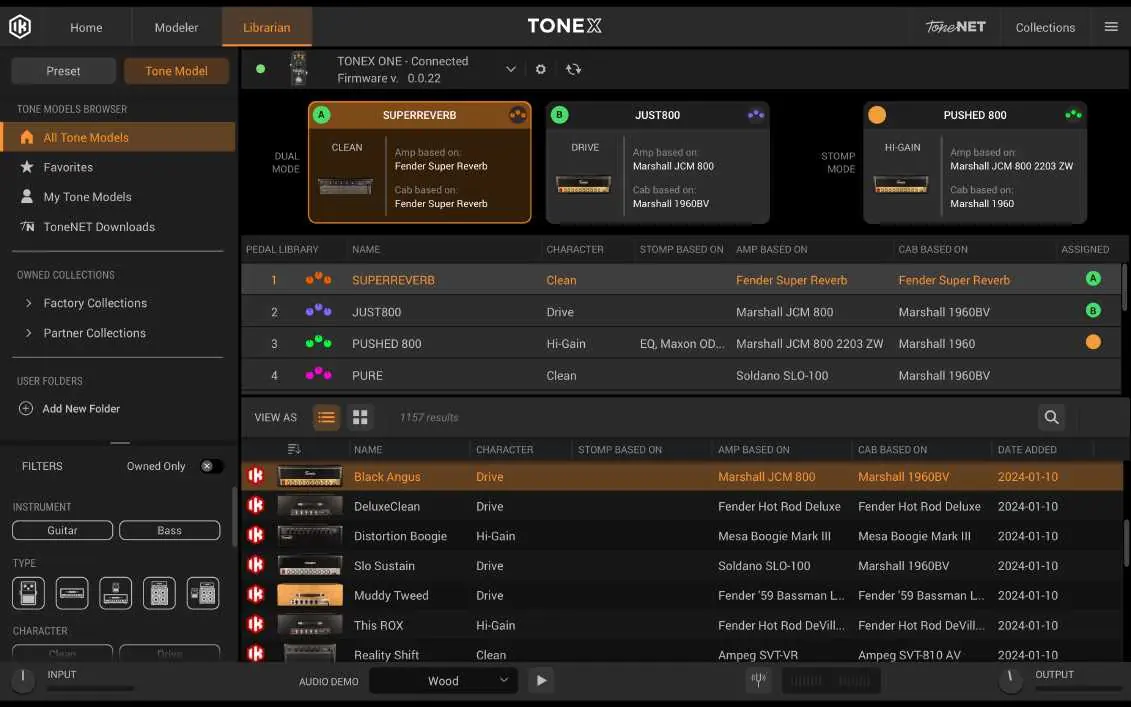
- Use the Librarian function to edit advanced parameters, transfer presets, backup your library, and update firmware.
- Use the TONEX Plug-in within your DAW for recording without needing to re-amp.
Practical help
Common problems
Pedal settings changing unexpectedly during performance
Enable Safe mode by holding the ALT button for 3 seconds to lock the controls.
Input signal is clipping or too quiet
Enter Global Setup, use the TREBLE micro knob to adjust input trim, and ensure the LED indicates 'good input' (green).
Cannot switch between presets as expected
Check your current performance mode (Dual vs Stomp) in the Global Setup menu.
Before use
- Connect the pedal to your instrument and amplifier/interface.
- Ensure the pedal is powered correctly.
- Register your product at ikregister.com to activate the warranty and get enhanced features.
- Install TONEX software on your Mac/PC for full library management.
Images and diagrams
- Micro knobs control BASS, MID, TREBLE (or GATE, COMP, REVERB, GAIN in ALT mode).
- Main knob controls VOLUME/GAIN.
- ALT button toggles between main and alternative parameter editing.
- Footswitch toggles presets or bypasses the pedal.
Model compatibility
- Requires TONEX software on Mac/PC for advanced editing, firmware updates, and library management.

Manual page author
Michael Turner
Technical manual editor
Reviews PDF manuals for structure, safety notes, and practical product details so readers can find the right information quickly.