Electronics / Monitors
User Guide for IK Multimedia TONEX Pedal
Comprehensive user guide for the IK Multimedia TONEX Pedal. Learn how to navigate the user interface, manage presets, adjust tone model parameters, and configure global settings for live or studio use.
Table of contents
Manual images
Jump to the sectionQuick guide from the manual
The TONEX Pedal is a powerful tone modeling processor. To get started, familiarize yourself with the three main encoders: MODEL (for tone model selection), PARAMETER (for advanced settings), and PRESET (for browsing and saving). The pedal features three footswitches (A, B, C) for preset activation and bank navigation. Always check the LED status: Green indicates a saved active preset, Amber indicates an active but unsaved preset, and a blinking LED indicates a bypassed preset.
User Interface
The interface is designed for intuitive control over your sound:
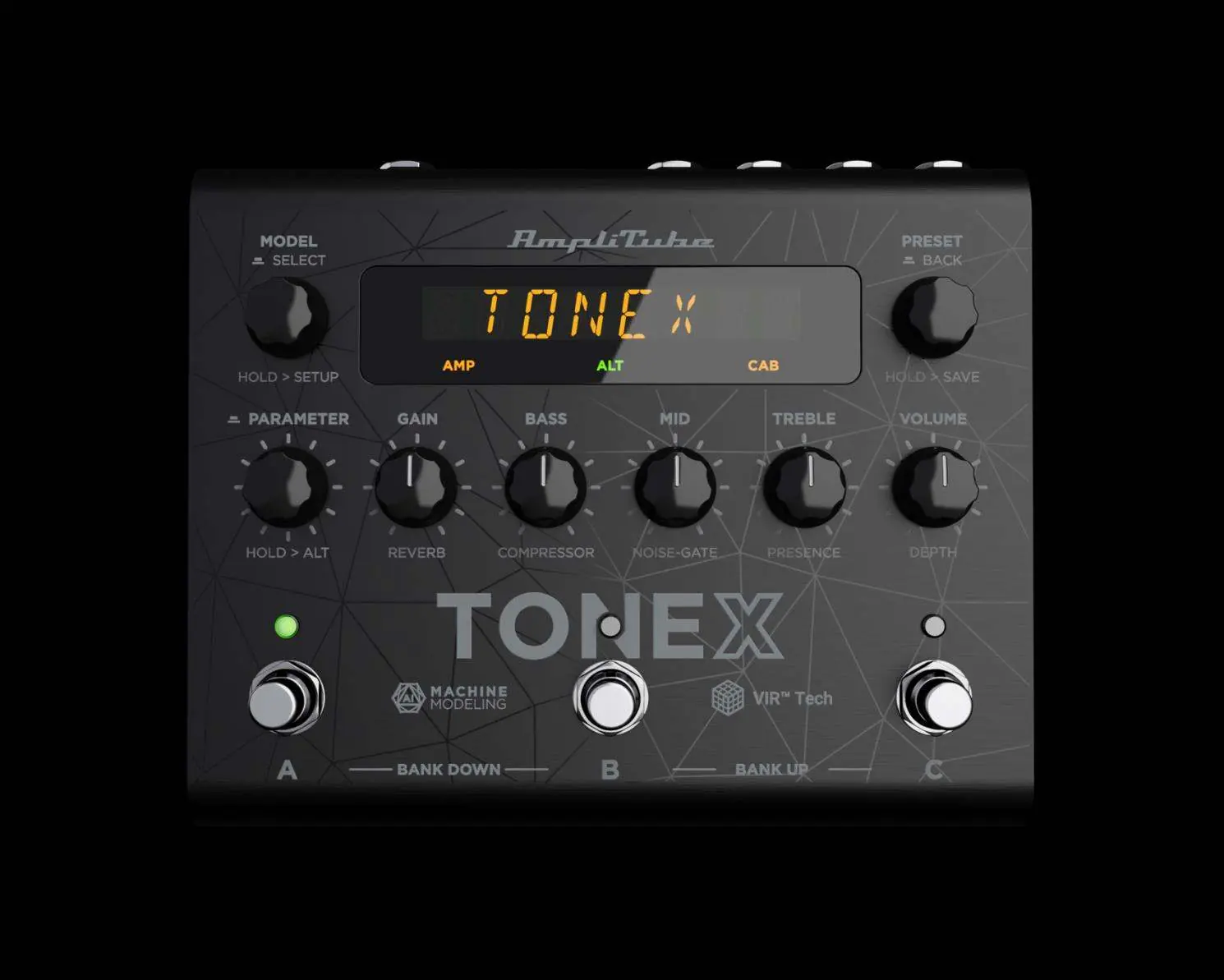
- MODEL ENCODER: Press and rotate to change the Tone Model. Hold to access Global and Preset setups.
- PARAMETER ENCODER: Press to access the advanced parameters menu. Rotate to edit. Hold to access alternative parameters on the main knobs (indicated by the ALT label).
- PRESET ENCODER: Rotate to browse presets. Hold to save the current preset. Press to go back in menus.
- MAIN KNOBS: Rotate to edit main parameters (Gain, Bass, Mid, Treble, Volume) or alternative parameters (Reverb, Compressor, Noise-Gate, Presence, Depth).
- FOOTSWITCHES: Press to activate/bypass a preset. Press A+B to move a bank down, or B+C to move a bank up.
Workflow
Managing your sounds involves browsing and saving:
- Browsing: Press the MODEL encoder to open the Tone Model menu. You can browse combinations of stomps, amps, and cabs.
- Saving: Hold the PRESET encoder to enter Save mode. Use the encoders to name the preset and select a location (bank and slot). Press the PRESET encoder to confirm.
- Color Coding: The display uses color coding to indicate the type of tone model (e.g., AMP, STOMP+AMP, CAB, VIR, IR).
Parameters
Parameters are divided into three categories:
- Main Parameters: Gain, Bass, Mid, Treble, Volume.
- Alternative Parameters: Reverb, Compressor, Noise-Gate, Presence, Depth.
- Advanced Parameters: Includes detailed control over noise-gate release/depth, compressor attack/patch, EQ patch, reverb modes, and specific VIR cabinet settings like mic selection and positioning.
Setup
The pedal offers extensive configuration options:


- Preset Setup: Configure external control (EXT. CTRL), parameter assignment (EXT. LEARN), and bypass settings for Amp/Cab.
- Global Setup: Manage naming display, bank navigation, cabinet bypass, user mode (Easy/Advanced), external pedal type, MIDI channels, and operation modes (Live/Interface).
- USB Out: Configure routing for stereo or dual (processed/DI) signals.
- Factory Reset: Use the FACTORY option to reset global settings (presets remain untouched).
Librarian
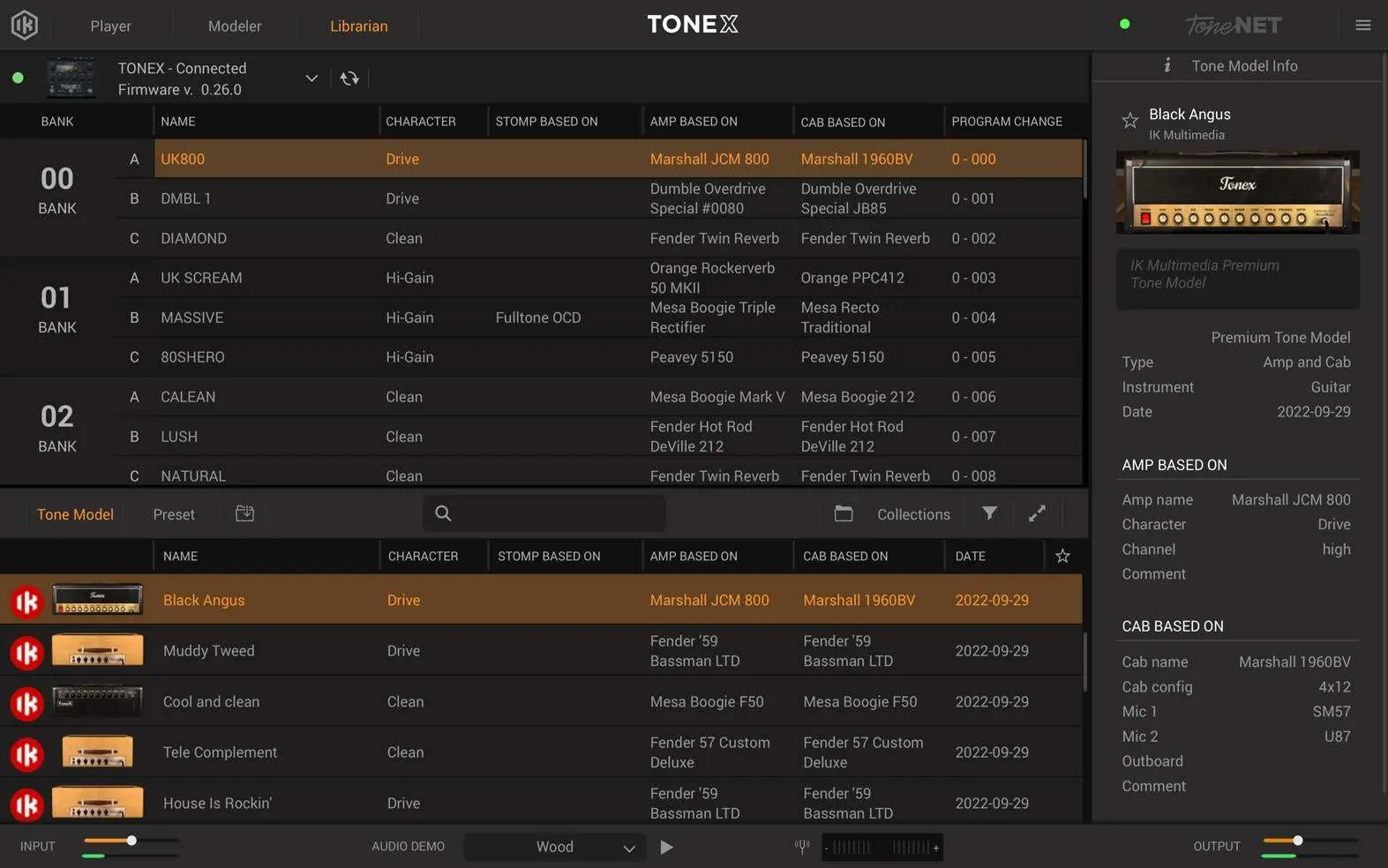
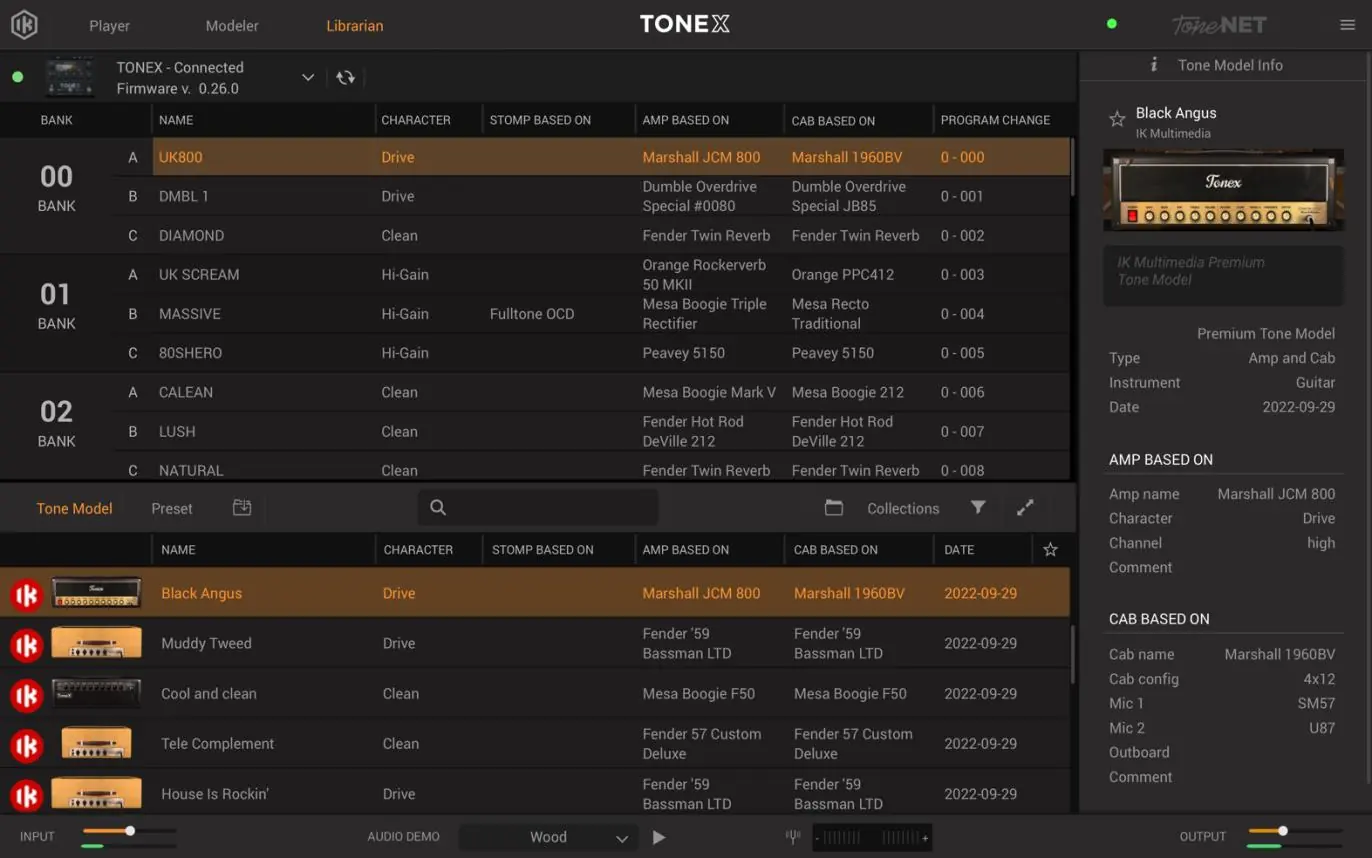
The TONEX software includes a Librarian section for managing your presets and tone models. You can drag and drop presets or tone models between the Computer Library and the Pedal Library to transfer them to your device. The selected preset in the Pedal Library is automatically selected on the hardware for real-time monitoring.
Practical help
Common problems
Preset is active but not saved
The LED will be Amber. Hold the PRESET encoder to enter Save mode and confirm the location.
Preset is bypassed
The LED will be blinking. Press the corresponding footswitch to activate the preset.
Cannot navigate banks
Ensure BANK NAV is set to ON in the Global Setup. Use A+B to move down and B+C to move up.
Before use
- Connect your instrument to the input.
- Ensure the pedal is connected to your computer if using the Librarian software.
- Calibrate your expression pedal using the EXP.CALIB setting if applicable.
- Select the appropriate Operation Mode (LIVE or INTERFACE) in Global Setup.
- Check firmware version in the INFO menu.
Images and diagrams
- The interface features a central display with three main encoders (Model, Parameter, Preset) and five main knobs for real-time sound shaping.
- Footswitches A, B, and C are located at the bottom for preset control and bank navigation.
Model compatibility
- Supports TRS and RTS expression pedals.
- Supports Normally Open and Normally Closed single/double switch pedals.
- USB interface mode allows recording and monitoring via computer.

Manual page author
Emily Carter
User documentation editor
Prepares concise manual descriptions and highlights the most useful setup, operation, and maintenance information for readers.