Toys / RC Models & Drones
User Manual for Jamara Mini Cooper 2.4GHz Remote Control Car
Quick guide for the Jamara Mini Cooper 2.4GHz remote control car. Includes battery installation, binding procedure, operation instructions, and safety guidelines.
Quick answers from the manual
Quick answer
- To operate the Jamara Mini Cooper 2.4GHz, install batteries in both the transmitter and the model, turn on the model, and wait for the transmitter LED to stop flashing to confirm binding. p. 3, 5
Key actions
- Binding the transmitter to the model p. 5
- Adjusting steering alignment p. 3, 5
First start
- Insert batteries, switch on the model, and wait for the binding process to complete. p. 4, 5
Problems and fixes
Model does not respond
Check batteries and ensure binding procedure was successful.
p. 5Maintenance and reset
- Allow 10 minutes cooling time between uses. p. 5
Technical specifications
| Parameter | Value | Meaning | Pages |
|---|---|---|---|
| Frequency | 2.4 GHz | Operating frequency band | p. 1 |
Where to find it in the PDF
- Safety and General Information p. 1, 2
- Components and Battery Installation p. 3, 4
- Binding and Operation p. 5
Table of contents
Quick Guide
The Jamara Mini Cooper 2.4GHz is a remote-controlled vehicle. To begin, install the required batteries in both the transmitter and the model, then perform the binding procedure. Always allow the model to cool down for at least 10 minutes between uses or after changing batteries to prevent overheating.
Components
Transmitter
- Antenna
- Forward/Reverse buttons
- Left/Right steering buttons
- Battery compartment
Model
- Trim Lever: Located on the bottom of the model; use this to adjust straight-line performance if the car pulls to the left or right.
- On/Off Switch: Located on the model.
- Battery compartment
Battery Installation
Transmitter: Remove the battery cover and insert 2 x AA batteries, ensuring correct polarity. Replace the cover.
Model: Remove the battery cover and insert 3 x AA batteries, ensuring correct polarity. Replace the cover.
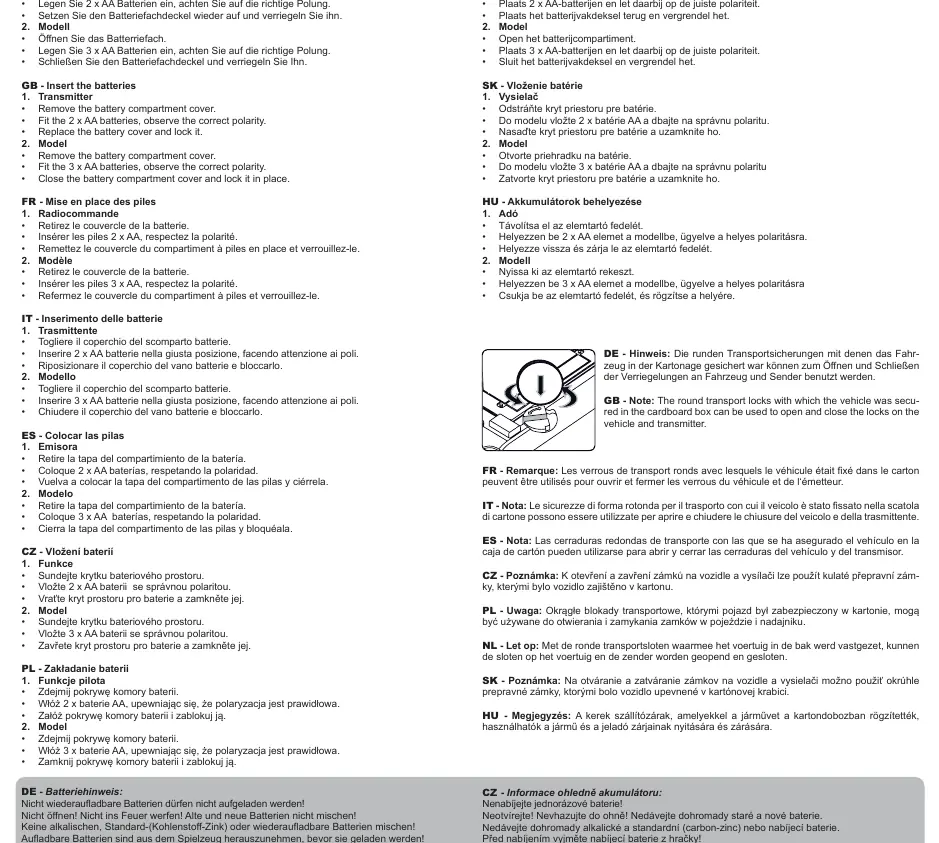
Note: The round transport locks used to secure the vehicle in the box can be used to open and close the battery compartments on both the vehicle and the transmitter.
Binding Procedure
- Insert batteries into the transmitter. The LED on the transmitter will flash, indicating it is ready to bind.
- Switch on the model.
- When the LED on the transmitter stops flashing, the vehicle is successfully bound to the transmitter.
- The transmitter will automatically turn off after approximately 60 seconds of inactivity. Press any button to reactivate it.
Operation
Use the forward/reverse and left/right buttons on the transmitter to control the vehicle. Always ensure the model is within your line of sight during operation. If the model pulls to one side, use the trim lever on the bottom of the chassis to adjust the steering.
Safety and Maintenance
- Cooling: Allow the model to cool for at least 10 minutes after each use or battery change.
- Environment: Do not operate in rain, snow, on wet surfaces, or in sand. Avoid driving on public roads or busy areas.
- Storage: Always remove batteries from the model when not in use.
- Cleaning: Clean the model using a damp cloth.
Practical help
Common problems
Model pulls to the left or right
Use the trim lever located on the bottom of the model to adjust the steering alignment.
Model does not respond
Check battery levels in both the transmitter and the model. Ensure the binding procedure was completed successfully.
Transmitter turns off
The transmitter has an auto-off feature after 60 seconds of inactivity. Press any button to wake it up.
Before use
- Insert 2x AA batteries into the transmitter.
- Insert 3x AA batteries into the model.
- Ensure correct battery polarity.
- Perform a range test with a second person.
- Ensure the model is within sight.
Images and diagrams
- Transmitter controls include antenna, forward/reverse, and left/right buttons.
- Model features a trim lever on the bottom for steering adjustment.
Model compatibility
- Not suitable for children under 36 months due to small parts.
- Recommended for children 6 years and older.

Manual page author
Emily Carter
User documentation editor
Prepares concise manual descriptions and highlights the most useful setup, operation, and maintenance information for readers.