Lighting / Smart Lighting
User Manual for Philips Hue Smart Lighting
Quick guide for Philips Hue smart lighting products. Includes safety warnings, wireless specifications, environmental requirements, and installation tips for bulbs, switches, and plugs.
Table of contents
Manual images
Click an image to enlargeImportant Information
This document serves as a legal and quick start guide for Philips Hue smart lighting products, including bulbs, switches, smart buttons, and smart plugs. For detailed setup and usage, visit the official website at www.philips-hue.com.
Safety Warnings and Cautions
- Indoor Use Only: The product is designed for indoor use. Do not use in wet locations, outdoors, or areas directly exposed to water.
- Handling: Keep away from liquids and humidity. Do not place on hot surfaces, thick rugs, or carpets.
- Not a Toy: This product is not a toy; keep away from young children.
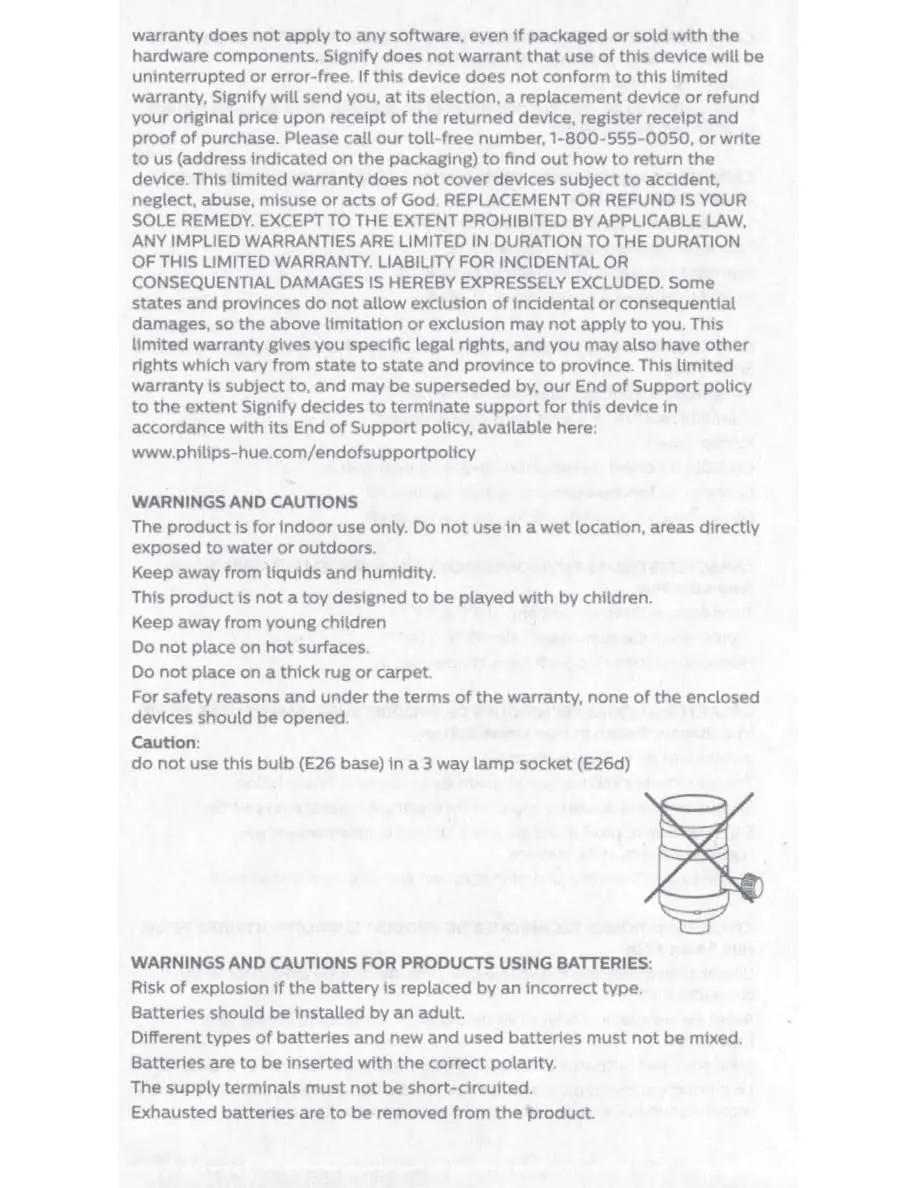
- Socket Compatibility: Do not use E26 base bulbs in 3-way lamp sockets (E26d).
- Device Integrity: For safety and warranty reasons, do not open any of the enclosed devices.
Battery Safety
- Installation: Batteries must be installed by an adult with the correct polarity.
- Mixing: Do not mix different types of batteries or new and used batteries.
- Handling: Do not short-circuit supply terminals. Remove exhausted batteries immediately.
- Coin/Button Cells: Keep away from children. Ingestion can cause severe internal burns and death within two hours. If swallowed, seek immediate medical attention.
- Rechargeable Batteries: Do not use rechargeable batteries and do not attempt to charge non-rechargeable batteries.
Wireless Specifications
- Frequency Band: 2,400-2,483.5 MHz.
- Channels: Zigbee (11-26) and Bluetooth (0-39) where applicable.
- Power: Maximum transmitted power is less than 20 dBm.
- Range: Approximately 12 meters indoors for switches, smart buttons, and motion sensors. Note that metal surfaces may reduce range.
Environmental Specifications
- Operating Temperature: 0 to 40°C (32 to 104°F) for general products; -20 to 45°C (-4 to 113°F) for bulbs.
- Storage Temperature: -40 to 80°C (-40 to 176°F) for general products; -25 to 60°C (-13 to 140°F) for bulbs.
- Humidity: Operating humidity is 0-80% (general) or 5-95% non-condensing (bulbs/plugs).
Installation and Usage
- General: Always switch off power before installation. If in doubt, consult a qualified electrician.
- Smart Plug: Must be connected to a mains socket with a protective earthing connection. Designed for light sources; do not connect other appliances or multiple devices in series. Do not connect Hue lamps to the plug.
- Setup: Locate the serial number on the device or packaging. Install the device, turn on the power, and scan the QR code provided in the quick start section to connect.
Cleaning and Maintenance
Do not clean the device while it is powered on or connected to the power supply. Use only a soft, dry cloth. Do not use cleaning agents. Dispose of old products and batteries in accordance with local laws.
Customer Support
For further assistance, visit www.philips-hue.com/support or call 1-800-555-0050.
Official resources from the manual
Manufacturer information
Philips
Practical help
Common problems
Interference with radio or television reception
Reorient or relocate the receiving antenna, increase separation between the equipment and receiver, or connect the device to a different circuit.
Bulb not working or flickering in a lamp
Ensure you are not using an E26 base bulb in a 3-way lamp socket (E26d).
Reduced wireless range
Avoid installing the device on or near metal surfaces, which can block or weaken the signal.
Before use
- Verify the product is intended for indoor use only.
- Ensure the power is switched off before installation.
- Check that the bulb base matches the socket type.
- Ensure batteries are installed with correct polarity (if applicable).
- Confirm the Smart Plug is connected to a mains socket with earthing.
Specs in practice
- Wireless RF Band
- 2.400-2.483.5 MHz frequency range used for communication.
- Max Transmitted Power
- Must be <20 dBm to comply with regulatory standards.
- Operating Temperature
- The safe ambient temperature range for the device to function (0-40°C for most products).
Images and diagrams
- Step 1: Identify the serial number on the product or packaging.
- Step 3: Install the bulb and turn on the light switch.
- Step 4: Scan the QR code to connect the product to the Hue system.
Model compatibility
- Hue Smart Plug is designed for light sources only; do not connect other appliances.
- Do not connect multiple Hue Smart Plugs in series.
- Do not connect Hue lamps to the Hue Smart Plug.

Manual page author
Emily Carter
User documentation editor
Prepares concise manual descriptions and highlights the most useful setup, operation, and maintenance information for readers.